
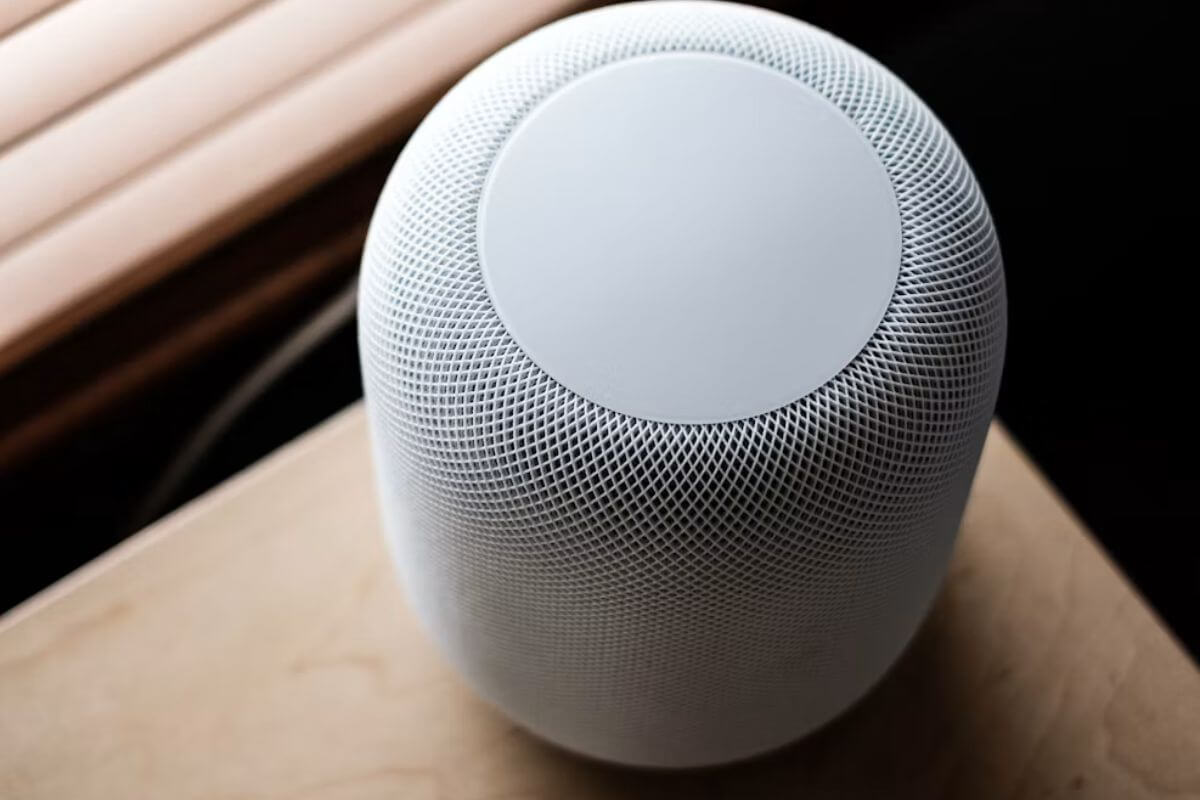
Apple is introducing a new setting in iOS 27.2 that will let HomePod owners disable the touch-sensitive controls on top of their speakers, putting an end to accidental taps that interrupt music or trigger unwanted actions.
Called Lock Controls, the feature is expected to arrive next week alongside the HomePod 27.2 software update.
Details from the HomePod 27.2 release candidate show the option will appear in the Home app under each speaker’s accessory settings.
Apple describes the feature this way:
“Prevent HomePod from playing audio or taking action when the top cap is touched. Intercom, timers, alarms, Check In and FaceTime calls will still respond to touch.”
Importantly, disabling the controls won’t make the entire touch surface unresponsive. Owners can still dismiss alarms, answer incoming calls, and interact with other essential functions.
A Welcome Fix for Accidental Touches
HomePod’s touch-sensitive surface has frustrated some owners for years, particularly those experiencing phantom taps, where the speaker registers touches nobody made.
These unintended interactions can interrupt music playback or unexpectedly activate Siri. For households with children or pets, the problem is even more familiar, as curious hands or paws can easily trigger the controls.
Until now, there hasn’t been a software setting to prevent these interruptions. Anyone who primarily controls their HomePod through an iPhone, Siri voice commands, or home automations has had to leave the touch surface enabled regardless.
With Lock Controls, those users will finally have a way to prevent unwanted interactions without sacrificing essential functionality.
Available on Every HomePod Model
Unlike some recent HomePod features, Lock Controls won’t require newer hardware. Apple is bringing the setting to every HomePod model, including the original full-size speaker released in 2018.
When someone touches a locked HomePod, the speaker will display a light animation indicating the input was ignored. This behavior was previously discovered in iOS 27.2 beta code earlier this month.
To use the feature, owners will need to update their iPhone to iOS 27.2 and their speaker to HomePod software 27.2.
Once both updates are installed, the new Lock Controls option should appear in the Home app’s accessory settings.

