
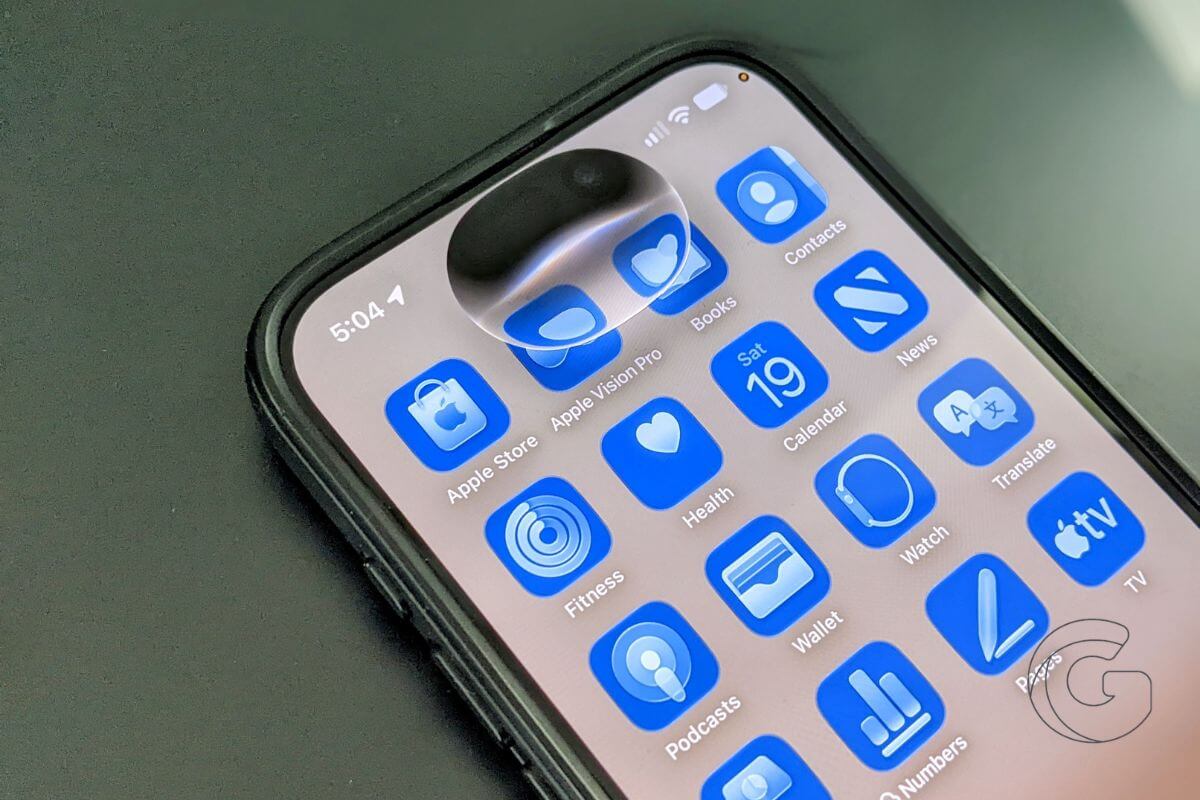
Siri has spent years falling behind the AI assistants now built into nearly every major tech platform. With iOS 27, Apple is attempting its biggest reset yet.
The new Siri can search across your personal data, understand what’s on your screen, take actions inside apps, and carry conversations across Apple devices.
Apple Intelligence is also spreading into Photos, Mail, Messages, Safari, Calendar, Shortcuts, and other parts of iOS.
There is one catch, though: not everyone installing iOS 27 is getting the new Siri immediately. Here’s what’s new, where Apple Intelligence now shows up, and what you can actually use after updating.
Siri rebuilt from scratch
The new Siri can answer general knowledge questions, pull context from your Messages, Mail, Calendar, Notes, and Reminders to find what you need, and act on what’s currently on your screen.
It can also take actions across apps, draft messages, create calendar events, and handle tasks that previously required opening each app manually.
A dedicated Siri app keeps conversation history synced across devices via iCloud, so you can pick up a conversation on iPhone that you started on Mac.
A new Write with Siri feature lets users describe what they need and receive a generated draft, inline edits, or writing feedback in virtually any text field. Siri also gains customizable voice expressiveness on compatible hardware.
AI woven into system apps
Apple has pushed Apple Intelligence deeper into its built-in apps across iOS 27. Photos gains Spatial Reframing, an Extend tool, and an improved Clean Up feature.
Mail and Messages both receive Personalized Smart Reply, which tailors suggested responses based on your writing style.
Image Playground has been redesigned with a new realistic image generation engine and can now create custom iPhone wallpapers.
Calendar and Reminders now let users describe events and tasks in natural language rather than filling out fields manually.
Safari can now notify users when a webpage updates, describe browser extensions in plain language, and automatically organize tabs by topic.
Like Calendar and Reminders, Shortcuts now lets users describe what they want to accomplish instead of building an automation step by step.
The Files app gains intelligent file and folder name suggestions, while the Home app can group related activity notifications together and adds AI-powered search and captioning for HomeKit Secure Video footage. Journal receives customized writing prompts based on individual entries.
System-level additions
Three Apple Intelligence features apply across the entire operating system. Automatic proofreading surfaces spelling and grammar suggestions anywhere you type.
Accessibility improvements include detailed image and scene descriptions in VoiceOver, flexible voice control commands, and content cleanup and summaries inside the Accessibility Reader.
Call Context displays relevant information on screen when you call a business, pulling up details that may be useful during the conversation.
Taken together, the changes make iOS 27 Apple’s most significant attempt yet to turn Siri and Apple Intelligence into something users encounter throughout the operating system rather than a collection of isolated AI features.
You may not get everything right away, though. Siri AI is still rolling out gradually, and you could be placed on a waiting list before the new assistant becomes available on your iPhone.

