
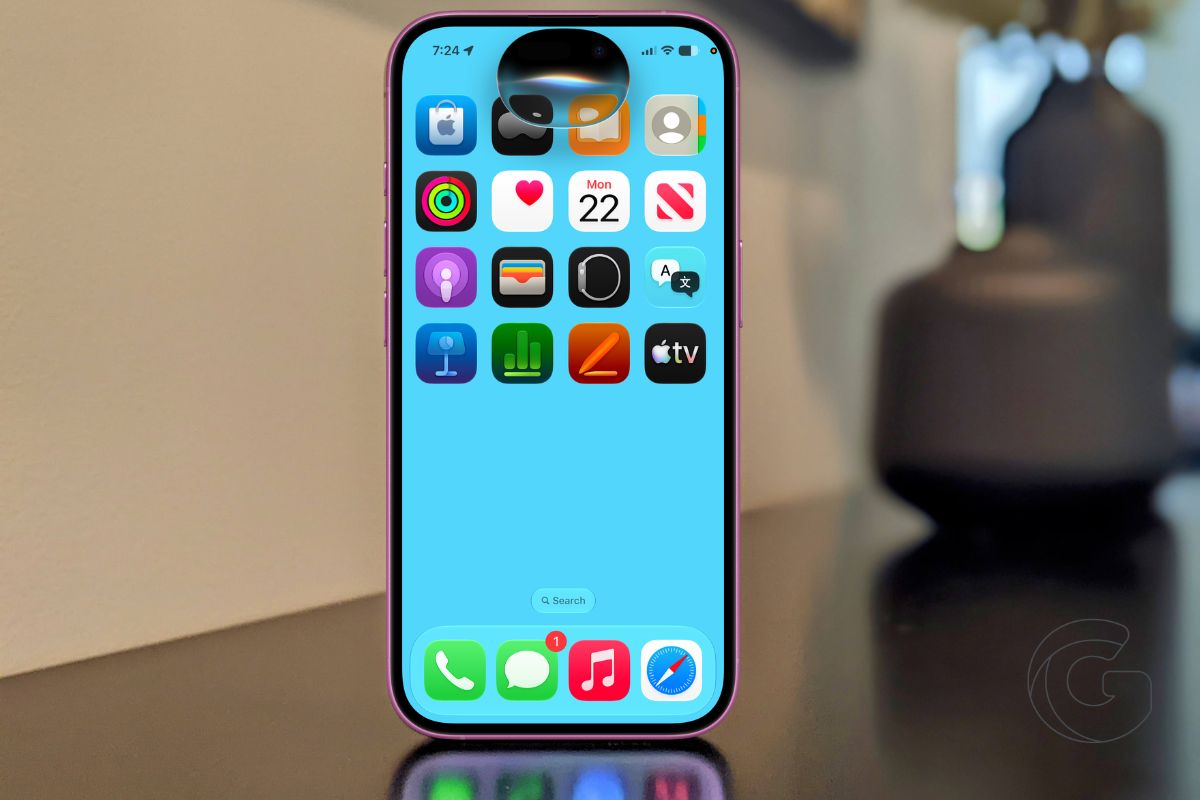
Apple released iOS 27 on Monday, bringing a new version of Siri alongside several changes that affect how iPhones handle everything from performance to location sharing.
The update is available for the iPhone 11 and newer, although some of its biggest additions require an iPhone 15 Pro or later.
Here are 7 of the biggest changes worth knowing about after you update.
1. Siri finally gets its AI overhaul
The biggest change is one iPhone users have waited years for: a version of Siri that can do much more than set timers and answer basic questions.
Siri AI can hold open-ended conversations, answer general knowledge questions, and use personal information stored on an iPhone to help with requests.
It also understands what’s on screen, allowing users to ask questions about what they’re looking at or take action inside supported apps.
Apple has even given Siri its own app in iOS 27, although holding the side button still brings up the assistant as before.
There are some important limits. Siri AI requires an iPhone 15 Pro or newer, launches in English, and has daily usage limits.
It’s also unavailable in the European Union for now as Apple works through its regulatory dispute with the European Commission.
2. Your iPhone should feel faster
Apple says apps can launch up to 30% faster after updating, while Photos can load images up to 70% faster and supported devices can transfer files over AirDrop up to 80% faster.
Those improvements could make iOS 27 noticeable even for people who don’t use many of its new features.
3. Apple Intelligence can do more
Apple Intelligence expands elsewhere in iOS 27, including new Extend and Reframe editing tools in Photos and photorealistic images in Image Playground.
Shortcuts gets a more practical addition. Users can describe an automation in plain language and have Apple Intelligence build it rather than putting together every action manually.
4. You can tone down Liquid Glass
The Liquid Glass design introduced last year has been refined with better contrast, sharper icons, and more consistent refraction.
Users who aren’t sold on the look can now adjust how transparent or tinted the interface appears with a new slider.
5. Find My gives you more control over location sharing
Find My can now end location sharing at an exact date and time, giving users more control over how long someone can see where they are.
A new option also lets users pause location sharing with specific people until the end of the day without notifying them.
6. One phone number can now follow two iPhones
One of the more unusual additions is iPhone Handoff, which lets two iPhones share the same phone number.
That could help someone who regularly switches between devices and no longer wants to move an eSIM back and forth. Carrier support is required, however, and availability is limited at launch.
T-Mobile is offering the feature in the U.S. for $5 per month, with Deutsche Telekom supporting it in Germany. Verizon and EE are expected to follow later this year.
7. CarPlay can put video on the screen
CarPlay gets another practical upgrade in iOS 27. Drivers can browse and queue video from the CarPlay interface in supported vehicles, although playback remains disabled unless the vehicle is parked.
7. Your iPhone can split the dinner bill
Apple Cash can now turn a restaurant receipt into individual payments. The new Siri mode can also handle the tedious part of splitting a bill: scan a receipt with the iPhone camera, and it can work out each person’s share, including tax and tip, before sending payment requests through Apple Cash.
Point your iPhone camera at a receipt using the new Siri mode, and it can automatically break down who ordered what, calculate everyone’s share (including tax and tip), and send payment requests through Apple Cash.
iOS 27 is available for the iPhone 11 and newer. Owners of older supported iPhones still get the update, but they’ll miss the Apple Intelligence features reserved for the iPhone 15 Pro and later.

