
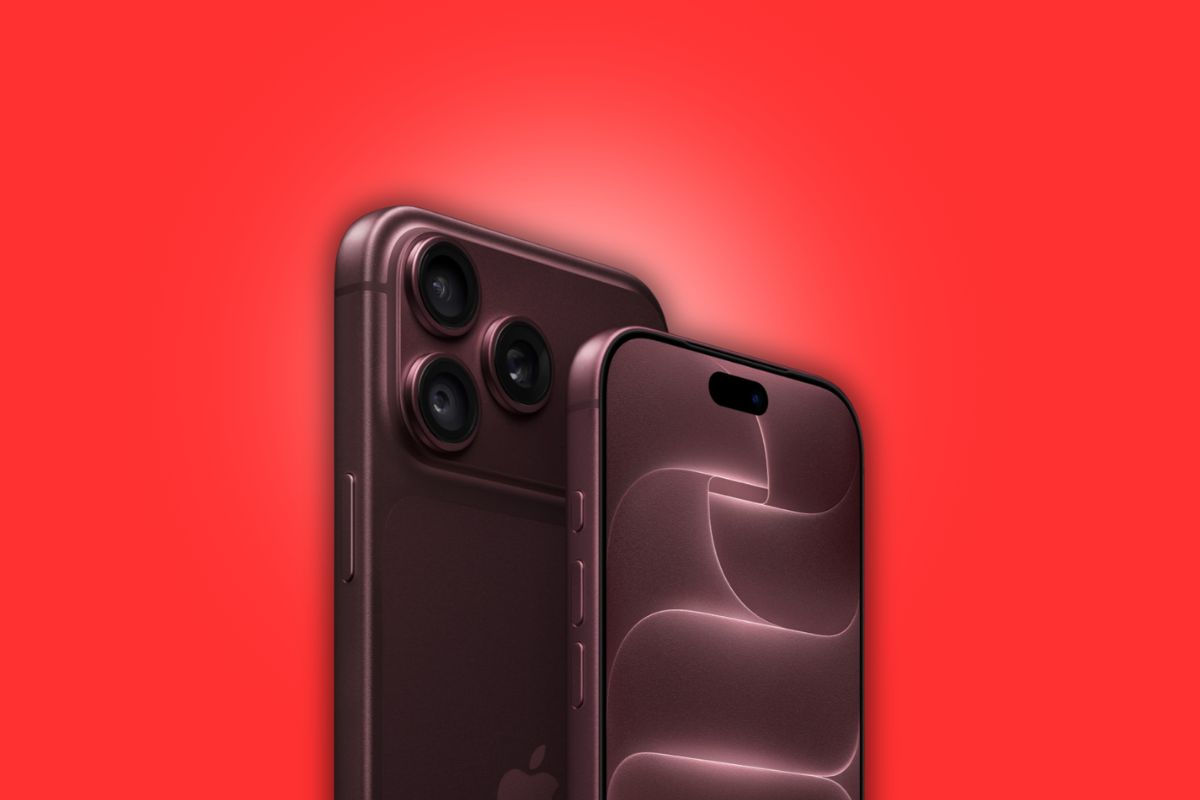
iPhone 18 Pro Max owners who need to send their device in for repair or trade it in will have to complete a new step before boxing it up: a firmware-driven battery drain process that Apple calls Prepare to Ship.
The requirement exists because the iPhone 18 Pro Max has a battery capacity exceeding 20 watt-hours, crossing a threshold that triggers international shipping regulations for lithium-ion cells.
A single battery cell above 20Wh faces stricter transport rules than multi-cell packs, which is why a 16-inch MacBook Pro with its larger overall battery can ship without the same restriction. The MacBook’s battery is divided across multiple cells, each staying under the limit individually.
To meet those regulations, Apple developed what it calls an “innovative battery-firmware solution” that caps the battery’s effective capacity below 20Wh between manufacturing and first activation.
Once a customer activates their iPhone 18 Pro Max, the firmware limit is lifted, and the full battery capacity becomes available. Devices still in the box and not yet activated are already operating below the threshold and don’t require any action.
How Prepare to Ship Works
For owners who need to ship an already-activated device, the Prepare to Ship option is found under Settings > General > Transfer or Reset iPhone.
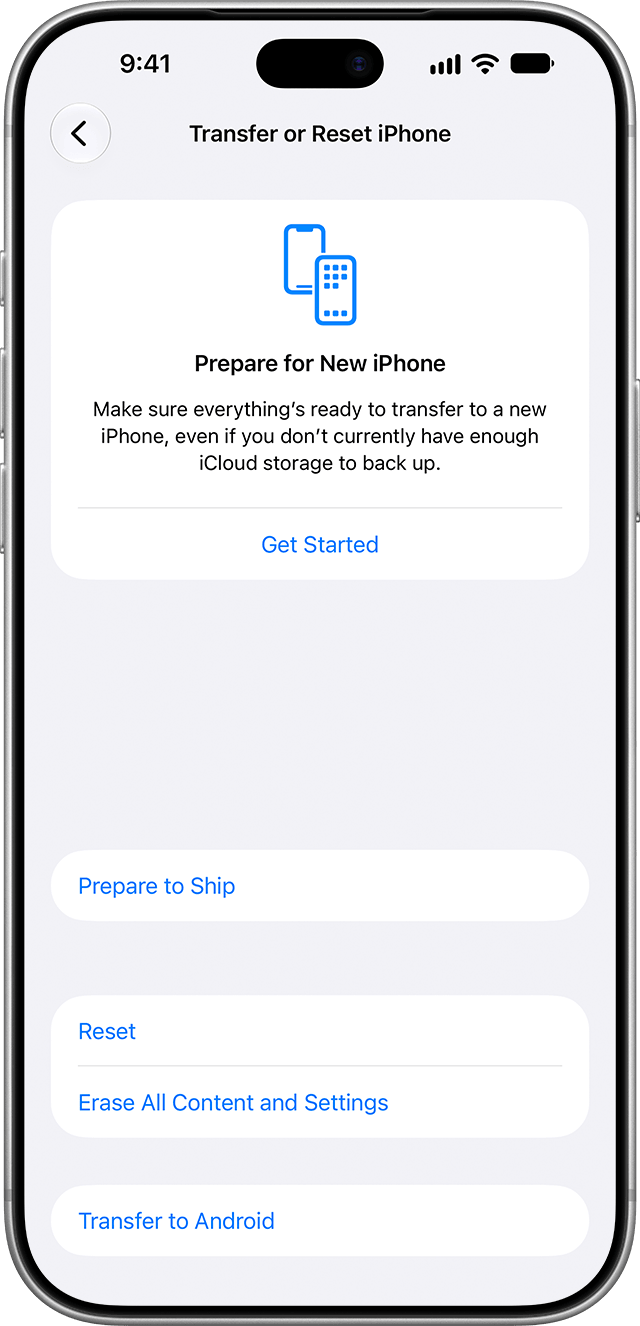
Selecting it discharges the battery below 20Wh and sets a charge ceiling to keep it there during transit.
Apple notes the iPhone may feel warmer than normal during the discharge process. Once complete, the phone displays a “Ready to Ship” status in Settings.
If you need to reverse the process, the same menu includes an Undo option. Depending on the reason selected when initiating Prepare to Ship, reversing it may require waiting up to 14 days.
Consequences of Skipping the Step
Skipping Prepare to Ship carries real logistical consequences. Apple retail staff have indicated that devices sent in for service without completing the battery drain are typically limited to ground shipping rather than expedited air freight, which can add up to five days to a repair turnaround.
In some cases, the repair may also be billed at a higher flat rate rather than the standard battery service rate, a difference that could amount to several hundred dollars.
Apple confirms the iPhone 18 Pro Max is safe for both shipping and air travel, and emphasizes that the firmware limit is a compliance measure rather than a safety warning about the device itself.
No other current iPhone model has a single-cell battery exceeding 20Wh, so Prepare to Ship applies exclusively to the Pro Max.

