
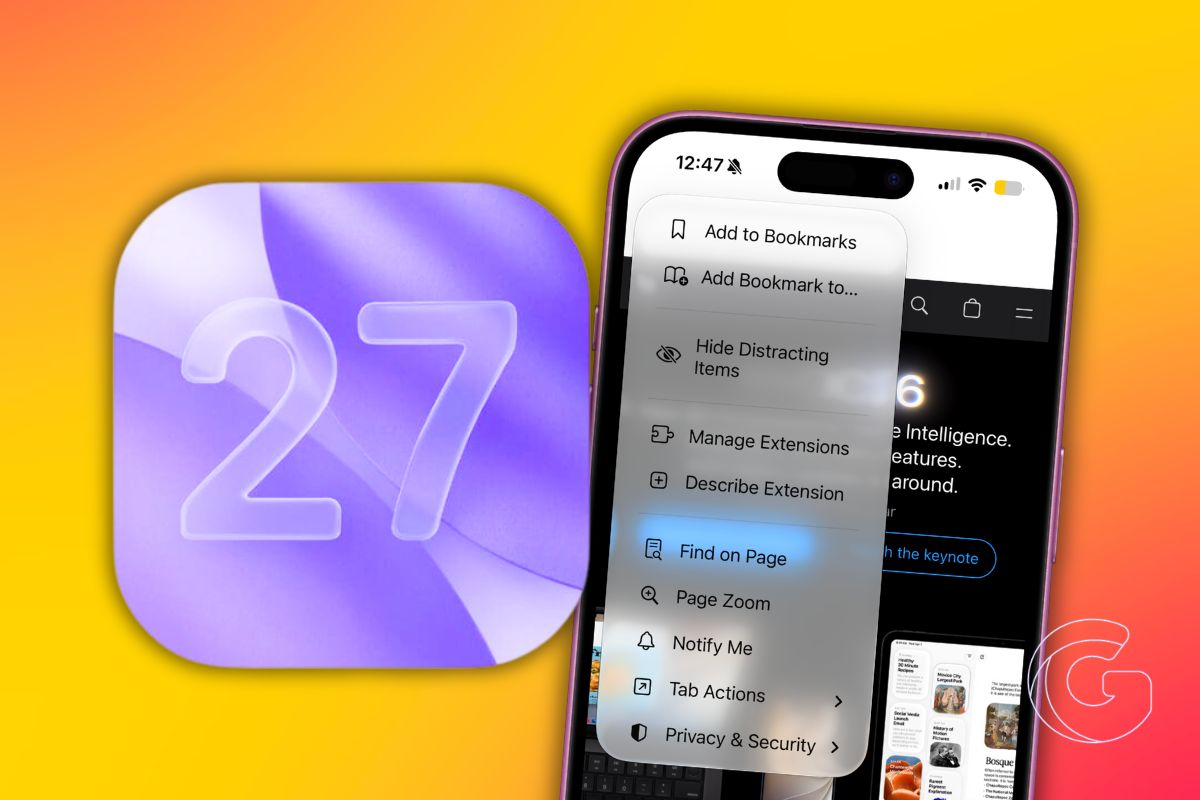
Apple is giving Safari a much bigger role in iOS 27, with several new Apple Intelligence features aimed at reducing the amount of manual work users do while browsing.
The update introduces a collection of tools that can automate everyday tasks, monitor webpages for changes, organize cluttered browsing sessions, and even handle certain account security chores on your behalf.
While many of the additions sit quietly behind the scenes, they represent one of the largest overhauls to Safari’s day-to-day experience on iPhone in years.
Build Custom Extensions
Safari in iOS 27 can now build custom browser extensions from a plain text description you type yourself.
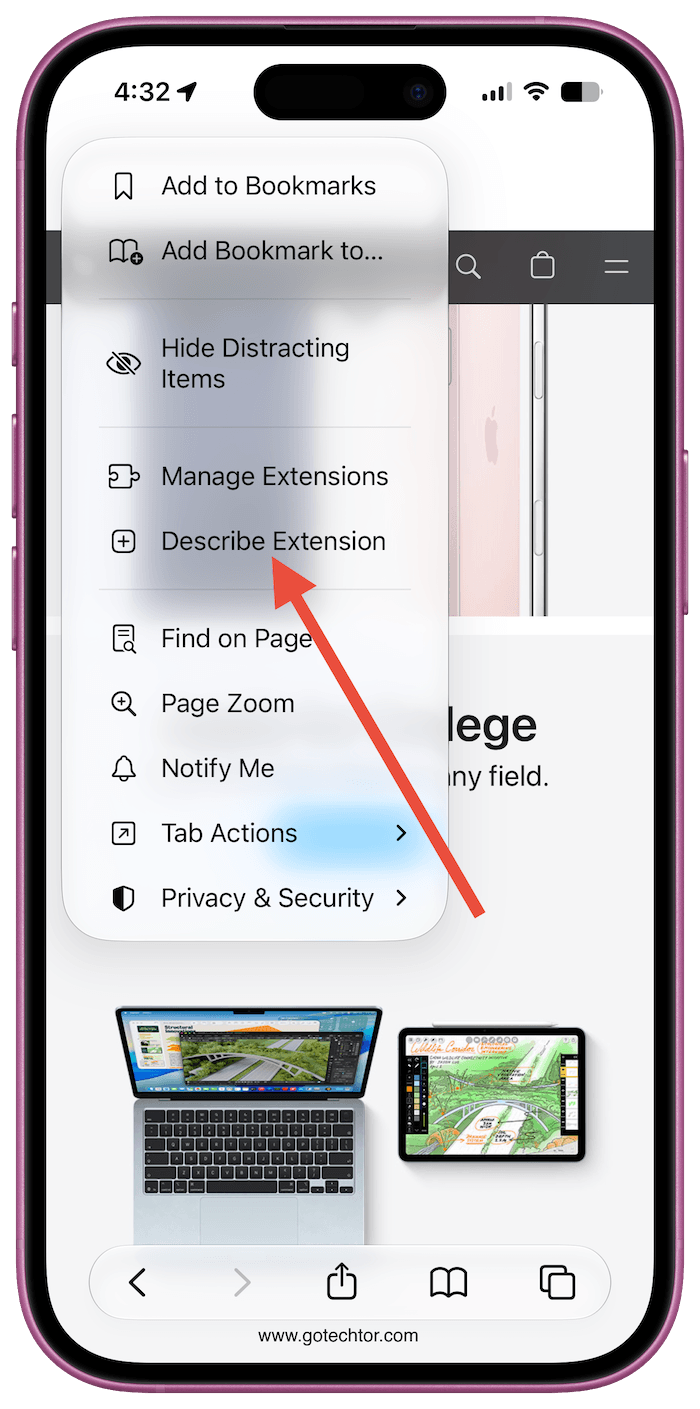
You describe what you want Safari to do, and Apple Intelligence builds it on the spot. That single capability quietly closes a gap that has kept millions of iPhone users locked out of browser customization for years.
Chrome and Firefox users have had access to thousands of community-built extensions for over a decade.
Safari always lagged behind, requiring developers to submit extensions through official channels, but iOS 27 flips that entirely.
You can type something like “automatically copy a citation for the page I’m reading” or “set a 3-minute focus timer,” and Safari will generate a working extension from that description.
Apple even offers starter prompts to get you moving, covering productivity, design, and creativity.
The Feature That Could Save You Real Money
A different Safari addition is quieter but potentially more valuable. The new Notify Me option lets Safari watch a webpage for changes and send you an alert when something shifts.
Apple positions it as a way to catch concert ticket sales, or product restocks the moment they appear.
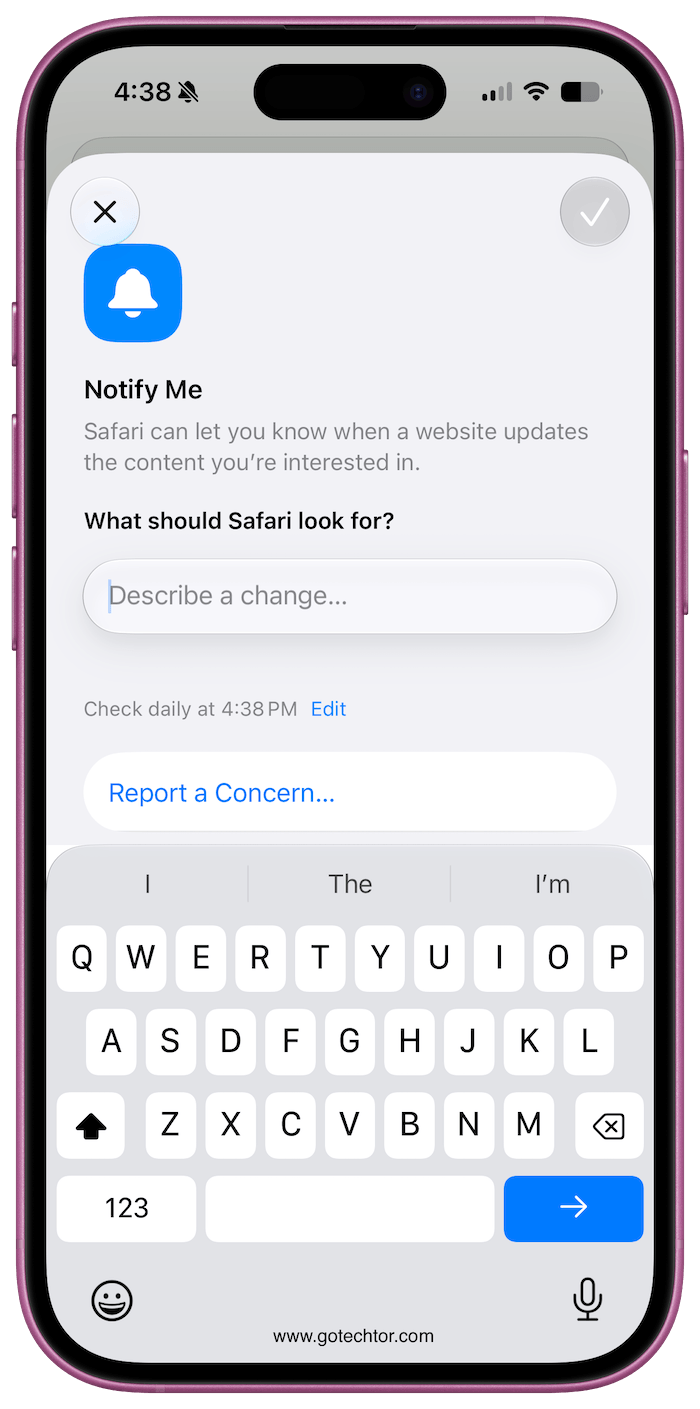
You navigate to a page, tap the settings icon beside the URL bar, choose Notify Me, describe what to watch for, and set a schedule. Safari checks at your specified time and notifies you if something changed.
There is a real limit worth knowing. Safari checks at most once per day. For limited-inventory situations where stock disappears within minutes, daily checks may arrive too late.
Weekly and monthly schedules are also available, which makes more sense for things like price drops or updated listings where timing is less urgent.
Tabs That Organize Around Your Life
Apple Intelligence also takes over tab management in iOS 27. Open tabs are automatically sorted into topic clusters.
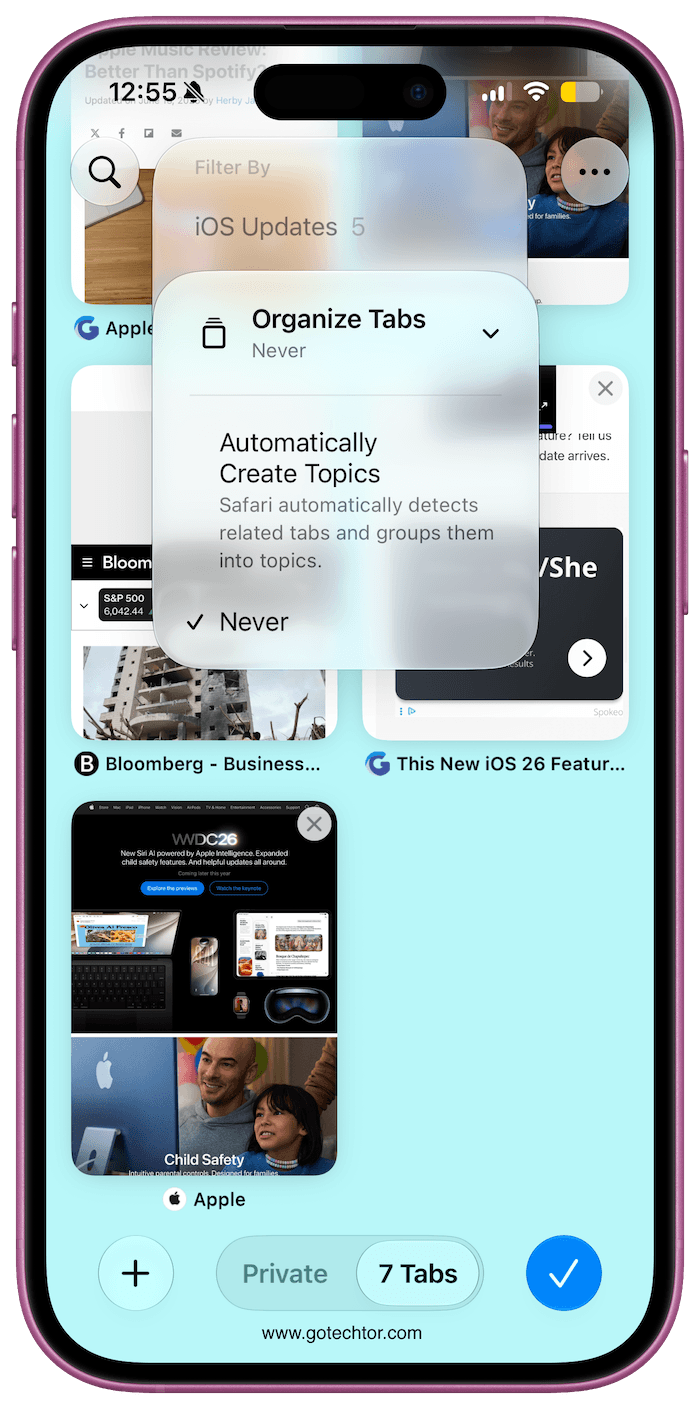
If you have fifteen tabs covering a home renovation search alongside seven tabs from planning a birthday dinner, Safari separates them without you touching anything.
A new Resume Browsing section on the Start Page surfaces recently closed topics and even picks up open tabs from your other Apple devices.
Bookmarks and Reading List items get the same treatment: they’re organized by topic rather than by the order you saved them.
For anyone who has ever scrolled through a Reading List that grew into an unmanageable wall of links, that change alone will feel significant.
Passwords Get Fixed Without You Logging In
The Passwords app now connects directly to Safari to automatically fix weak or compromised credentials.
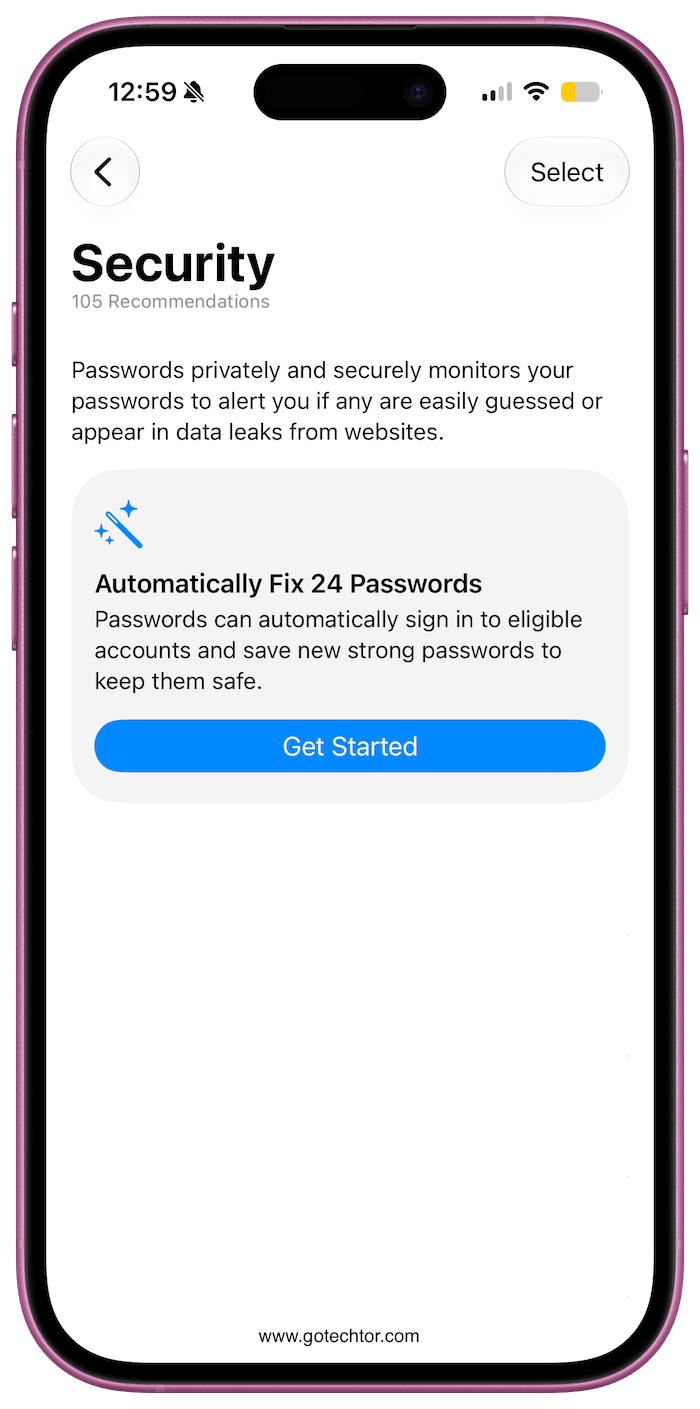
Apple Intelligence navigates to the relevant site, signs in, and updates the password with a single tap.
The feature works on eligible websites and requires an iPhone 15 Pro or later since it depends on Apple Intelligence being available on the device.
iOS 27 arrives in fall 2026 alongside new iPhone hardware. The developer beta is already live, and the full list of Apple Intelligence features in Safari, including tab grouping, custom extensions, and Notify Me, requires iPhone 15 Pro or newer hardware to run.

