
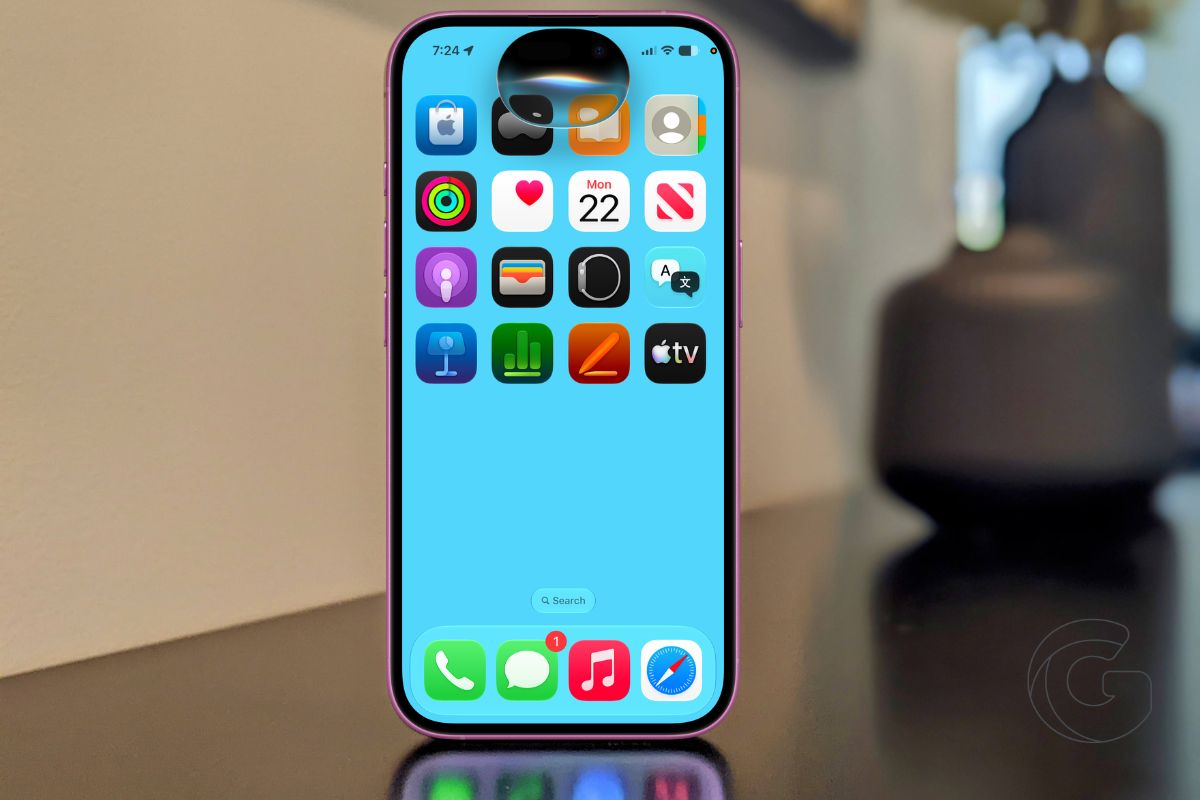
Ask Siri where a photo was taken, what door code someone texted you three weeks ago, or what movie your brother mentioned last month.
In iOS 27, Siri can actually answer all of that. This is not a minor tune-up. Apple has rebuilt Siri from the ground up, and the gap between what it could do before and what it does now is enormous.
Also: Your next iPhone could cost $270 more — and Apple says there’s nothing it can do about it
Siri Now Knows What’s Already on Your Phone
The single most useful change is that Siri can now search across everything stored on your device. Emails, texts, photos, files, notes, calendar events. All of it. And it does not just locate these things. It understands them.
Say you got a door code from a friend via text but have no memory of when. Ask Siri. Looking for your flight confirmation number buried somewhere in your inbox? Ask Siri. Want to find photos from a specific concert last summer without manually scrolling through hundreds of images? Ask Siri to find them.
This works because Apple rebuilt the underlying search index that powers the whole system. Siri can now pull meaning from content, not just match keywords. That distinction matters enormously in daily use.
Point It at Anything on Your Screen
Siri can now see what you are looking at. Pull up a photo, a document, a restaurant menu, or a chart and ask Siri about it without explaining what it is or typing anything out.
Traveling and see a menu in another language? Siri translates it. Looking at a photo and wondering where it was taken? Siri can tell you if there is something recognizable in the frame. Staring at a confusing chart in a work document? Ask Siri to explain what it shows.
You can also long-press any image in Safari and ask Siri about it directly. No copying, no switching apps, no searching separately.
It Can Actually Do Things Inside Your Apps
This is where Siri moves past being a search tool. App Actions let Siri operate apps on your behalf. Draft a reply to an email. Send today’s photos to a contact. Add a calendar event with a specific location. Reroute directions to add a stop along the way.
Third-party apps that have added support for App Actions work here too. The list will grow over time, but Apple’s own apps are fully supported from day one.
Also: The iPhone 18 Pro could cost so much that some Apple fans may seriously rethink upgrading next year
Writing Help That Goes Everywhere You Type
A systemwide Write with Siri feature means you can get writing help in any app, not just Apple’s own. Siri can draft something from scratch, rewrite a message to sound more professional, shorten a paragraph, or turn bullet points into flowing prose.
In Mail and Messages specifically, Siri learns your writing style and can match it when drafting on your behalf.
There is also automatic proofreading running quietly in the background as you type, catching spelling, grammar, and capitalization errors without you asking.
Select any text you have written and ask Siri how it sounds. You get actual feedback, not just a grammar check.
Your Conversations Carry Across Every Device
Siri now has a dedicated app where all your past conversations are saved and searchable. Start a conversation on your iPhone, pick it up on your Mac. Pin the ones you return to frequently.
Siri AI runs across iOS 27, iPadOS 27, macOS Golden Gate, watchOS 27, and visionOS 27. CarPlay and AirPods are included. The conversation history syncs across all of them.
Your Data Stays Private
Everything runs either on-device or through Apple’s Private Cloud Compute system. Apple says neither Apple nor any third party can access your data.
That matters more here than with most features, given how deeply Siri now reaches into your personal messages, emails, and files.
Apple is expanding Private Cloud Compute to run some workloads on Google Cloud infrastructure, but the same privacy protections apply regardless of where processing happens.
A Few Things Worth Knowing Before You Get Excited
Siri AI requires an iPhone 15 Pro or later. Older devices and the standard iPhone 15 are not supported.
If you are in the European Union, Siri AI will not be available on iPhone or iPad at launch. Mac users in the EU do get access. China is excluded entirely at launch.
At launch, Siri AI works only in English. More languages are coming, though Apple has not committed to a timeline. The full rollout to everyone happens this fall.

