
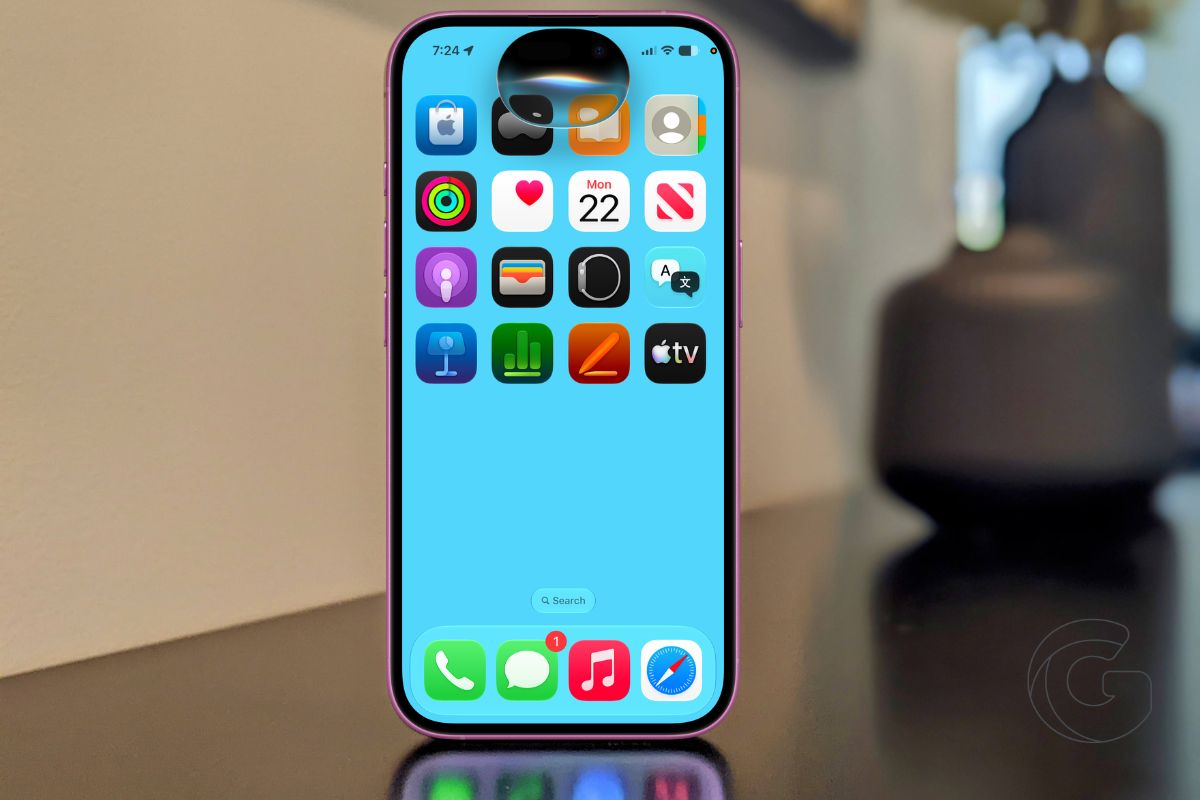
Apple is rolling out a rebuilt version of Siri this fall alongside iOS 27, iPadOS 27, and macOS Golden Gate, and the update addresses complaints that have followed the assistant for more than a decade.
The new Siri, powered by a combination of Google Gemini models, Apple’s own Foundation Models, and Private Cloud Compute, can now search through your personal messages, pull up forgotten links, read what’s on your screen, and write replies that actually sound like you.
The public beta is already available for users who want early access. For everyone else, the full release arrives this fall.
Writing Replies That Match Your Style
One of the more practical upgrades affects how Siri handles text. Previous Apple Intelligence writing suggestions were generic enough that many users started screenshotting them as a joke.
With iOS 27, Siri adapts to how you actually communicate, picking up on slang, punctuation habits, and the tone you use with different people. A reply drafted for a close friend reads differently from one written for a manager.
In testing, the suggestions have been accurate enough that users are accepting them rather than ignoring or mocking them.
Searching Your Own Data
Siri can now locate specific content buried inside your Apple apps. Ask it to find a podcast link a friend sent three weeks ago, and it will search through iMessage and Mail to surface it.
The same applies to reminders, notes, and Safari history. The limitation is that this only works within Apple’s native apps, not third-party alternatives.
Users who have stayed inside Apple’s ecosystem will see the most benefit, since Siri can cross-reference content across iMessage, Mail, Notes, Photos, and Safari simultaneously.
The feature also works across devices. Siri on an iPhone can reference a PDF on a Mac desktop to help answer a question, without the user having to switch devices or manually dig through folders.
Reading Whatever Is on Your Screen
Siri now has full awareness of what is displayed on screen at any given moment. On a Mac, users can ask how to reach a buried settings menu and receive step-by-step directions based on what is actually visible.
On iPhone and iPad, Siri can interpret the context of a conversation, explain an ambiguous message, or flag something important in an article currently open in Safari.
When plans are being arranged over iMessage, Siri can suggest adding the event to Calendar or Reminders automatically, based on what was discussed in the thread.
Visual Intelligence Comes to iPad and Mac
Visual Intelligence, which launched on iPhone 16 and drew more consistent praise than most Apple Intelligence features, is expanding to iPad, Mac, and Apple Vision Pro with iOS 27.
On iPad, screenshots can now trigger the same actions previously available only with the camera, including saving business contacts, adding events, and translating text.
On Mac, a keyboard shortcut lets users highlight anything on screen and send it directly to Siri. An “Ask Siri” button also appears contextually throughout macOS, attached to selected content.
The iPhone version is getting sharper too. Point the camera at a festival lineup, and Siri can generate individual calendar events for each act, letting you select which ones to keep.
Photograph a restaurant bill, and Siri converts it into an itemized list so each person at the table can see exactly what they owe.
Building Shortcuts Without Any Technical Knowledge
Creating Shortcuts has historically required either patience or a technically inclined friend. In iOS 27, users can describe what they want a shortcut to do in plain language, and Siri builds it.
Asking for a shortcut that shuffles all downloaded Apple Music tracks the moment it runs produces exactly that, no setup screens or logic blocks required.
More complex automations are also supported. For Safari, users can ask Siri to monitor a specific webpage and receive an alert when something on that page changes, such as a sold-out concert listing that suddenly shows new tickets.

