
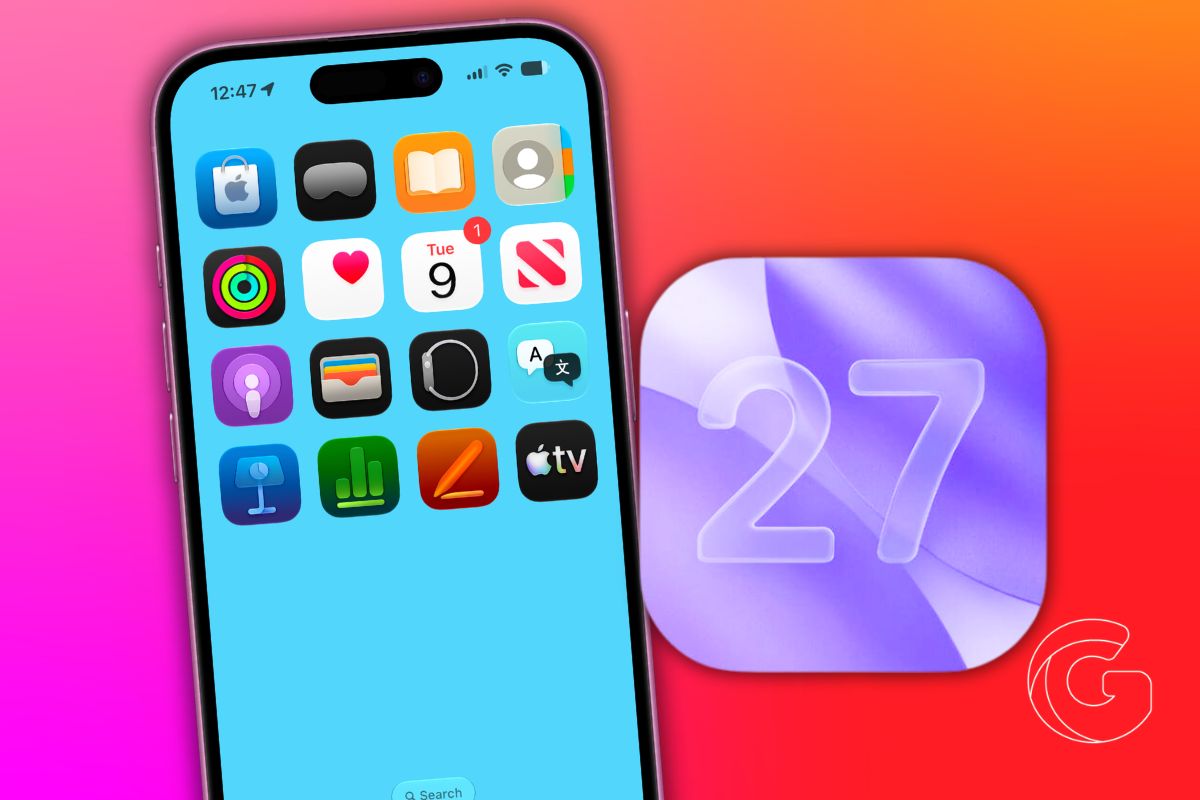
Apple opened iOS 27 to public beta testers on Monday, allowing any iPhone or iPad owner to try the software months ahead of its planned September release by enrolling in Apple’s free Beta Software Program.
The public beta arrives after several weeks of developer-only testing, which means the roughest edges have been sanded down. That said, Apple does not recommend running beta software on a primary device.
Bugs remain, some apps behave unexpectedly, and features tied to CarPlay have given early testers particular trouble.
What iOS 27 Actually Changes for Everyday Use
The most visible additions in iOS 27 center on tasks people do constantly. Reminders and Calendar now accept plain-language input, so typing something like “dinner with mom Friday at 7” fills in the date, time, and other fields automatically using Apple Intelligence.
Wallet gets a bill-splitting feature powered by Apple Cash, and Apple Pay’s checkout screen is redesigned to make switching between cards faster.
A new Tap to Share option within Tap to Pay lets customers share contact details or loyalty information directly at checkout, without fumbling through a separate app.
Find My adds more granular location-sharing controls. You can set sharing to expire at a specific time, run it for a custom duration, or pause it for individual contacts until the end of the day.
People who currently share their location permanently with family members will notice the added flexibility immediately.
Which iPhones and iPads Can Run It
iOS 27 supports every iPhone model that ran iOS 26, starting with the iPhone 11. That includes the full iPhone 12, 13, 14, 15, 16, and 17 lineups, along with the third-generation iPhone SE.
Owners of iPhone 15 Pro and newer get access to a rebuilt version of Siri with deeper context awareness. Two specific Siri features are limited to the iPhone 17 Pro, iPhone 17 Pro Max, and iPhone Air.
iPadOS 27 drops support for more older iPads than last year’s update did. The compatible list now starts at the iPad Air 4th generation, the iPad 9th generation, the iPad mini 6th generation, and the iPad Pro models from 2020 onward. Owners of older models will need to stay on iPadOS 26.
Back Up Before You Install
Because beta software cannot be rolled back via a standard iCloud restore, creating a local archived backup first is the only way to return to iOS 26 if something goes wrong.
Connect your iPhone to a Mac, open Finder, select your device in the sidebar, and choose to back up all data to the Mac rather than iCloud.
That backup stays frozen and will not be overwritten by future automatic backups, so it remains available as a restore point throughout the beta period.
How to Get the Beta
Visit beta.apple.com and sign in with your Apple Account. Once enrolled, go to Settings > General > Software Update, then tap Beta Updates.
Select iOS 27 Public Beta from the list, then return to the Software Update screen and download it when the build appears.
The process takes about the same amount of time as a standard iOS update, depending on connection speed.
Other iOS 27 updates include an AI-enhanced Flyover mode in Apple Maps, which offers detailed aerial imagery for select cities.
A new “Local Lists” feature also surfaces trending restaurants and family-friendly spots across the U.S.
Additionally, the Camera now uses Visual Intelligence to identify objects and take instant actions, while iCloud Shared Albums support full-resolution, cross-platform sharing.
Apple Podcasts adds the ability to search within individual shows, and Apple Music expands Lyrics Translation to additional language pairings.

