
Your Messages app is probably the iPhone app you use more than almost any other. Yet most people leave it exactly the way Apple set it up.
That means they’re putting up with spam alerts they don’t need, keeping old security codes they forgot about, and missing shortcuts that make texting much faster.
A few small changes can make Messages feel noticeably smarter without downloading anything extra.
Your iPhone can quietly erase security codes after you use them
Every website seems to send a verification code these days. After you sign in, those texts usually just sit in your Messages app forever.
Apple has a setting that automatically removes those one-time passcodes once AutoFill uses them.
Your conversations stay cleaner, and anyone scrolling through your old messages won’t find a long history of login codes. It’s one of those settings you only have to enable once.
Lock your Messages even when someone is holding your unlocked iPhone
Handing your phone to someone to show a photo shouldn’t also give them access to years of private conversations.
You can require Face ID, Touch ID, or your passcode before Messages opens. It adds another layer of privacy without changing how you normally use your phone.
That’s especially useful if your iPhone is ever lost, borrowed, or briefly left unattended.
Stop scam texts from taking over your notifications
Spam texts have become a daily annoyance. Messages can automatically separate unknown senders, suspected scams, receipts, promotions, and other texts into different categories so your main inbox stays focused on the people you actually know.
You can still review everything later if something important ends up in another folder, but your phone won’t keep buzzing because another random company wants your attention.
Text Android users without giving up encryption
Messaging Android friends used to mean losing many of the features iPhone users were used to. But that’s changed.
If both devices support encrypted RCS conversations, you can send protected messages, higher-quality photos and videos, better group chats, and typing indicators without switching to another messaging app.
This hidden photo shortcut saves several taps every day
Most people tap the + button, wait for the menu to appear, then open Photos, but there’s a faster way.
Simply long-press the + button inside a conversation, and your photo library opens immediately.
It sounds tiny, but if you regularly send pictures to friends or family, those extra taps disappear surprisingly quickly.
Have Messages translate conversations as they happen
Talking with someone who speaks another language usually means copying text into a translation app.
Messages can handle much of that work itself. Once enabled, conversations can be translated automatically, making international chats feel much more natural without constantly jumping between apps.
Also: Apple is being told to stop taking money from apps that generate fake nude images of real people
Never forget something you wanted to text someone
We’ve all remembered something important… right after putting the phone away.
Apple’s Reminders app can trigger a reminder the next time you start a conversation with a specific person.
Instead of remembering later, your iPhone reminds you exactly when the conversation is happening. It’s one of the smartest features Apple hides in plain sight.
Protect your message backups too
Your conversations may already be encrypted while they’re sent, but your cloud backup may not be.
Turning on Advanced Data Protection encrypts much more of your iCloud data, including your Messages backup.
It strengthens your privacy, although you’ll want to make sure you’ve saved your recovery information because Apple won’t be able to recover that encrypted data if you lose access yourself.
Put your favorite Messages tools where you can actually reach them
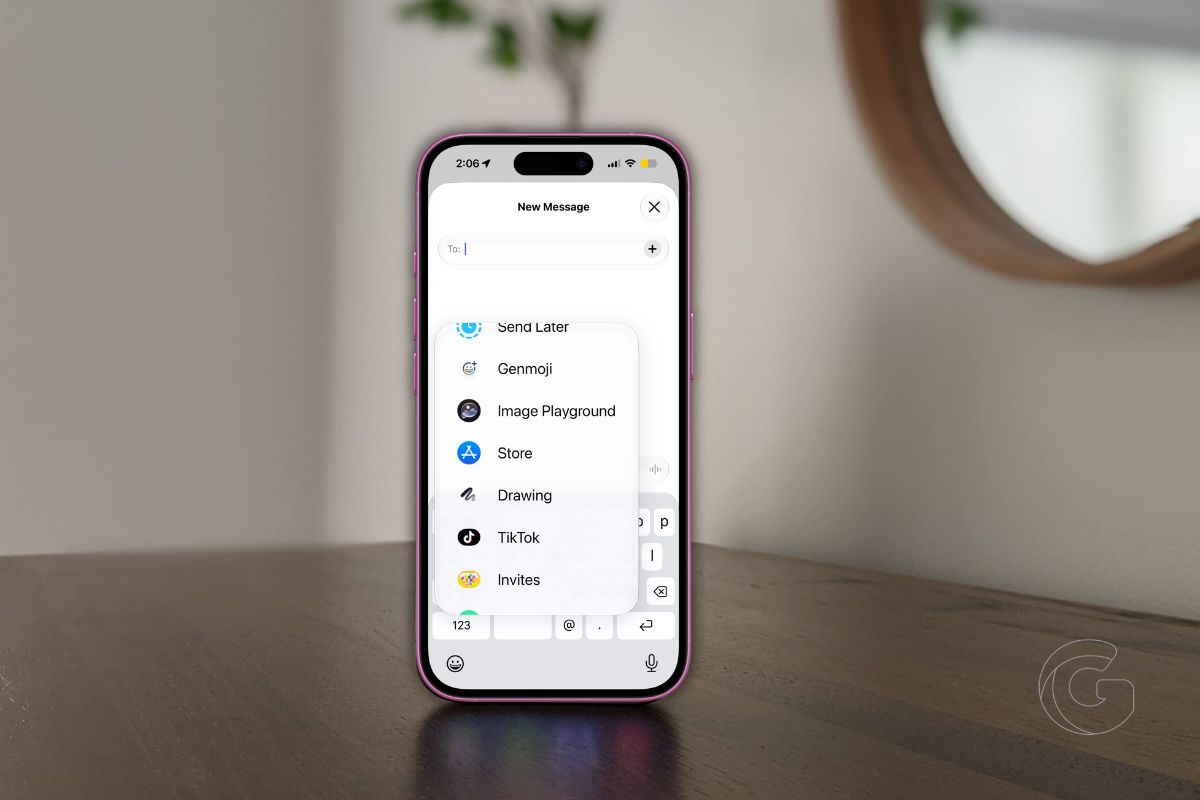
The apps inside the + menu don’t have to stay in Apple’s order. You can move the tools you use most, like Send Later or Check In, closer to the top and push the ones you rarely touch farther down. It’s a small customization that makes everyday texting feel faster.
Turn your finger into a pen
Sometimes typing doesn’t feel personal enough. Rotate your iPhone, open the handwriting canvas, and write a note with your finger instead.
It’s more of a fun trick than a productivity feature, but it’s an easy way to make a birthday wish or thank-you message feel a little more personal.

