Tesla’s Self-Driving Cars Couldn’t Handle Apple Maps Without Elon Begging Apple for This Embarrassing Fix
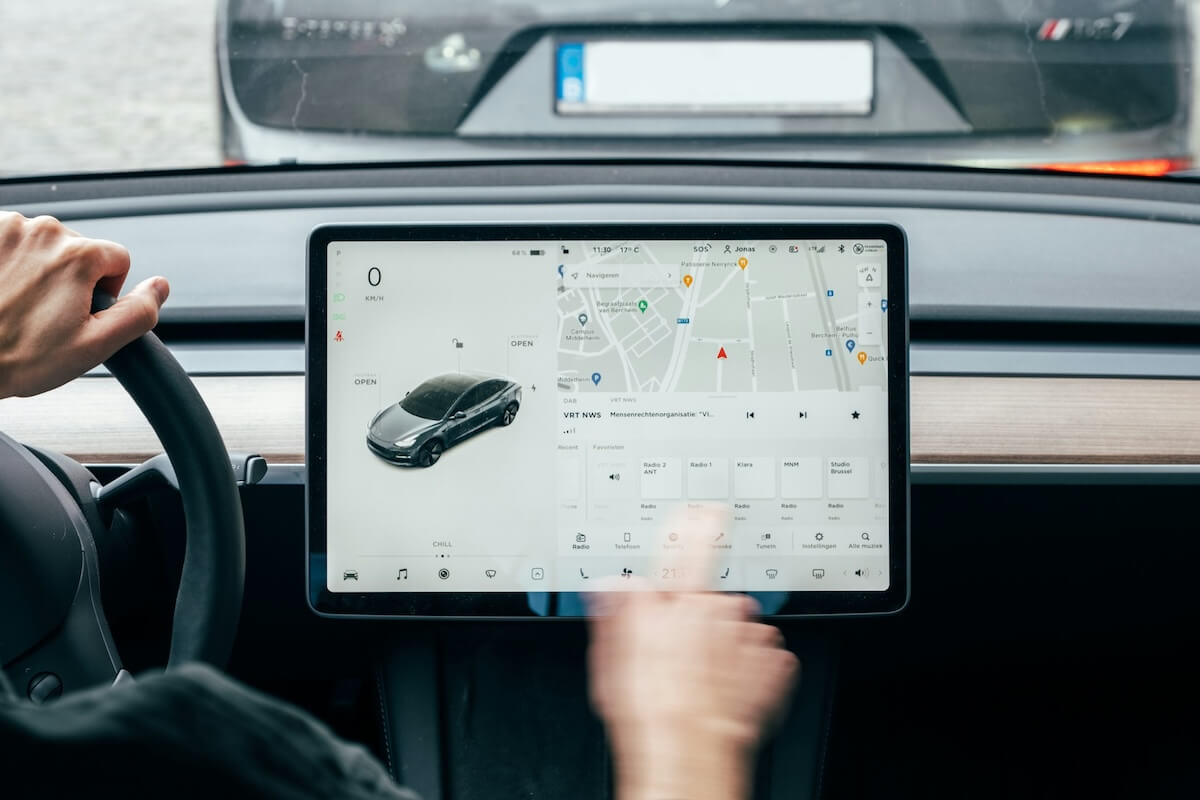
If your self-driving system can’t sync with Apple Maps without custom engineering, maybe it’s not as autonomous as you claimed.

iOS is the software that powers every iPhone, and with each annual update, Apple adds features that can fundamentally change how you use your phone. We cover every iOS release with tips, hidden features, how-tos, and upgrade guides.
Whether you just updated to the latest iOS version or want to get more out of the one you’re running, this is where you’ll find practical, hands-on iOS coverage written for real users.
Get the best Apple insights, tips, and future iOS updates every Friday in just 5 mins.
If your self-driving system can’t sync with Apple Maps without custom engineering, maybe it’s not as autonomous as you claimed.

The stats look solid until you compare them to last year’s timeline. Apple needed more time and more pressure to move the needle, and Liquid Glass is the reason why.

From easier Android transfers to EU accessory upgrades and hidden privacy toggles, this update improves everyday use in ways that aren’t obvious at first.

iOS 26 can drain your iPhone fast. Find out which settings to disable for better battery life, smoother performance, and less heat.

Public Wi-Fi can leave your browsing exposed, but one hidden iPhone setting quietly keeps hackers from watching what you do—here’s how to turn it on.

Buried in this week’s release candidate is something wild: Apple making it easier than ever to switch to Android. Here’s what that actually means.

Apple’s latest iOS fixes rare but serious failures affecting emergency calls, covering devices from the newest iPhone to the 2013 models.

Even if you lock down apps, carriers still learn a lot about you, until now, because iOS 26.3 changes what networks can infer in the background.
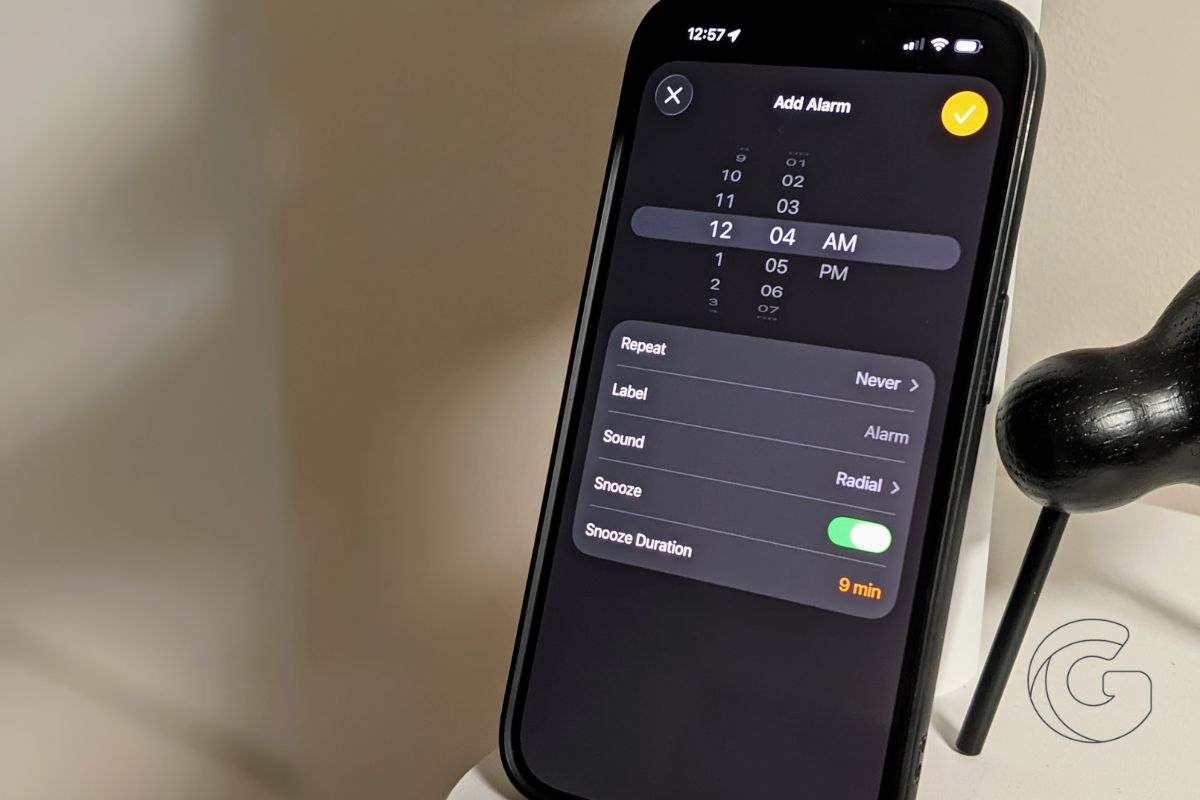
It takes one tap to trigger a faster way to set times in iOS 26, and after using it, the old scrolling method feels outdated and clumsy.

What was once automatic now demands attention, and this iOS 26 screenshot change is quietly costing users time and focus.
Gotechtor participates in various affiliate marketing programs, which means we may get paid commissions on editorially chosen products purchased through our links to retailer sites.
