iOS 27 Will Finally Let You Fix a Broken iPhone Without a Computer — Here’s How It Works
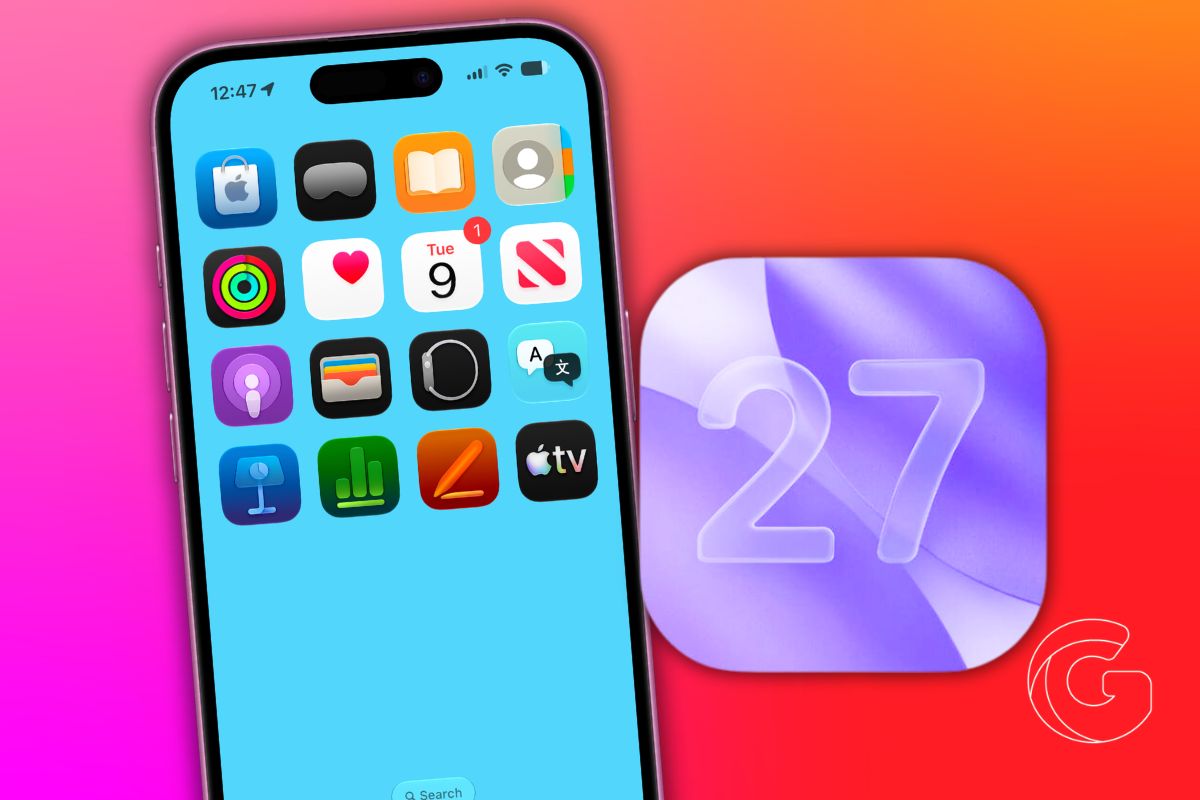
iOS 27 adds a standalone recovery mode to iPhone and iPad. Fix failed updates and boot loops without a Mac or USB cable.

iOS is the software that powers every iPhone, and with each annual update, Apple adds features that can fundamentally change how you use your phone. We cover every iOS release with tips, hidden features, how-tos, and upgrade guides.
Whether you just updated to the latest iOS version or want to get more out of the one you’re running, this is where you’ll find practical, hands-on iOS coverage written for real users.
Get the best Apple insights, tips, and future iOS updates every Friday in just 5 mins.
iOS 27 adds a standalone recovery mode to iPhone and iPad. Fix failed updates and boot loops without a Mac or USB cable.
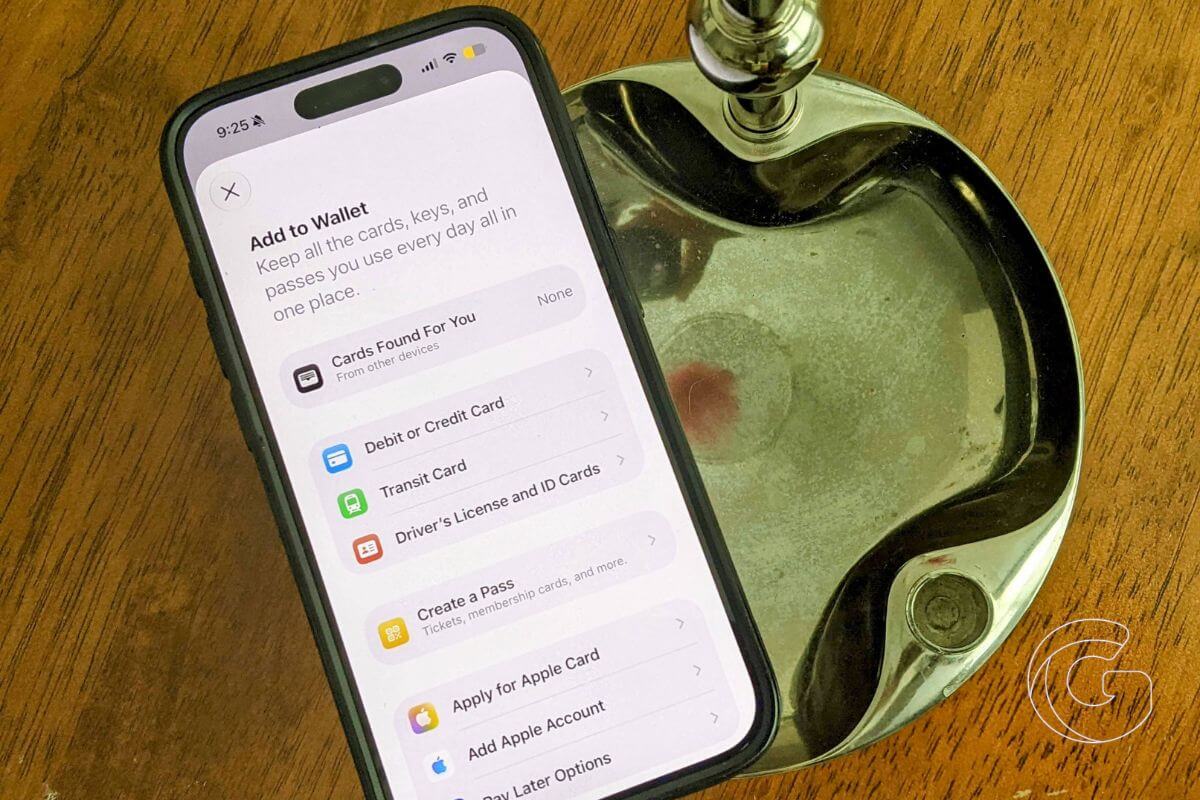
iOS 27 turns your Disney World Wallet pass into a live trip dashboard showing rides, dining, and events all in one tap.
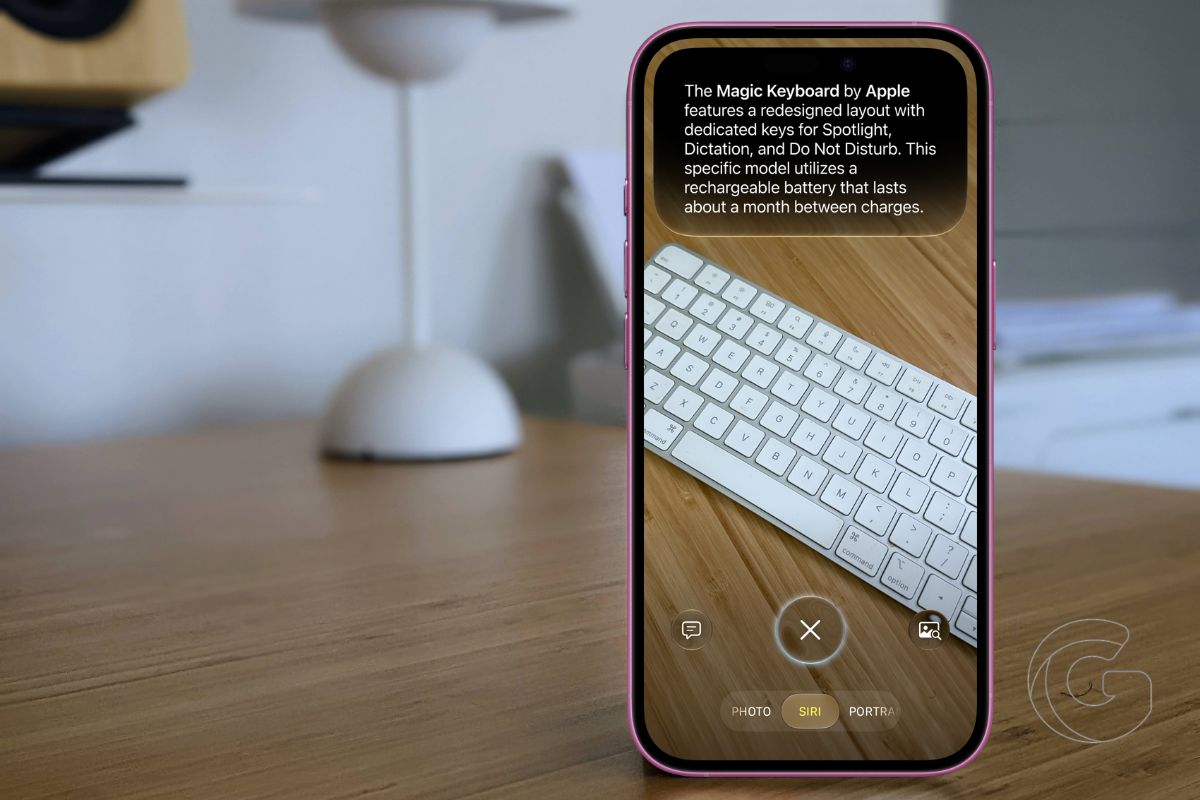
iOS 27 lets your iPhone camera split restaurant bills, decode parking signs, import contacts, and do much more. Here’s what actually changed.
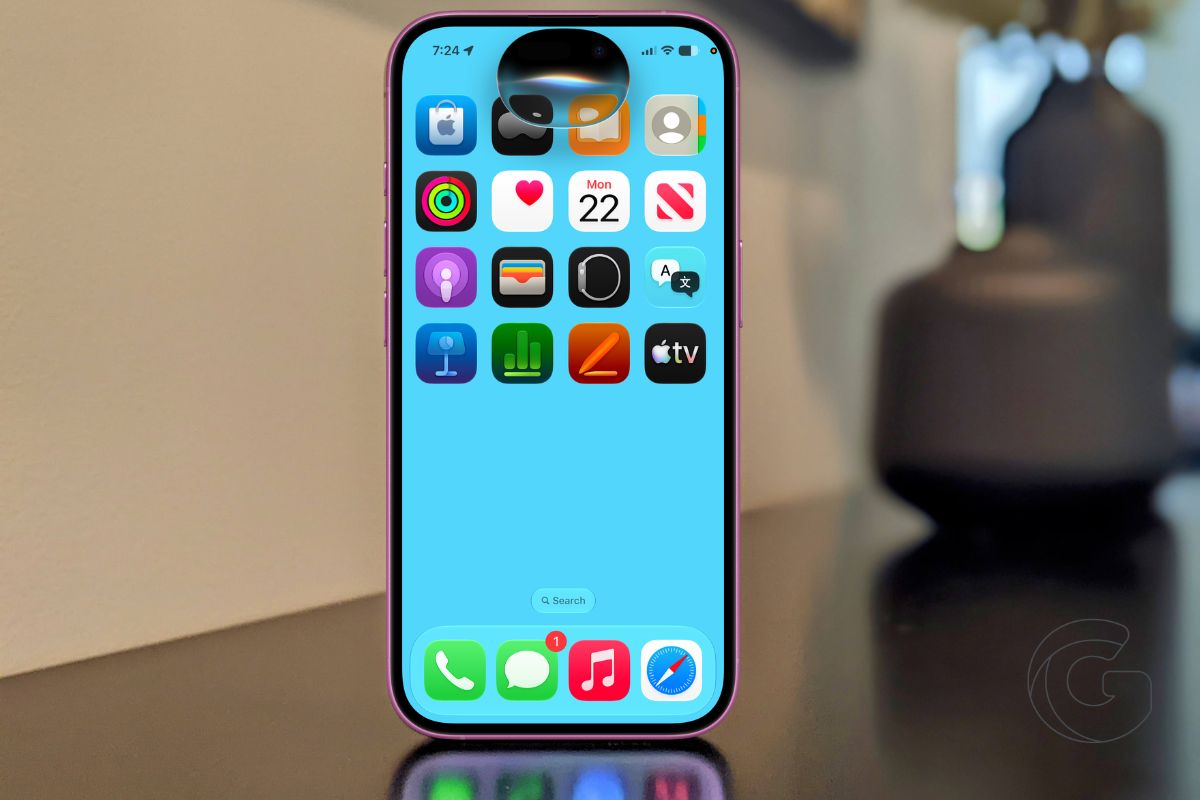
Siri in iOS 27 searches your messages, emails, and photos, writes for you, and controls apps. Here’s what actually changes in daily use.
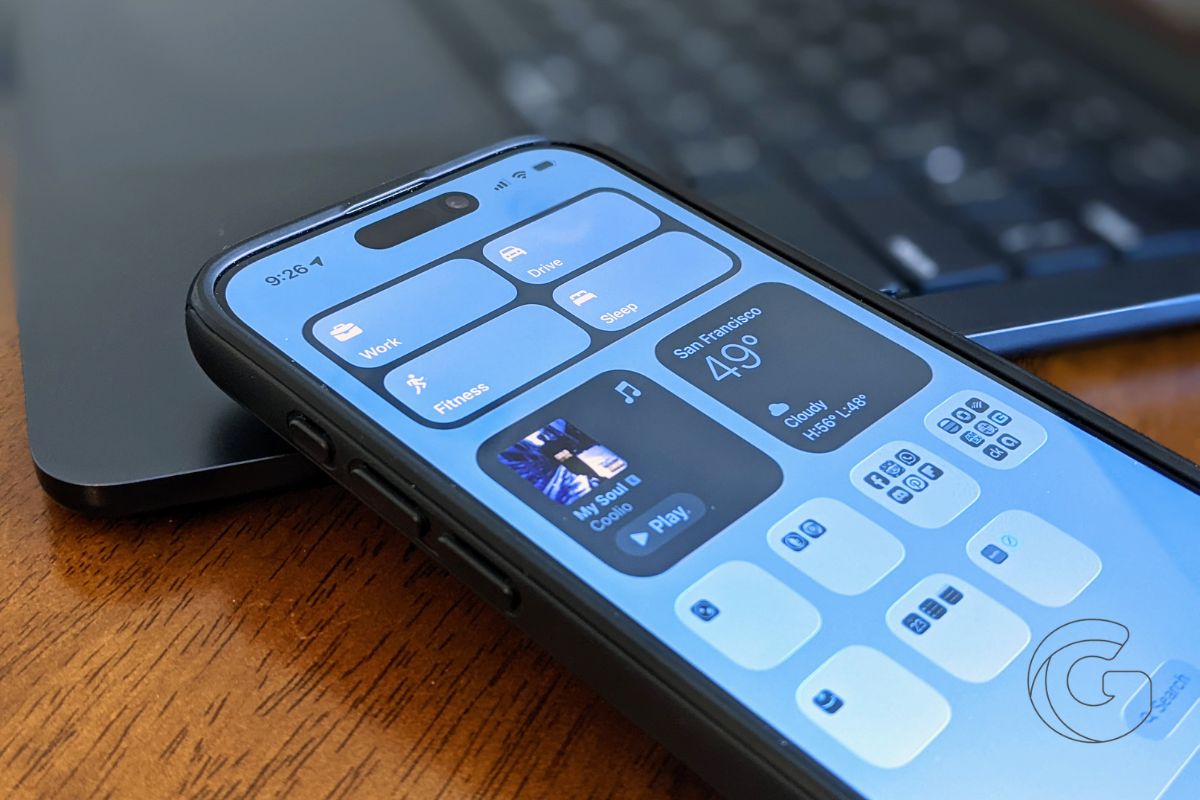
iOS 27 code reveals Siri may remind users it’s not a real person after long chats. Here’s what Apple quietly built and why it affects millions of users.
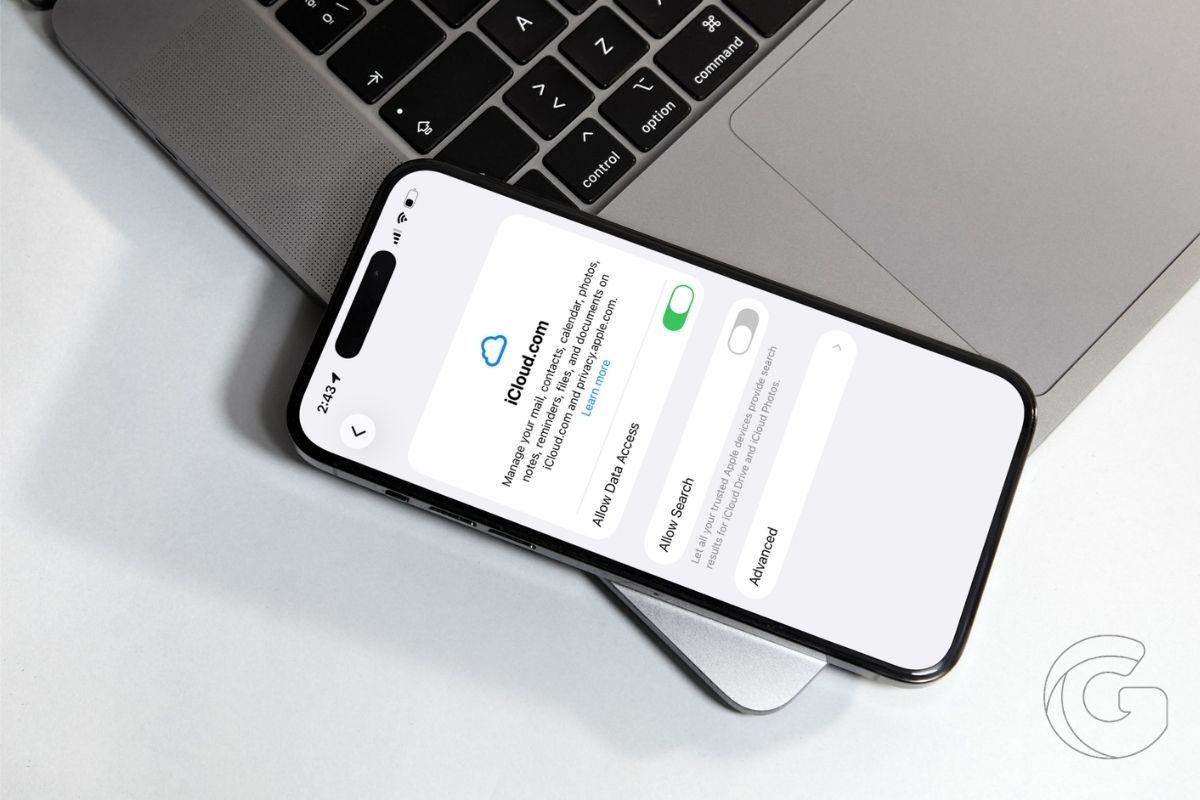
Italy opened its first-ever DMA probe into Apple over iPhone backup restrictions. Here’s what it means for your monthly storage bill.

The iPhone 18 gets 12GB of RAM at no extra cost to buyers. Here’s what that unlocks for Siri and why Apple is absorbing the bill.

Apple is unifying Hide My Email and Sign in with Apple under one domain. Here’s why that quiet change could backfire for privacy-focused iPhone users.

Apple’s standard iPhone 18 won’t arrive until spring 2027. A supplier just confirmed it. Here’s what budget-minded buyers need to know now.
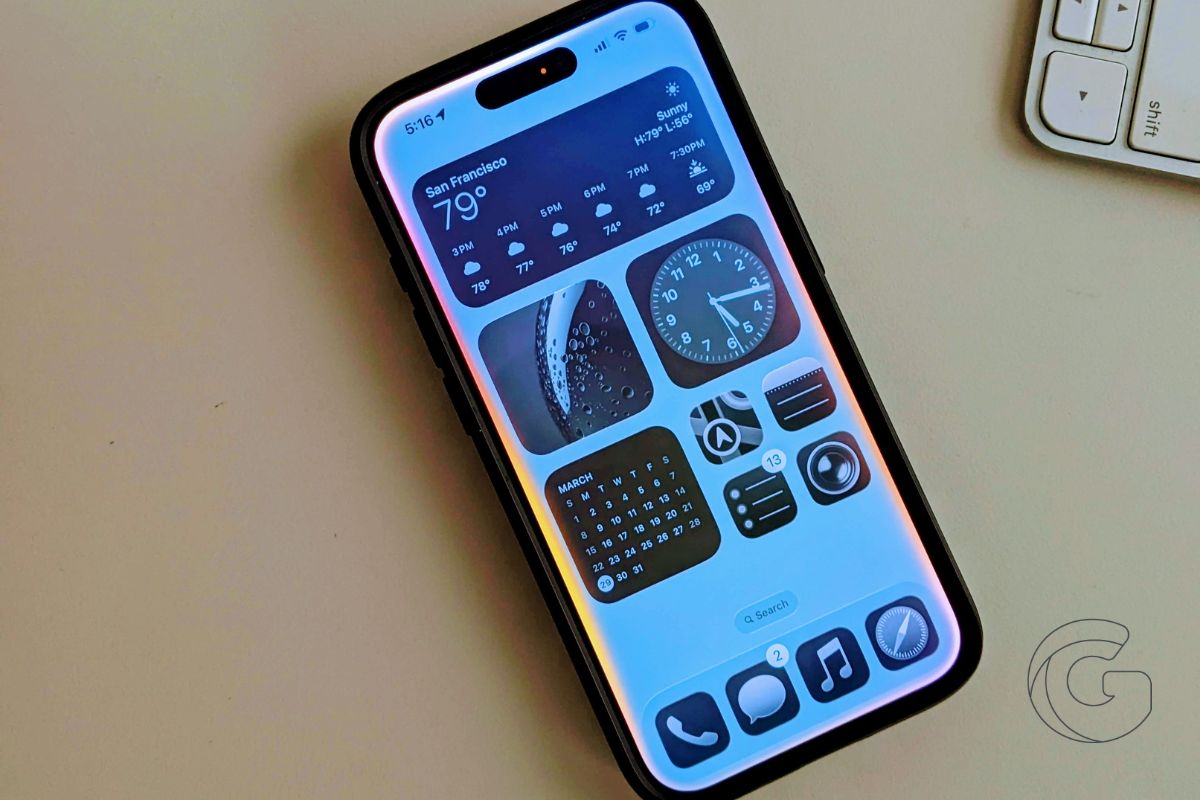
Apple’s new iPhone 18 Pro colors look stunning, but a known leaker warns the finish may chip and fade — and Apple may not cover it.
Gotechtor participates in various affiliate marketing programs, which means we may get paid commissions on editorially chosen products purchased through our links to retailer sites.
