
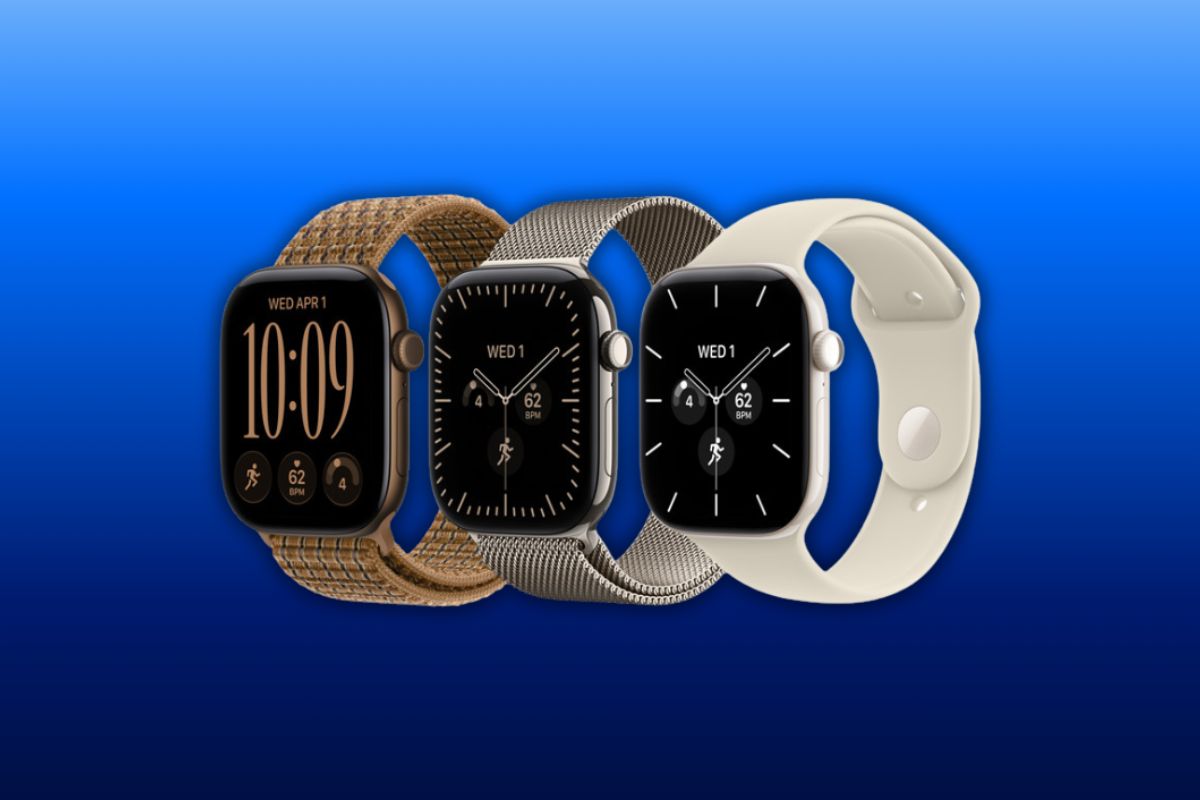
Apple is working on a new screenshot experience for Apple Watch that would let you preview, share, or delete a capture before it ends up in your iPhone’s photo library.
The feature is hidden in the first watchOS 27.2 beta and isn’t currently available to testers, but code references uncovered in the update show Apple developing a screenshot preview similar to the one already available on iPhone.
That would fix one of the more annoying parts of taking screenshots on Apple Watch: right now, every capture gets saved whether you wanted it or not.
Screenshots currently go straight to your iPhone
Once screenshots are enabled on Apple Watch, pressing the Digital Crown and side button together captures the screen and automatically saves the image to Photos on your paired iPhone.
The watch has no preview or delete button. If you accidentally take one, you have to find it in Photos afterward and remove it manually.
That’s particularly easy to encounter during workouts, or anytime you’re pressing the watch against your wrist while using its physical controls.
The new system would insert a preview immediately after the screenshot is taken, letting you keep it, share it, or delete it without reaching for your iPhone.
Apple already uses a similar approach on iPhone, where screenshots can be reviewed and discarded immediately rather than automatically becoming permanent additions to your photo library.
The preview isn’t available yet
Apple has the new screenshot interface disabled behind a feature flag in the current watchOS 27.2 beta, so references to it don’t guarantee it will arrive in the final update.
It could be enabled in a later beta, changed before release, or held for another watchOS update.
One unanswered question is whether the preview will be optional. Automatically showing an extra screen after every capture could be useful if you frequently take accidental screenshots, but it could also add an unnecessary step if you already know you want to keep them.
For now, Apple Watch screenshots continue to work exactly as before. The hidden interface shows that Apple is at least working on giving you more control over what happens after you press those two buttons.

