
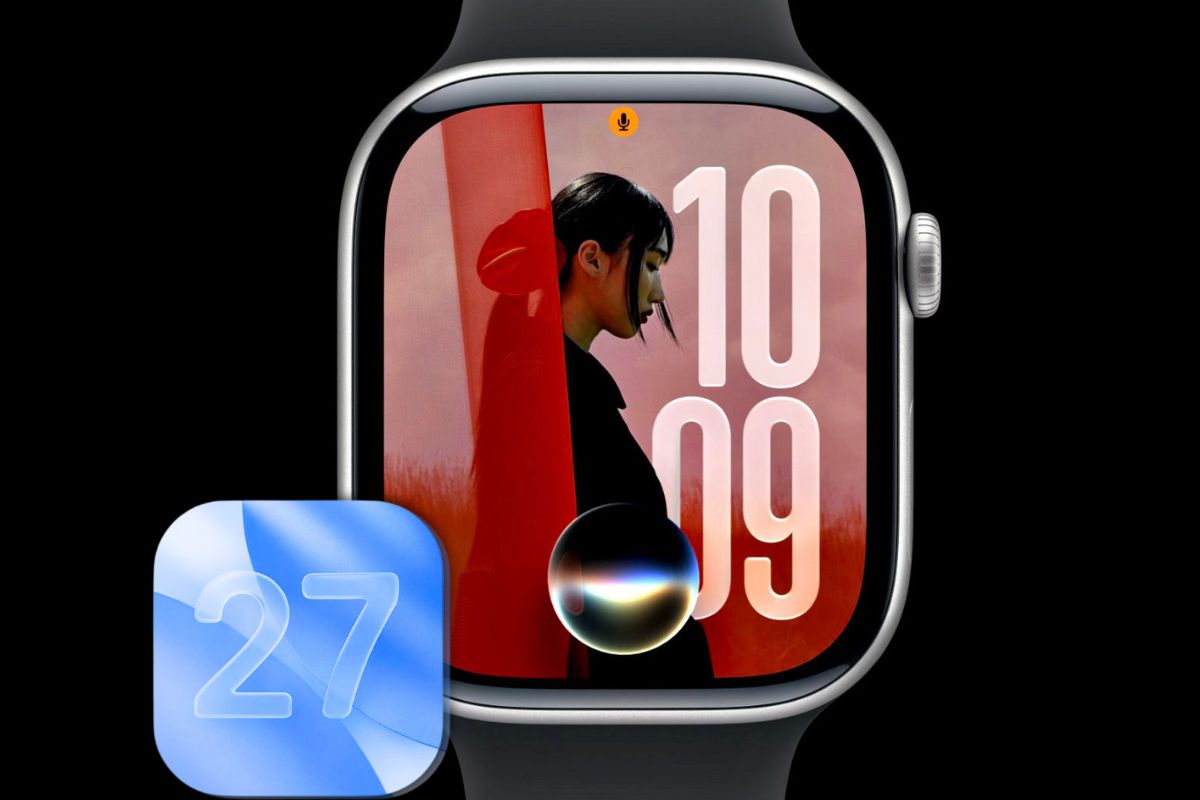
Apple released the watchOS 27 public beta on July 13, opening up a version of the software that will ship to all compatible Apple Watch owners this fall.
The update adds a version of Siri capable of answering questions and taking actions in apps, a redesigned home screen, a new one-handed navigation gesture, and several health tracking improvements.
The most significant change involves how Siri works on your wrist. Until now, asking Siri a question on Apple Watch often meant pulling out your iPhone anyway.
With watchOS 27, Siri can pull information from your emails, adjust your Activity goals, and maintain conversation history synced through iCloud.
Ask a question on your iPhone, and you can continue that same conversation on your watch without repeating yourself.
Siri AI requires a nearby iPhone with Apple Intelligence support. The feature arrived in developer beta 3 and carries some rough edges, though Apple is expected to refine it through additional beta releases before the fall launch.
Navigation Changes That Free Up Your Hands
A new one-handed tap gesture lets you browse and select Smart Stack widgets without touching the display.
Double tapping scrolls through available widgets, a single pinch of your index finger and thumb selects one, and a wrist flick returns to the watch face.
For anyone who regularly checks their watch while carrying something, cooking, or exercising, the sequence means fewer interruptions.
The home screen has also changed. Pressing the Digital Crown now opens a dynamic app grid, with the Siri app at the center and recently used or frequently opened apps filling the surrounding positions. The layout shifts based on your habits rather than staying fixed.
Smart Stack has grown more context-aware. It can surface a parked car location, flag an alarm adjustment before a holiday, or display your ID card when your location suggests you are at an airport. Theater Mode may appear automatically at a concert venue.
Health Updates Worth Knowing About
Workout Buddy, Apple’s coaching feature, no longer requires an iPhone in your pocket during exercise.
It also tracks longer-term progress across distance, pace, and workout duration. Spanish language support has been added.
Treadmill distance tracking now uses updated machine-learning algorithms that improve accuracy from the first step of a run, and step count data will sync between the Fitness and Health apps.
Cycle Tracking adds a notification for users 40 and older when logged patterns may indicate perimenopause, along with symptom logging and related educational content.
Other Changes in the Beta
Find My consolidates what were previously three separate apps into a single map-based interface. Precision Finding now works with a paired iPhone, second-generation AirTag, and AirPods Pro 3. A Call Context feature surfaces relevant details during calls with businesses.
Apple refined the Liquid Glass visual design for better contrast and accelerated Music playback loading.
A battery management suggestion tool may recommend disabling features you rarely use, such as specific gestures or Raise to Speak. Each suggestion is reversible through Settings.
Apple Watch For Your Kids receives redesigned Screen Time controls, scheduling for app availability, and approved-contact restrictions.
Which Watches Can Run It and How to Install
Compatible models include Apple Watch Series 9, Series 10, Series 11, Ultra 2, Ultra 3, and Apple Watch SE 3.
You also need an iPhone 11 or newer, or a second-generation or later iPhone SE, running the iOS 27 public beta. The compatibility list is narrower than last year’s update.
To install, visit beta.apple.com, sign in, and enroll your Apple Account. Then open the Watch app on your iPhone, navigate to My Watch > General > Software Update > Beta Updates, and select watchOS 27 Public Beta.
Your watch needs at least a 50 percent charge and should stay on its charger with the paired iPhone nearby and connected to Wi-Fi during the update.
One consideration before installing: Apple Watch cannot be rolled back to an earlier software version the way an iPhone can. If the beta introduces a problem, the only option is to wait for Apple to release a corrected build.

