
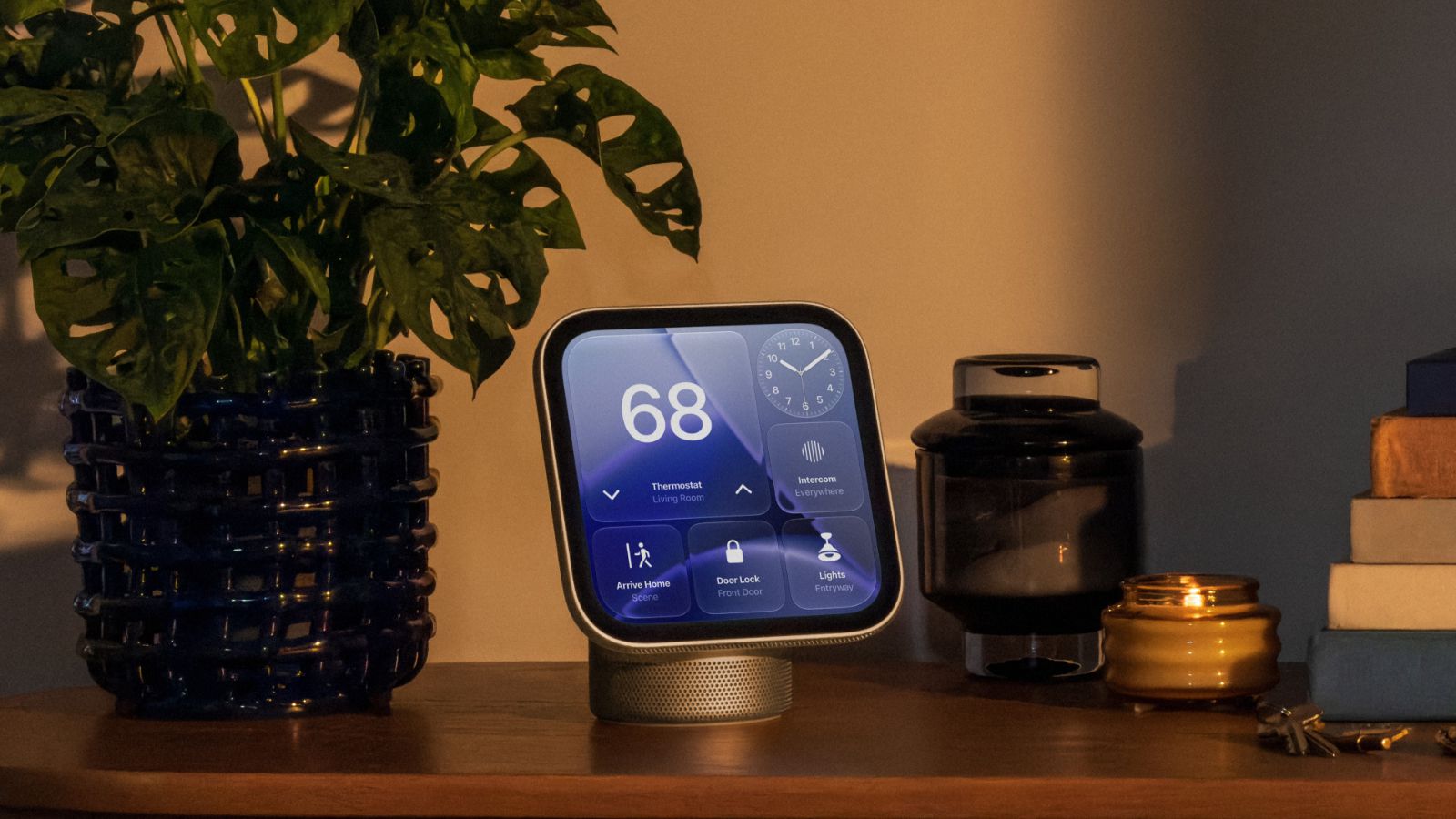
Apple’s new HomeView smart home hub is designed to sit in shared spaces like kitchens and living rooms, but that raises an obvious privacy concern: what happens when someone else walks up to a screen containing your personal messages or calendar appointments?
Apple has built several privacy protections into the $299 device, including facial recognition that determines whose information appears on the screen and hardware that isolates camera and microphone data from the rest of the system.
Here are four privacy features worth knowing about before bringing HomeView into your home.
1. Face recognition keeps your messages private
HomeView can recognize up to six household members, giving each person a personalized home screen with their own apps and widgets.
When you approach the device, its camera identifies your face before displaying personal information from apps such as Messages and Calendar. Other household members won’t automatically see that content when they use the hub.
There’s another safeguard: your paired iPhone or iPad generally needs to be nearby and recently unlocked before HomeView displays private information.
Shared content works differently. Family photo albums and music can remain accessible to everyone, including guests.
2. Your iPhone helps verify that you’re still home
HomeView doesn’t necessarily hide your personal information the moment your iPhone disconnects from your home Wi-Fi network.
Apple allows access to continue under certain conditions, including whether your phone was recently connected to the same network, still has an active cellular connection, hasn’t changed location, and was unlocked recently.
Those checks help HomeView determine whether you’re still nearby without requiring your iPhone to maintain a constant Wi-Fi connection.
However, facial recognition and these device checks serve different purposes. Recognizing your face identifies who’s using HomeView, while the paired-device requirements provide additional verification before personal content appears.
3. Camera and microphone data get hardware-level protection
HomeView’s A18 chip includes a protected processing environment Apple calls Secure Exclaves.
These isolated areas handle sensitive camera and microphone data separately from the rest of the operating system.
Apple says installed apps, other household members, and Apple itself cannot access information processed inside them.
Siri requests receive additional protections. Some are processed directly on HomeView, while more demanding requests can use Apple’s Private Cloud Compute infrastructure.
Apple says it doesn’t store or make information sent to Private Cloud Compute accessible to the company.
4. Smart home camera recordings stay encrypted
HomeView can also display footage from compatible HomeKit Secure Video cameras and help identify activity around your property.
Supported cameras can recognize familiar faces, pets, packages, and vehicles, making it easier to understand what triggered a recording or notification.
Apple uses end-to-end encryption to protect HomeKit Secure Video recordings, so the footage remains private rather than becoming accessible to Apple.
These camera features require a compatible security camera and an eligible iCloud+ subscription.
HomeView launches November 13 for $299 in four colors, with tabletop and wall-mounted versions available.

