
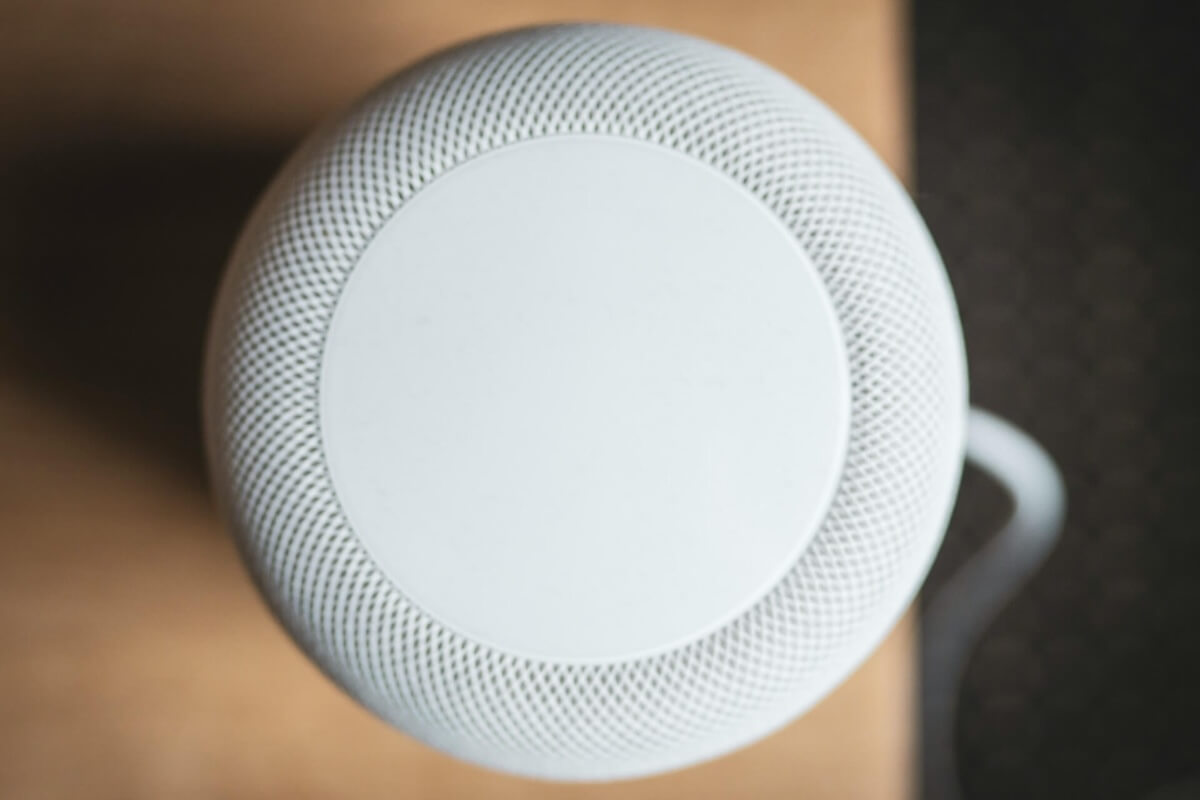
Apple released HomePod 27.2 this week, adding four features that expand what its smart speakers can do, from colorful lighting effects during music playback to a long-requested option to disable touch controls.
The update also makes HomePods easier to use as Mac speakers and prepares them for a new surround sound setup arriving with Apple’s next-generation Apple TV 4K.
1. Sound Glow brings music to life with colorful lighting
Sound Glow turns the top of your HomePod into a light display that responds to music in real time.
Instead of a static animation, the lights pulse with the bass and treble while pulling colors from the album artwork of whatever you’re listening to.
The feature also works with ambient soundscapes, including rain, each with its own lighting animations.
Sound Glow is available on the second-generation HomePod and the original HomePod mini. Support for the HomePod mini 2 arrives when the new speaker launches later this week.
2. Lock Controls prevents accidental touches
HomePod owners can finally disable the touch-sensitive controls on top of their speakers.
The new Lock Controls setting prevents accidental playback, volume changes, and other unwanted interactions caused by touching the speaker’s surface.
It’s particularly useful in households with young children or curious pets that occasionally activate the controls.
With touch input disabled, you can still manage playback using Siri or a connected iPhone, iPad, or Mac.
3. HomePod can now serve as a Mac’s default speaker
HomePod 27.2 introduces a more convenient way to use Apple’s smart speakers with a Mac.
Previously, using a HomePod for Mac audio required manually selecting it through AirPlay, often repeating the process after reconnecting or restarting.
The update lets a single HomePod or stereo pair remain the Mac’s default audio output, eliminating the need to start an AirPlay connection each time.
One limitation, though: the feature requires a Mac with Wi-Fi 6E or newer, so older models aren’t supported.
4. Four-speaker surround sound support arrives in November
The fourth addition prepares HomePods for a new surround sound configuration with the fourth-generation Apple TV 4K, launching November 13.
Instead of the existing two-speaker stereo setup, users can connect four compatible HomePods for a more immersive home theater experience.
The system supports second-generation full-size HomePods and HomePod mini 2 speakers. Mixed setups are also possible, as long as the front pair matches and the rear pair matches.
Once connected, Apple TV automatically detects speaker positions and calibrates audio timing and levels.
Although HomePod 27.2 includes the necessary software support, the feature won’t be usable until the new Apple TV 4K arrives.
HomePod 27.2 is available now through the Home app on iPhone.

