How to Reset Your iPhone When You Forgot Your Password
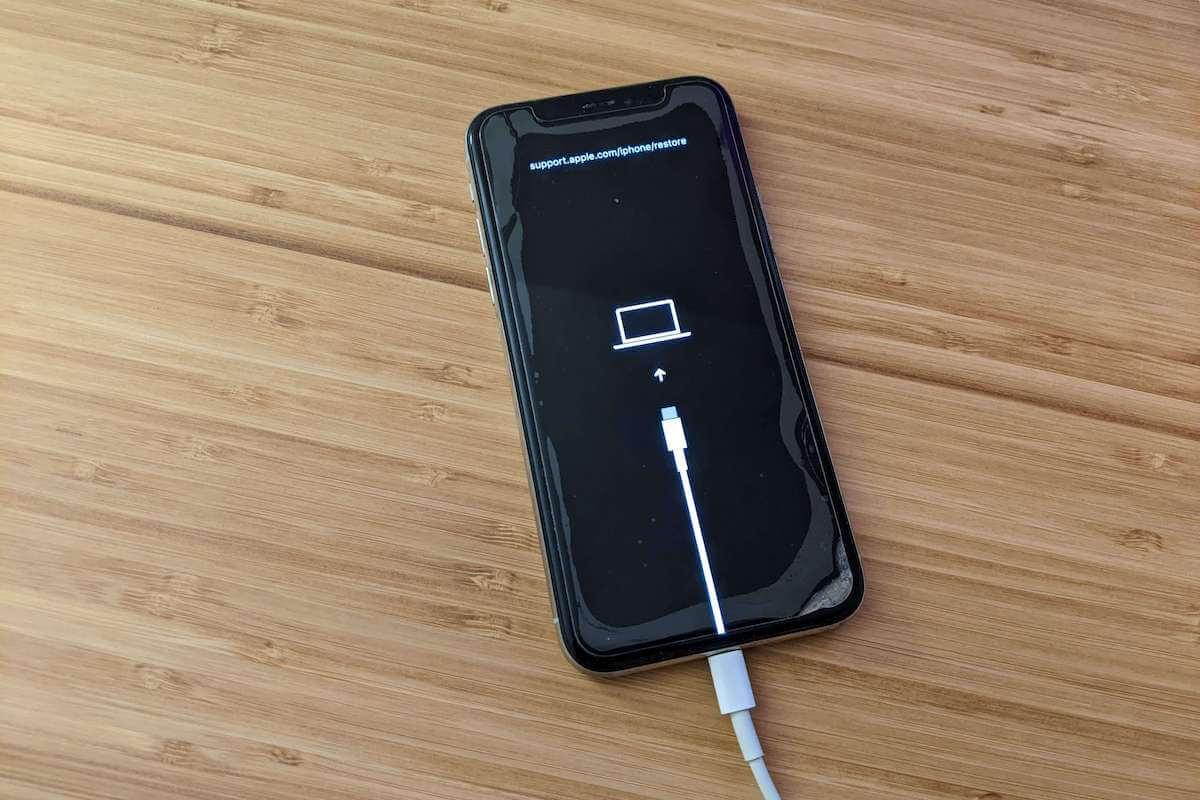
Forgot your password and can’t reset your iPhone? This article explains how to reset your iPhone when you forgot your password.

Learn how to get the most out of your Apple devices with our step-by-step tutorials covering iPhone, iPad, Mac, Apple Watch, iOS, and macOS. Our beginner-friendly guides simplify complex features so you can use your Apple tech with confidence.
Get the best Apple insights, tips, and future iOS, iPhone updates every Friday in just 5 mins.
Forgot your password and can’t reset your iPhone? This article explains how to reset your iPhone when you forgot your password.

Whether you’re switching iPhone or doing some troubleshooting, here’s how to restore an iPhone from a backup on Mac, PC, or iCloud.

Seeing “Unfortunately, Camera has stopped on Android? Follow the troubleshooting tips in this guide to get rid of this error message.

Is auto rotate not working on Android? This article walks you through some of the ways to fix it when your Android screen won’t rotate.

If you’re getting “Internet may not be available” on your Android phone, this guide will help you figure it out and get the issue fixed.

Is your iPhone flashlight not working? Don’t worry, this article explains why this is happening and what you can do about it.

Is your Google calendar not syncing with your iPhone? This guide walks you through several troubleshooting steps to fix this problem.

Getting the “not registered on network” error on your Samsung Galaxy? Here’s what it means and how to fix it.

Is your iPhone getting hot when charging, making it difficult to hold in your hand? If so, here’s why and how to fix it.

Are you sick of receiving iPhone storage full notifications? The tips in this guide will show you how to free up storage on iPhone.
Gotechtor participates in various affiliate marketing programs, which means we may get paid commissions on editorially chosen products purchased through our links to retailer sites.
