
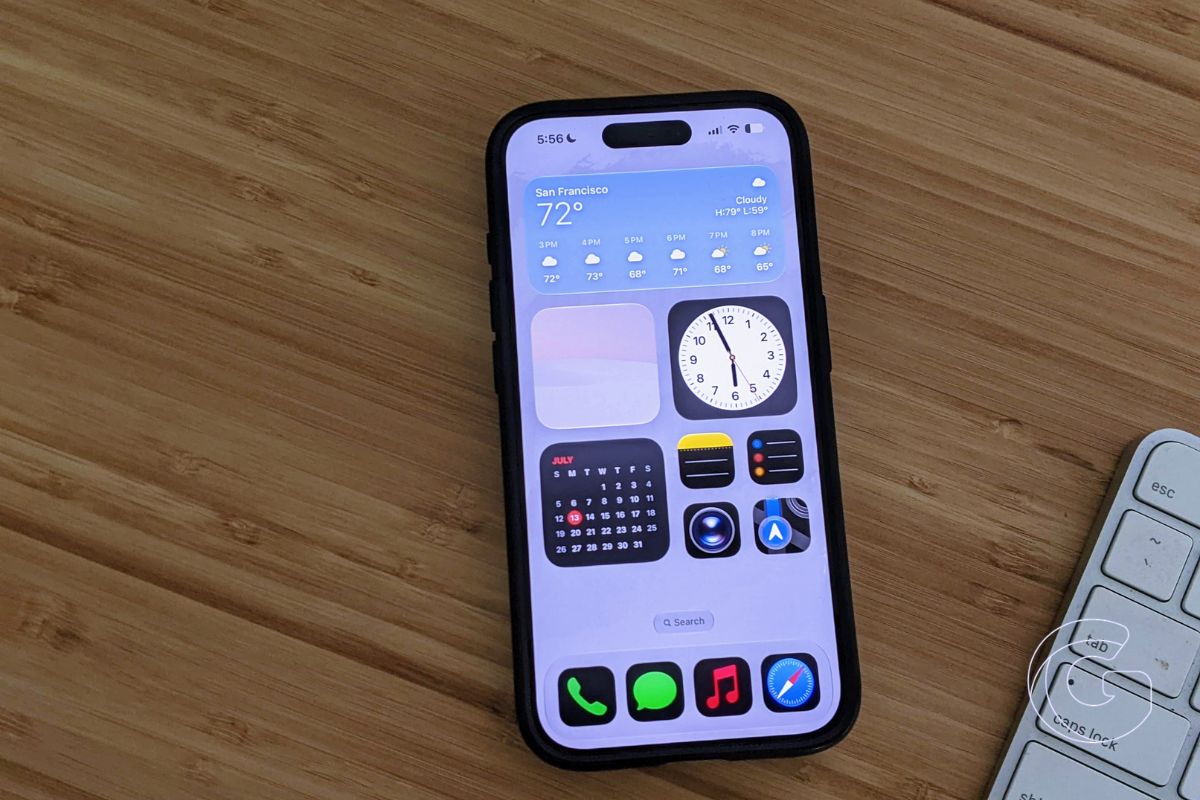
Apple released the fifth beta of iOS 27 this week, bringing updated app icons, expanded Siri voice controls, and a handful of smaller refinements as the software moves toward its expected fall launch.
Among the more useful additions is expanded voice customization for Siri. Users can now adjust Pace and Expressivity for all seven American English voices and four British English voices.
The feature runs entirely on-device, which means it’s limited to the iPhone 17 Pro, iPhone 17 Pro Max, and iPhone Air, since those models carry the required processing hardware.
Icons and visual refinements
Several app icons have been refreshed under the Liquid Glass design language. Safari, Siri, Settings, Remote, App Store, and Preview all received updated icons, with some redesigned entirely and others gaining more visual detail.
The clearest Liquid Glass transparency setting has also been made more transparent compared to beta 4.
The Clock app now uses a bolder font for the Alarms and Timers sections, and splash screens have been added to Photos, Wallet, and Music to highlight what’s changed in iOS 27 when users first open those apps after updating.
Search gets new controls
Search has picked up a couple of meaningful changes. A “Search the Web” option now appears at the bottom of search results, and users can control how app results behave.
The new setting allows apps to be excluded from search entirely, or limited to four or eight results, with a separate toggle for app shortcuts.
The animation when pulling up Search or Ask has also been adjusted so suggestions appear at the same time as the search bar rather than a beat later.
In Contacts, a company name associated with a contact now appears beneath the person’s name in the list view and in search results, making it possible to see that information without opening the full contact card.
A few other changes
The Apple Wallet “Create a Pass” feature, previously available only in the United States, is now accessible internationally.
The Settings app will also display when the last software update was installed, visible under General > About.
The Battery section gains a notice when a weak cellular signal is contributing to battery drain, though similar diagnostic information may have appeared in older iOS versions.
One removal has drawn some pushback: Control Center no longer shows cellular connection details when the phone is connected to Wi-Fi.
Whether Apple reverses that decision before the final release remains to be seen, with iOS 27 still roughly a month away.

