
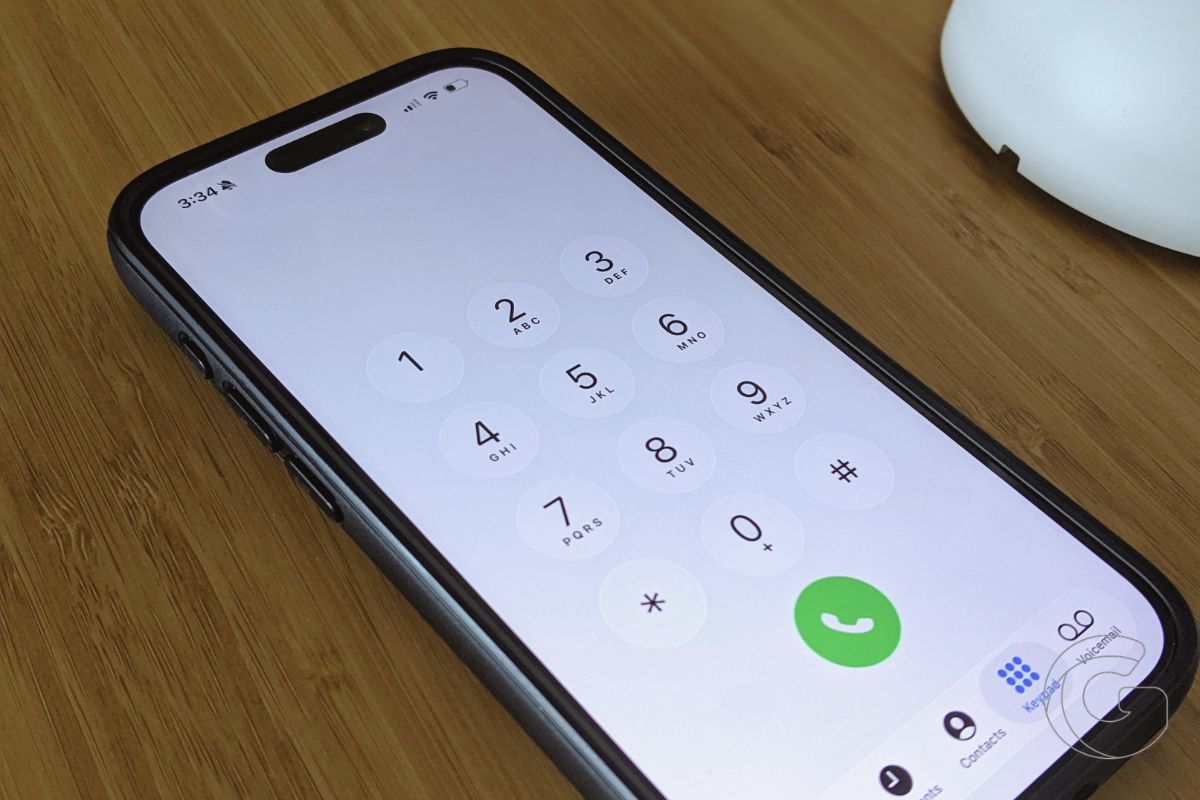
If you’re tired of answering calls from unknown numbers only to hear a robocaller or someone pretending to represent your wireless carrier, your iPhone already has a feature that can help.
Apple’s Call Screening feature, introduced in iOS 26, makes unfamiliar callers explain who they are and why they’re calling before your phone rings. It’s one of those settings worth enabling if spam calls have become a regular interruption.
How Call Screening Works
When someone calls from an unknown number, your iPhone automatically answers in the background and asks the caller to identify themselves and explain the reason for their call.
Their response appears as text on your screen, giving you the option to answer or ignore the call.
Many automated spam callers may simply disconnect when they encounter the screening prompt. That can help filter out robocalls, fake carrier representatives, and suspicious job offers without requiring you to answer first.
Call Screening doesn’t guarantee that every scam call will be stopped, but it puts an extra step between you and anyone trying to reach you from an unfamiliar number.
What About Important Calls?
The biggest concern is missing a legitimate call from someone who isn’t in your contacts, such as a doctor’s office, delivery driver, or potential employer.
Those callers can still identify themselves and explain why they’re calling. You’ll see their response and can decide whether to pick up.
There’s a trade-off, however. Some legitimate callers may be confused by the automated greeting and hang up before explaining themselves.
If you regularly receive important calls from unfamiliar numbers, that’s worth considering before enabling the feature.
How to Turn It On
You can enable Call Screening in a few seconds on an iPhone running iOS 26 or later.
- Open Settings and select Apps.
- Tap Phone.
- Scroll to Screen Unknown Callers.
- Select Ask Reason for Calling.
Once enabled, your iPhone will screen unknown callers before ringing, letting you see why they’re calling without answering first.
Call Screening is available only in supported countries and languages, so the setting may not appear on every iPhone.

