
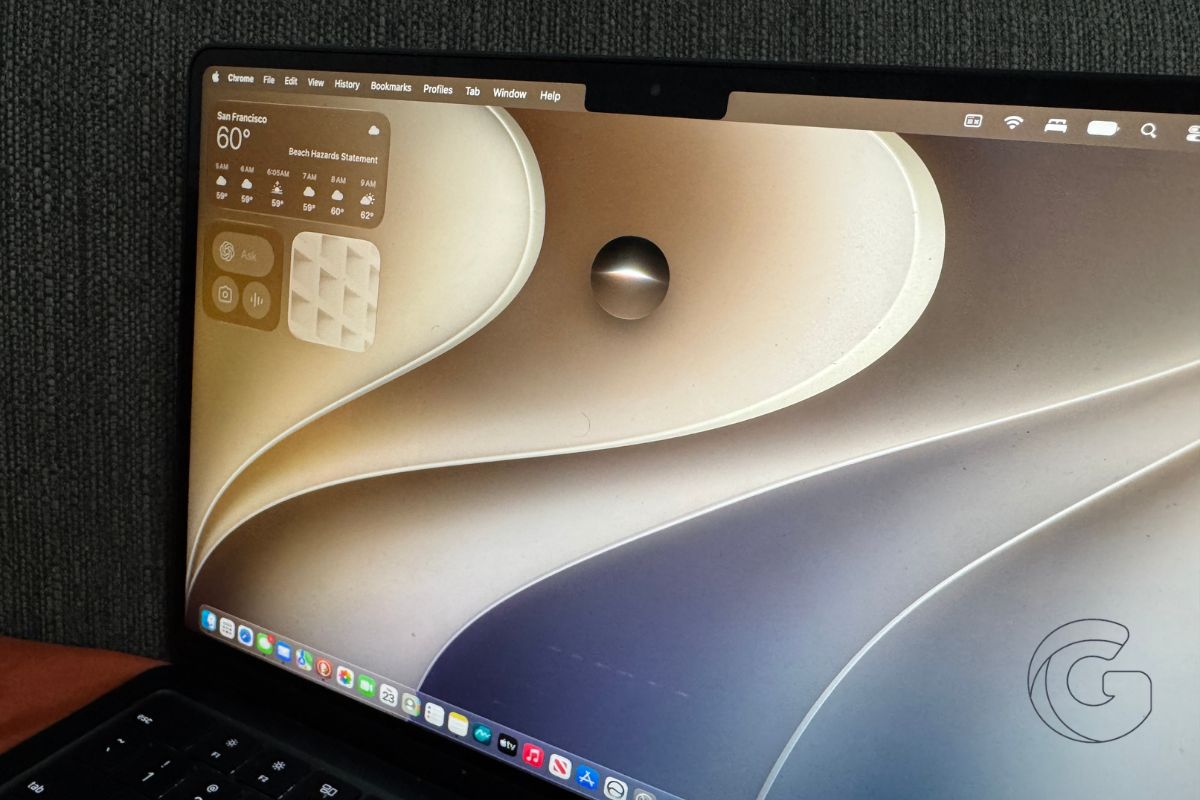
Apple released macOS 27.2 Golden Gate, expanding Siri AI to five additional languages and adding new gesture-recognition tools across several built-in apps.
The update also refreshes the Apple Music icon and appears to resolve a frustrating window-dragging bug affecting popular Mac applications.
1. Siri AI now supports five more languages
Siri AI, which launched exclusively in English with macOS 27, is now available in five additional languages:
- French
- Japanese
- Korean
- Portuguese
- Spanish
The expansion fulfills Apple’s promise from its September “Surprise and Shine” event, making the upgraded assistant accessible to more Mac users.
2. New gesture tools arrive ahead of Apple’s MacBook Pro event
macOS 27.2 introduces gesture-recognition tools in several built-in apps, though Apple hasn’t explained their purpose.
Their arrival is particularly interesting ahead of Wednesday’s “Pro and Tell” event, where Apple is expected to unveil its first touchscreen MacBook Pro.
The timing raises questions about whether these additions are designed for touch-enabled Macs, but there’s no confirmation that the two are connected.
3. Apple Music gets a black-and-white icon
The Apple Music app has a new look, replacing its familiar red-and-white icon with a black-and-white design.
The change follows Apple’s broader Music rebrand last week, which introduced a colorful logo inspired by sound.
For now, the new branding hasn’t been fully incorporated into the Mac app icon, and Apple hasn’t indicated whether further changes are coming.
4. Electron app window-dragging bug appears fixed
A particularly frustrating issue reported during macOS 27.2 beta testing appears to have been resolved.
The bug caused windows in Electron-based applications, including Slack, Discord, and Visual Studio Code, to stop responding when users tried to drag them.
Restarting the Mac temporarily restored normal behavior, but the problem could return.
The issue appears to have been fixed in last week’s Release Candidate, although Apple hasn’t specifically documented the correction.
5. Developer fixes and an external display issue
Apple’s release notes also detail several developer-focused improvements, including fixes for Xcode crashes during code completion and StoreKit testing problems.
One known issue remains: connecting a second display can cause macOS to restore display settings incorrectly, potentially changing the arrangement of connected monitors.
Affected users may need to manually adjust their display layout after updating.
Apple typically includes security fixes in macOS point releases, although specific security changes should be confirmed against the company’s published advisories.
How to install macOS 27.2
Open System Settings > General > Software Update to download and install macOS 27.2.
If you previously installed beta versions and the public release doesn’t appear, try disabling beta updates.
The final public release carries build number 26B123, which differs from the Release Candidate build. You can check your installed version under Apple menu > About This Mac.

