
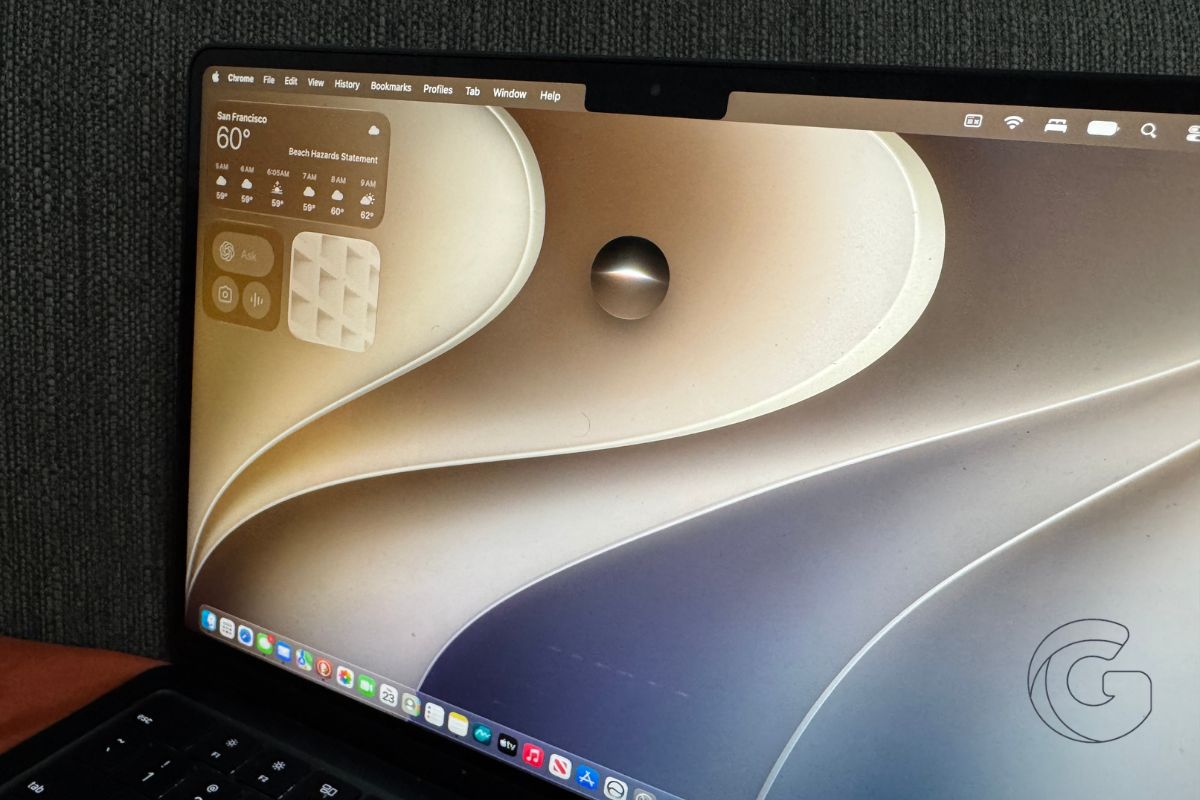
Apple’s macOS 27, named Golden Gate, arrives this fall with a set of changes that quietly fix several long-standing frustrations Mac users have lived with for years.
Among them: smarter file naming, better iPhone integration on the desktop, and video podcast support that other Apple platforms got months ago.
Apple Podcasts is the most overdue fix. iOS and iPadOS users gained proper video podcast playback earlier in 2026, with Picture in Picture, download support, and the ability to toggle between audio and video on the fly.
Mac users were left out entirely. macOS 27 closes that gap, bringing the same full video playback controls to the desktop app.
Mac Gets a Gesture iPhones Have Had for Years
Swipe to refresh has existed on iPhone and iPad since the early days of iOS. In macOS 27, it finally lands on the Mac.
Pulling down in Safari or Mail forces a manual refresh, the same way it works on mobile. For anyone who frequently switches between devices, the muscle memory is already there. The Mac just never responded to it before.
This addition lands ahead of a touchscreen MacBook, which Apple is reportedly releasing alongside macOS 27 this fall. Even on current non-touch Macs, the gesture works via trackpad.
iPhone Mirroring Gets More Screen Real Estate
iPhone Mirroring, introduced in macOS Sequoia, gains two meaningful upgrades. Users can now resize the mirroring window into larger, iPad-style layouts rather than being locked into a fixed phone-screen proportion.
Control Center is also now reachable through the mirrored interface, which was not possible in last year’s release.
The resizable window option is consistent with what Apple is doing across its product line as it prepares to launch the iPhone Ultra, a larger-format iPhone expected later this year.
AI Suggests File Names Before You Even Think of One
Apple Intelligence in macOS 27 reads the contents of a file and proposes a name when you go to save it.
The same logic applies to folders: the system looks at what’s inside and offers a name based on those contents. The feature works inside Apple’s own productivity apps, including Pages.
It is a small change in terms of engineering, but the daily payoff is real. Anyone who has a Downloads folder full of files named “Untitled 47” or “Document Final FINAL” will recognize the problem it solves.
Siri and Spotlight Now Share the Same Search Bar
The Command-Space shortcut in macOS 27 now pulls from a combined Siri and Spotlight experience.
The underlying search engine has been improved, and Siri in its updated AI form handles more complex requests than the version shipped in prior macOS releases.
Apple built the same updated Siri into iOS 27, where early testers have noted it handles multi-step tasks more reliably than its predecessor.
macOS Golden Gate is scheduled for release this fall alongside iOS 27, iPadOS 27, and a slate of new hardware. A developer beta is currently available, with a public beta expected before the fall launch window.

