You’re Probably Not Using Your iPhone’s Most Powerful Productivity App — Here’s How You Can Start Now

Apple’s Reminders app now includes tags for enhanced organization. Learn how this new feature can boost your productivity.

Apple’s Reminders app now includes tags for enhanced organization. Learn how this new feature can boost your productivity.

Improve your productivity with Apple Notes by using tags. Learn how to categorize, organize, and quickly access your notes with simple tagging techniques.

Did you know that your iPhone has a feature so you can listen to conversations happening miles away? Here’s how it works.

This step-by-step guide covers how to use your iPhone to check decibel levels on your headphones to help prevent hearing loss and more.

Apple has added a view to Reminders which shows you tasks in a Kanban board-style format. Here’s how to use it on your iPhone.

When you’re on a call, your voice may be drowned out by background noise. Here’s how to enable Voice Isolation on your iPhone to stop this.

Your iPhone has a cool feature that allows you to drag and drop different types of files directly from one app to another. Here’s how it works.

Are you confused as to why your AirPods are so quiet? In this article, we’ll walk you through 11 different ways to fix it.

Siri not working on your iPhone? Don’t worry, we can help. This guide walks you through several troubleshooting steps you can try.
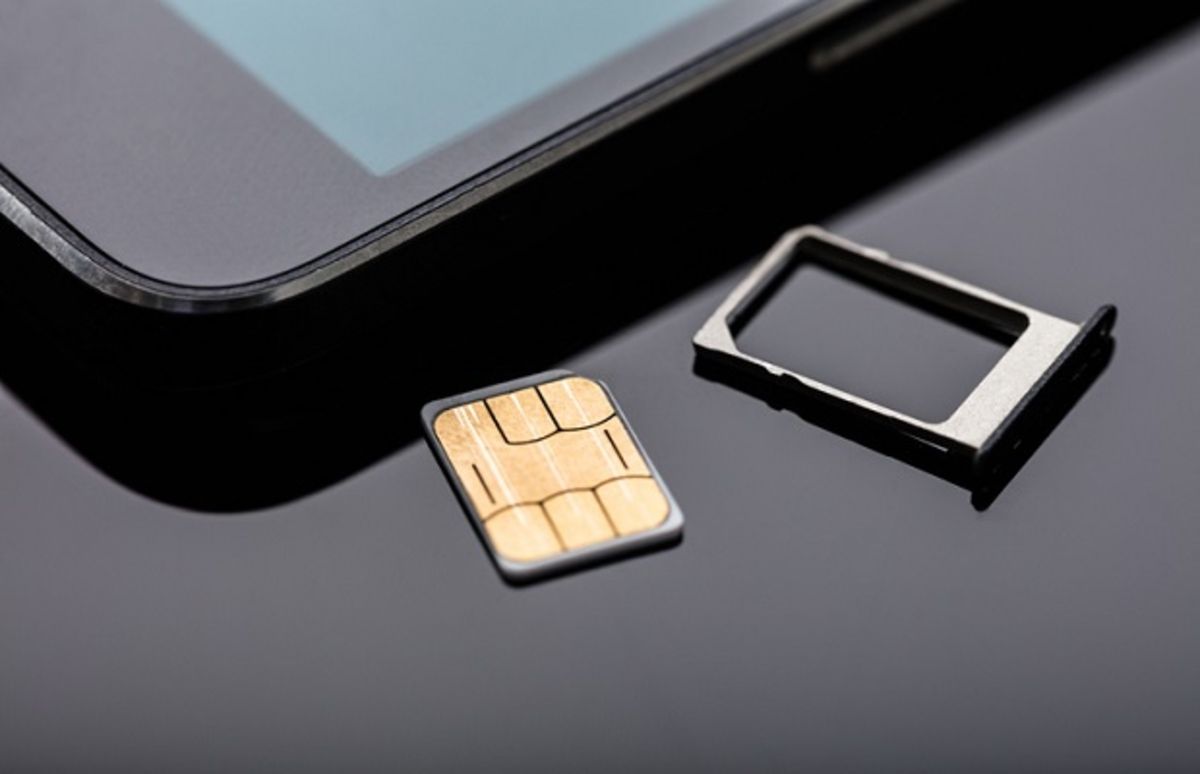
If your Android phone is showing a “No SIM Card Detected error”, then you can’t connect to your wireless carrier network. Here’s how to fix it.
Gotechtor participates in various affiliate marketing programs, which means we may get paid commissions on editorially chosen products purchased through our links to retailer sites.
