Facebook Has a Creepy List of Every Website You’ve Visited in the Past – Here’s How to Turn It Off
We explain how Facebook tracks you across many websites, collecting data even if you don’t have a Facebook account, and show you how to turn it off.
Apple Services covers the full ecosystem of Apple’s built-in apps and platform features from the App Store, Siri, and Apple Maps to Photos, Calendar, AirPlay, Shortcuts, and more. If it’s built into your iPhone, iPad, or Mac, you’ll find tips and guides here.
Whether you’re trying to get more out of a familiar app or discovering a feature you didn’t know existed, our Apple Services coverage helps you use the software side of Apple’s ecosystem to its full potential.
Get the best Apple insights, tips, and future Apple Services updates every Friday in just 5 mins.
We explain how Facebook tracks you across many websites, collecting data even if you don’t have a Facebook account, and show you how to turn it off.
Google tracks you in many different ways. This guide will help stop Google from tracking your searches even if you’re not signed in.
From big corporate players like Google Drive to small players like pCloud, here are the best cloud storage services for every need.
STOP! Before you share your next picture, you should remove the EXIF data. Learn what EXIF data is and how to remove it from your photos.
You’d be surprised to see how much info is easily available for free to anyone who knows your first and last name. Here’s how to delete it.
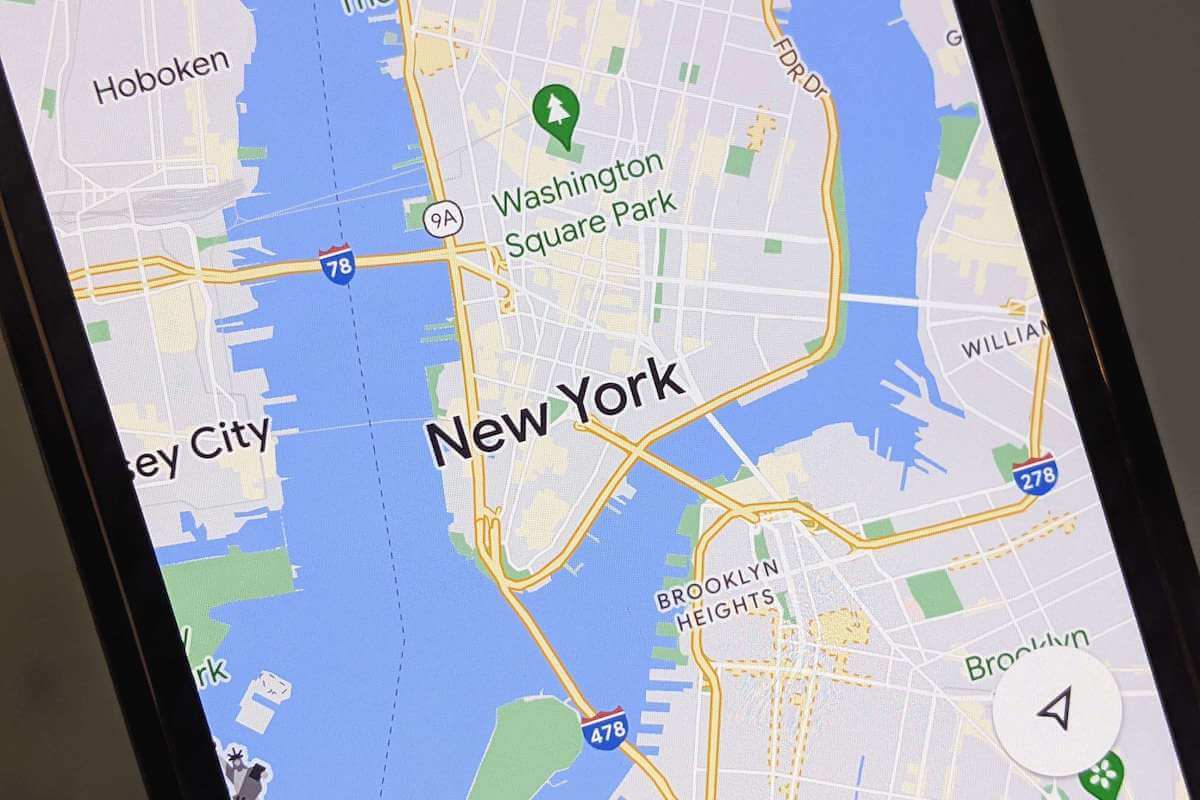
Check out these cool Google Maps tips and tricks that will help you discover secret features, hidden navigations, customization tools, etc.
We’ve tried dozens of mind mapping software, and here we’ll present the 10 best to help you better brainstorm and structure your ideas.
Notion is like my second brain, and I use it daily. Here’s everything you need to know about Notion and how to organize every inch of your life.
A VPN can protect your privacy, encrypt your data, and more. This guide explains what they do and why you should start using a VPN now.
Is Google Maps not talking or giving directions? Don’t worry, follow these troubleshooting steps to fix this problem quick and easily.