$143.8 Billion Revenue, $42.1 Billion Profit—Apple’s Latest Quarter Puts Every Competitor to Shame
$42 billion profit, strong China sales, and a Google partnership for Siri highlight why this quarter is historic for Apple.

iPhone is Apple’s flagship product and the device most people interact with hundreds of times a day. We cover everything from hidden iOS settings and camera tips to troubleshooting, comparisons, and the latest iPhone news.
Whether you just got a new iPhone or have been using one for years, there’s always something new to learn. Our guides are written to help you get more out of the device in your pocket, no tech background required.
Get the best Apple insights, tips, and future iPhone updates every Friday in just 5 mins.
$42 billion profit, strong China sales, and a Google partnership for Siri highlight why this quarter is historic for Apple.
The acquisition shows Apple moving aggressively into technology that interprets human behavior in ways users may not expect.
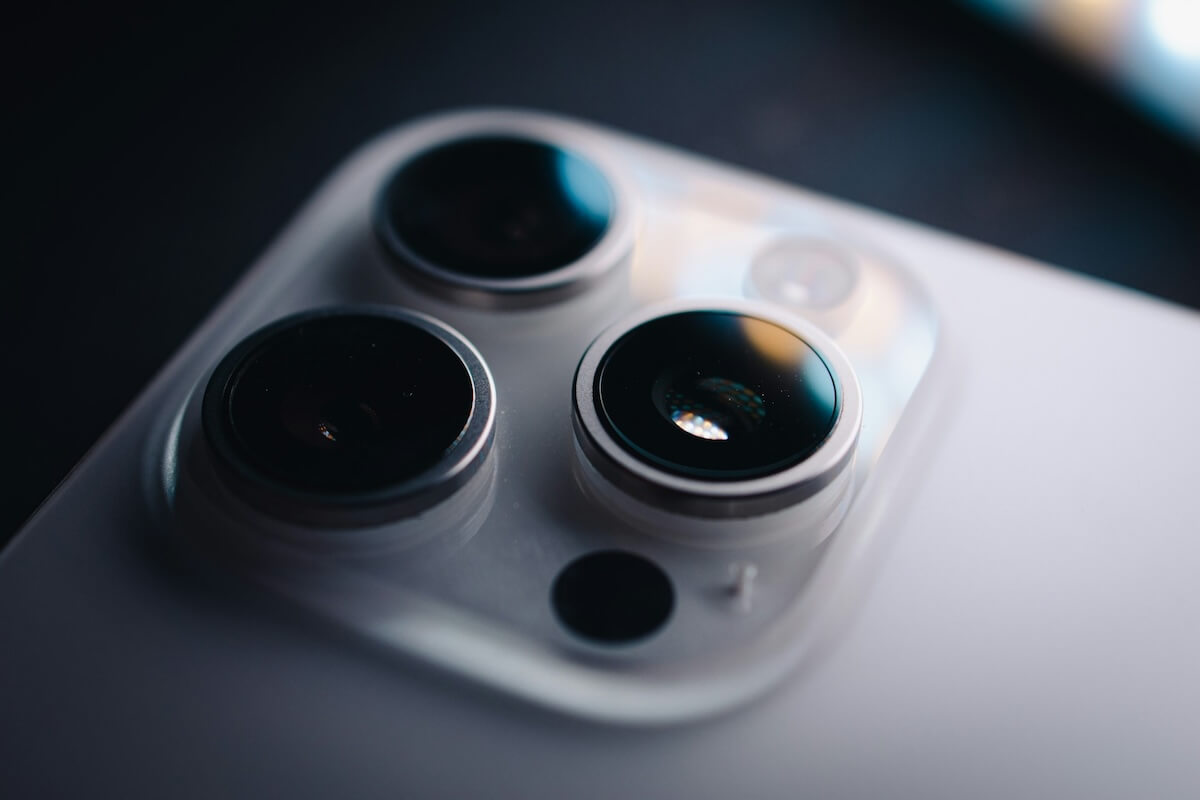
Apple’s new lawsuit is stirring fear among developers who worry their ideas could be replaced once Apple steps in.

Every subscription through the iOS app costs more, forcing creators to raise prices or lose earnings, all for Apple’s profit.

Tim Cook finally responds after an ICE shooting, signaling a subtle but significant shift in Apple’s relationship with Trump.

Apple’s latest iOS fixes rare but serious failures affecting emergency calls, covering devices from the newest iPhone to the 2013 models.
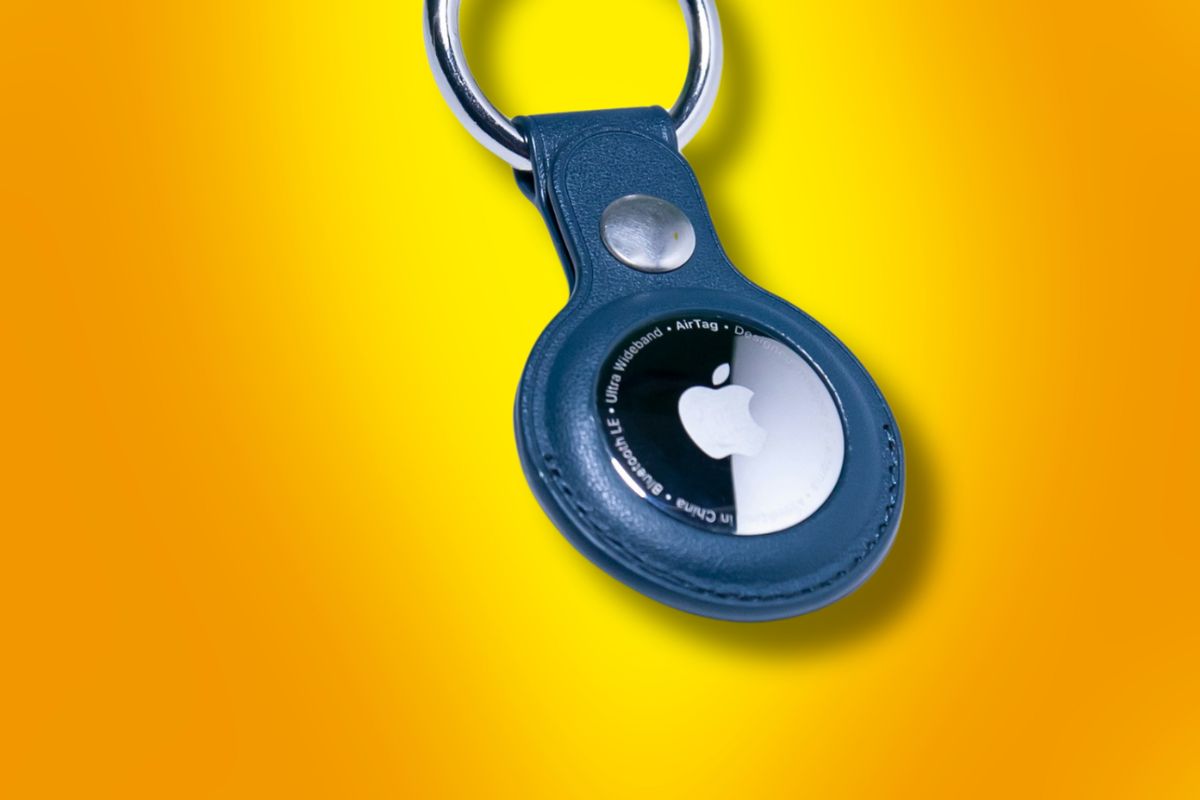
Your iPhone might not support AirTag 2’s best feature because Apple made a business decision, not because the hardware can’t handle it.
ChatGPT Health falsely flagged a healthy heart, leaving doctors shocked and showing the risks millions face when trusting AI for personal health.
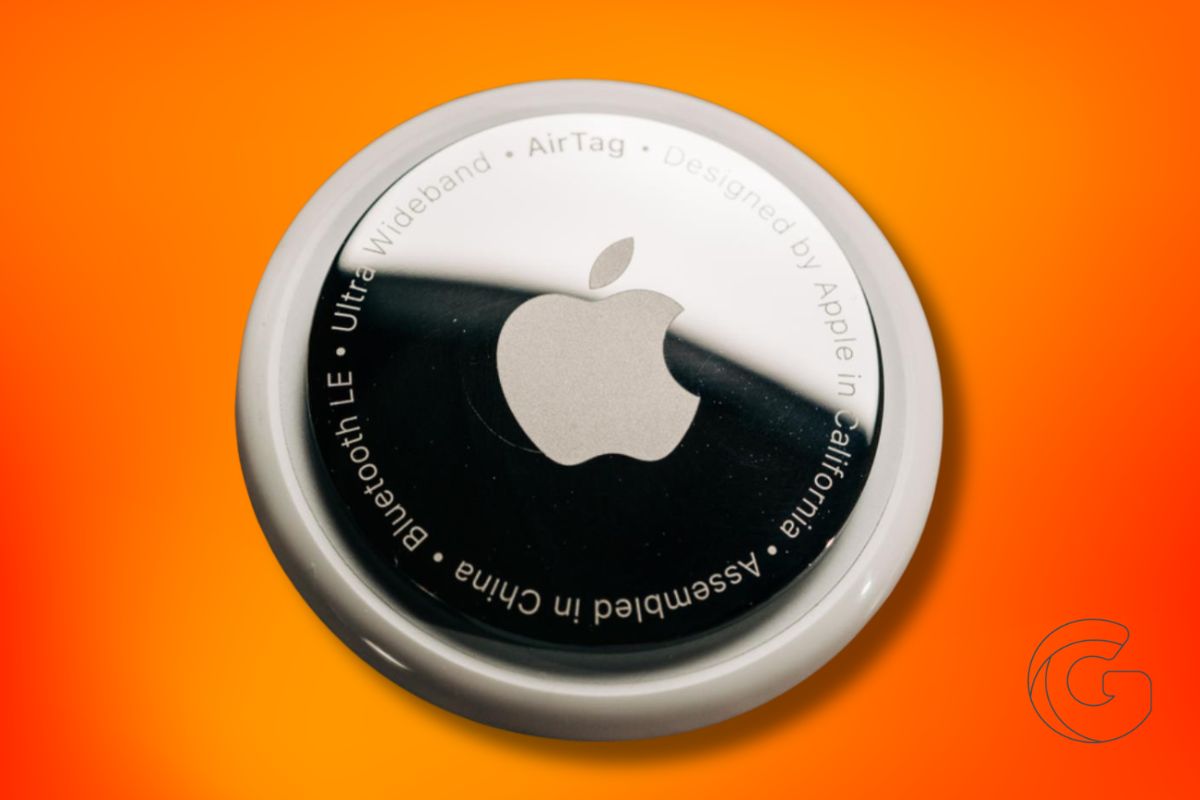
If you’ve ever felt AirTag was too slow, too quiet, or just short of helpful, the new AirTag 2 targets those exact pain points.

Even if you lock down apps, carriers still learn a lot about you, until now, because iOS 26.3 changes what networks can infer in the background.
Gotechtor participates in various affiliate marketing programs, which means we may get paid commissions on editorially chosen products purchased through our links to retailer sites.
