
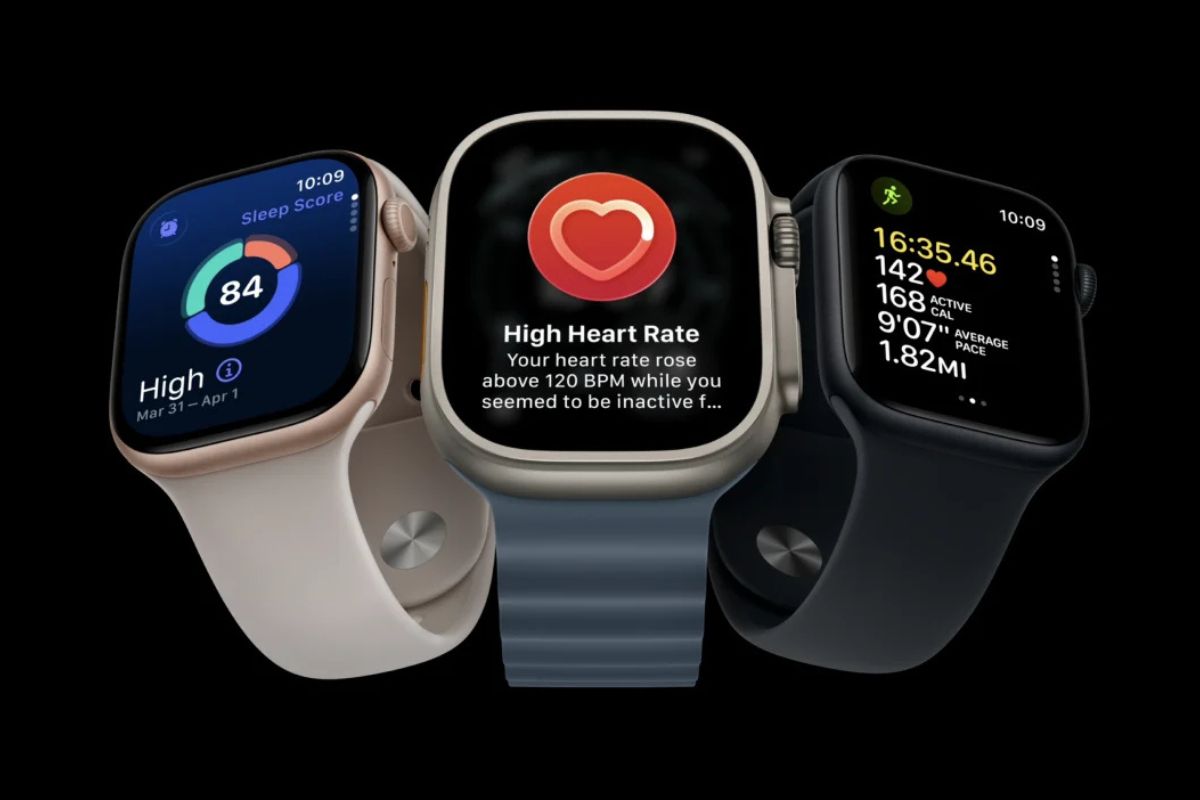
Apple has released watchOS 27.0.1 to fix an issue that could cause the Apple Watch Series 12 and Apple Watch Ultra 4 to restart unexpectedly.
The update arrives just nine days after watchOS 27 launched on September 14 and is available only for Apple’s two newest watches. If you have an older Apple Watch running watchOS 27, you won’t see 27.0.1 in Software Update.
Apple’s release notes don’t explain what was causing the restarts or detail any other changes included in the update.
A welcome fix, but watchOS 27 still has rough edges
Unexpected restarts are particularly frustrating on an Apple Watch because so much of its value comes from being available throughout the day for notifications, workouts, health tracking, and quick interactions. A restart can interrupt all of that without warning.
It’s good to see Apple address the problem quickly, especially on two watches that have been on sale for less than two weeks.
The update doesn’t address some of my other frustrations with watchOS 27, though. Siri AI in particular can feel like a step backward for basic tasks I use regularly, including controlling HomeKit scenes and managing timers.
That’s more noticeable on an Apple Watch than it might be on an iPhone or Mac. I don’t need long AI-generated answers from my wrist nearly as often as I need Siri to reliably turn off a light, start a timer, or handle another quick command.
Siri AI is one of the biggest additions to watchOS 27, but a more capable assistant on paper isn’t necessarily more useful if those everyday interactions become less reliable.
How to install watchOS 27.0.1
You can install the update directly from Settings > General > Software Update on the Apple Watch, or through General > Software Update in the Watch app on a paired iPhone.
The watch needs at least 50% battery and must be connected to its charger during installation.
watchOS 27 introduced Siri AI, Smart Stack improvements, and a new watch face earlier this month. It’s compatible with Apple Watch Series 9 and newer, Apple Watch Ultra 2 and newer, and Apple Watch SE 3, although several features are limited to newer hardware.
Apple is separately preparing iOS 27.0.1, which is expected to address a Face ID issue affecting iPhone 18 Pro models.

