
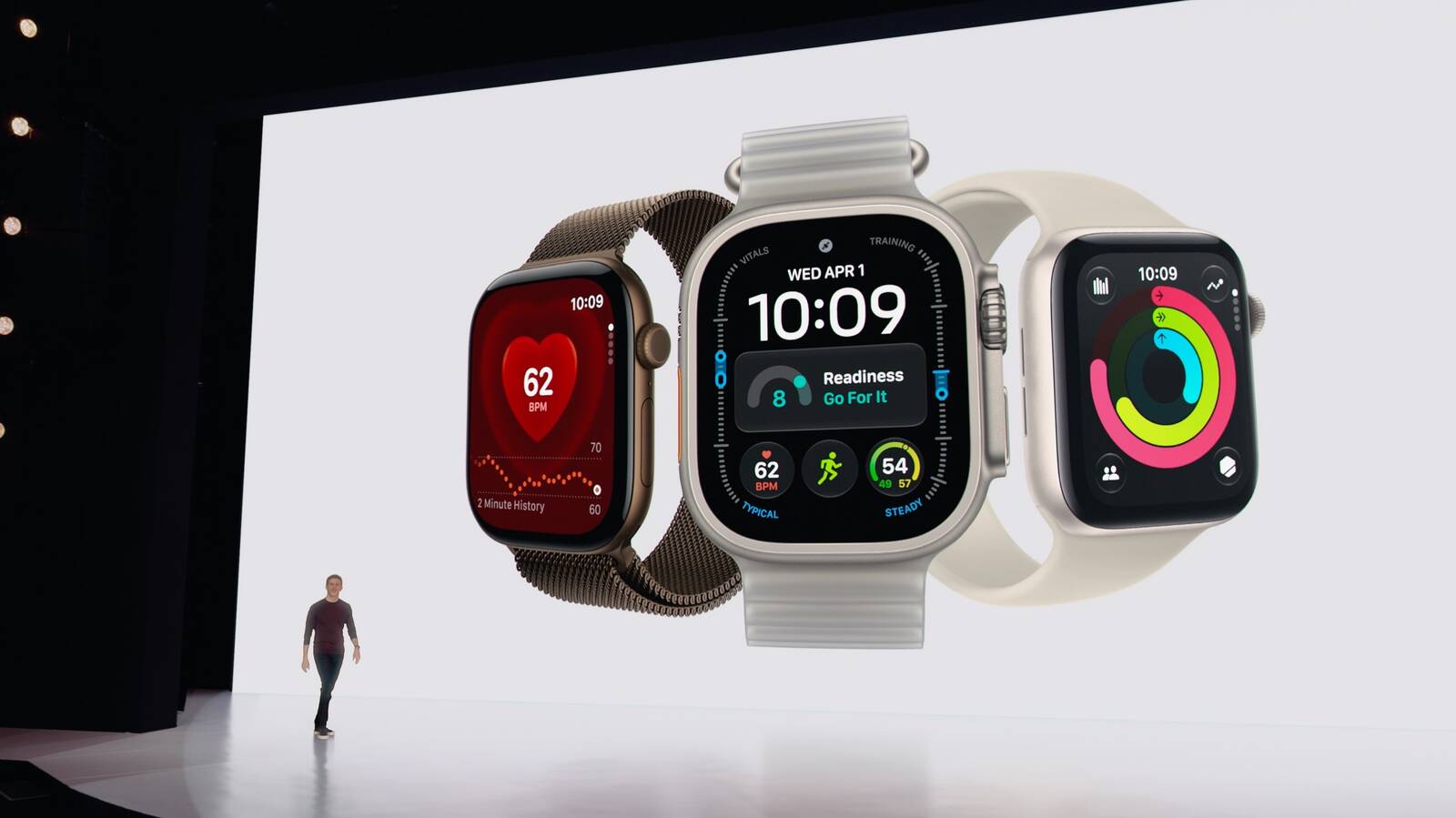
Apple released watchOS 27 on Monday, bringing a more capable version of Siri, a new watch face, and a handful of quality-of-life improvements to compatible Apple Watch models.
The update is available now as a free download through the Settings app on Apple Watch Series 9 and later, Apple Watch Ultra 2 and later, and the Apple Watch SE 3.
Siri Gets Smarter
The centerpiece of watchOS 27 is Siri AI, a more conversational version of Apple’s assistant that draws on personal context, onscreen awareness, and broad world knowledge to handle more complex requests.
A dedicated Siri app lets users revisit previous conversations or start new ones, with conversations syncing privately across Apple devices via iCloud. New voice options let users adjust the pace and expressiveness of Siri’s responses.
Siri AI requires an Apple Intelligence-capable iPhone, which means iPhone 15 Pro, iPhone Air, or any iPhone 16, 17, or 18 model.
Users without one of those phones won’t get the upgraded assistant. There’s also an early downside worth knowing: Siri AI can be noticeably slower on Apple Watch, especially when the watch isn’t connected to an iPhone.
That could make the upgrade frustrating for anyone who mainly uses Siri for quick requests. Going back to the older Siri isn’t particularly convenient either, since the change has to be made on the paired iPhone and applies to both devices at the same time.
New Watch Face and Smart Stack Updates
A new Siri Modular watch face includes a rectangular complication that mirrors whichever widget is currently at the top of the Smart Stack, updating dynamically as context changes throughout the day. A second complication on the face gives quick access to Siri directly from the watch face.
The Smart Stack itself gains a one-handed tap gesture: pressing the index finger and thumb together once selects a widget without needing the other hand.
New suggestion widgets will surface automatically for things like a parked car location, birthday reminders, transit card balance changes, and noise alerts.
Other Changes Worth Knowing
The Phone app’s new Call Context feature recognizes when a user is speaking with certain businesses and proactively pulls up relevant information from other apps, like a reservation number or confirmation code.
Workout Buddy, which offers motivation and insights during exercise, can now run without an iPhone nearby as long as the watch has a Wi-Fi or cellular connection.
Shazam in the Smart Stack can now identify songs without an internet connection, queuing results to deliver when connectivity returns.
The Find My app has been consolidated into a single, map-centric view that shows people, devices, and items together.
Treadmill workouts now track distance more accurately from the first step, and Fitness app route maps improve after workouts.
Apple has also added cycle deviation notifications that may suggest perimenopause for users aged 40 and over.
Battery extension notifications can now proactively suggest disabling certain features, including gestures and Raise to Speak, to extend battery life when needed.
The app grid now highlights the most frequently and recently used apps, and the Liquid Glass visual style receives contrast and refraction refinements intended to improve readability.

