
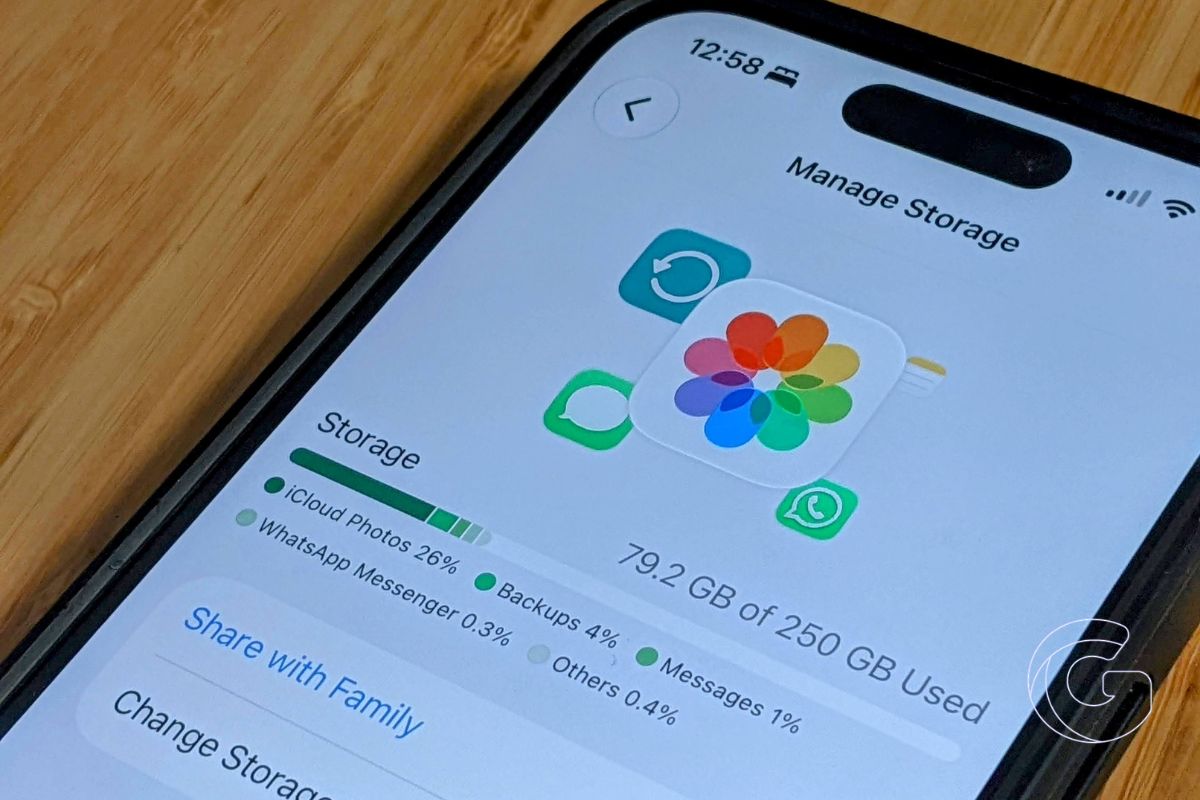
Apple has quietly tripled the number of email aliases available through iCloud Mail, raising the limit from three to nine.
That gives every iCloud Mail user considerably more room to create separate email addresses for shopping, newsletters, travel bookings, online accounts, or other situations where handing out a primary address isn’t ideal.
One inbox can now have nine extra addresses
An iCloud Mail alias is a separate email address connected to your existing iCloud account. Messages sent to an alias arrive in the same inbox, and you can send email from that address without exposing your primary iCloud email.
The previous limit of three made it difficult to dedicate aliases to different parts of your online life.
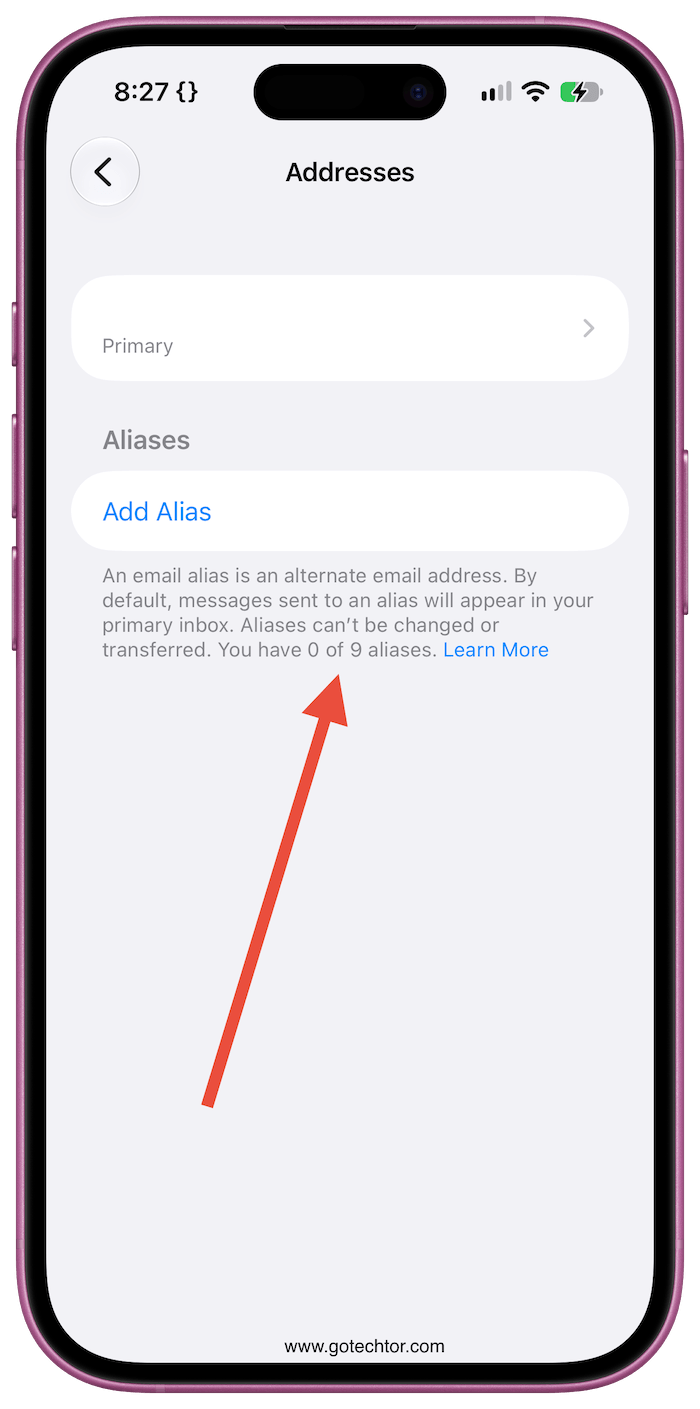
With nine available, you could keep one address for online shopping, another for newsletters, another for travel, and still have several left for services you don’t necessarily want tied to the address you use with friends, family, or work.
Aliases are also easier to recognize and share than the randomly generated addresses created by Hide My Email.
They’re designed to stick around, making them useful when you want a secondary address that you can remember and continue using.
The higher limit is available to regular iCloud Mail users and doesn’t require an iCloud+ subscription.
iCloud+ custom domains get more addresses too
Apple has also expanded the number of personalized addresses available to iCloud+ subscribers using a custom email domain. Each domain can now have up to 10 addresses, up from three.
Unlike the regular alias increase, that change has already made its way into Apple’s support documentation.
The iCloud User Guide still lists three as the maximum number of standard aliases even though users can now create as many as nine through iCloud.com.
You can create or manage aliases by opening iCloud Mail on iCloud.com and heading into Mail settings. Any new addresses you create will feed into your existing iCloud Mail inbox.

