
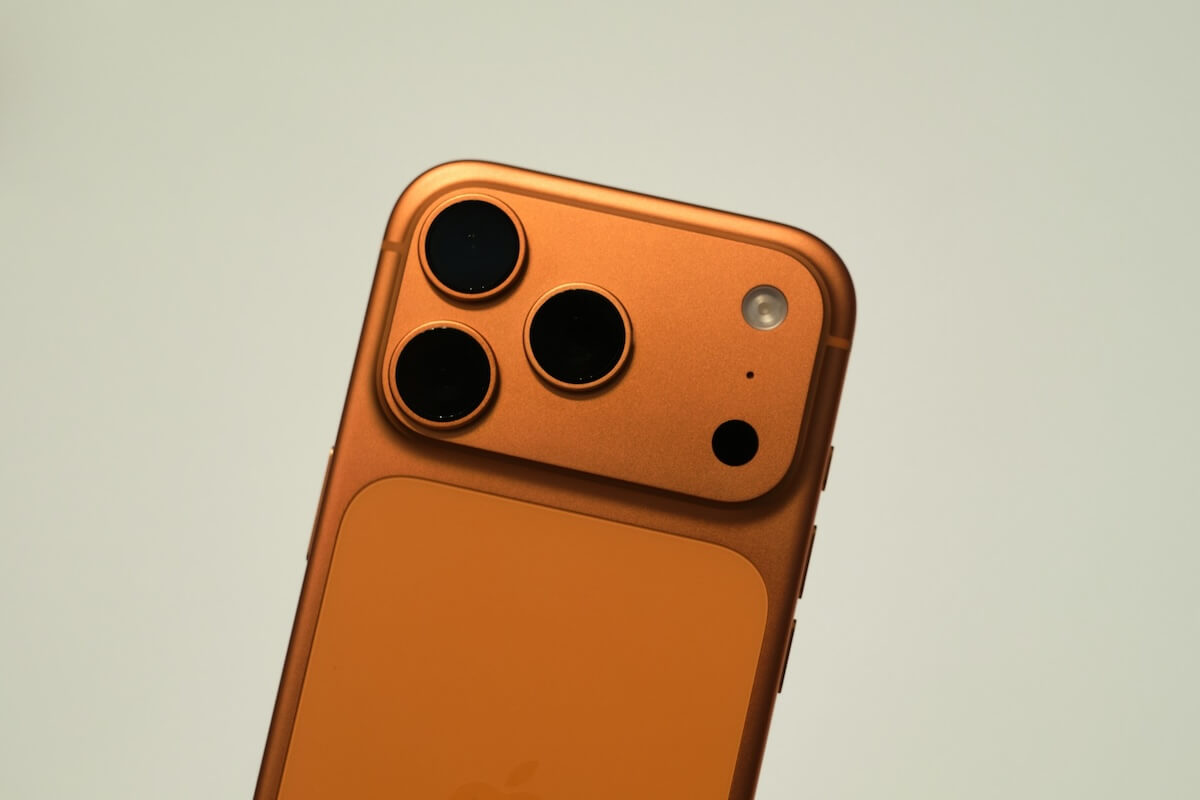
Apple is adding separate volume controls for ringtones, alarms, and notification sounds to iOS 27, giving iPhone users independent sliders for audio categories that have shared a single volume level since the original iPhone launched.
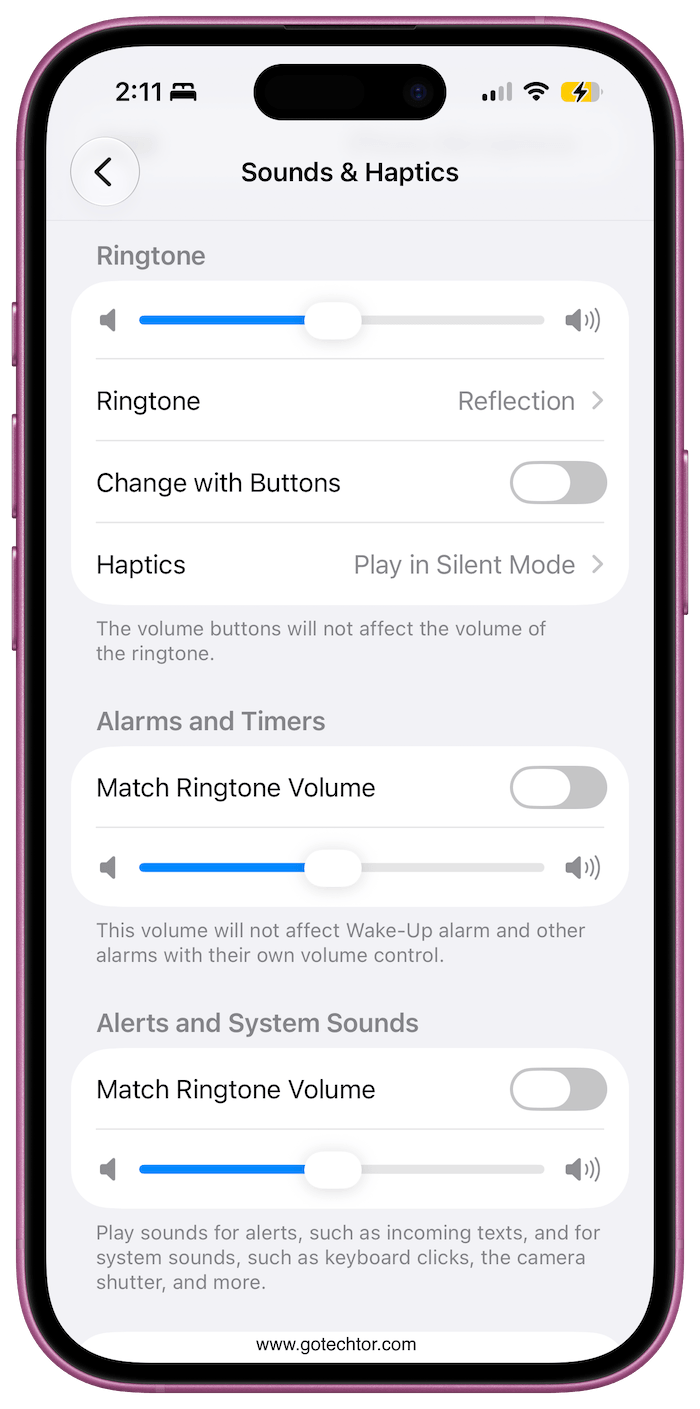
The change arrives in the Sounds & Haptics section of the Settings app. Once you turn off the “Match Ringtone Volume” toggle, three distinct sliders appear: one for your ringtone, one for alarms and timers, and one for alerts and system sounds.
That third category covers incoming text notifications, push alerts, the camera shutter, and keyboard clicks.
What This Fixes in Daily Use
The practical problem this solves is one most iPhone owners have run into. Cranking the volume to hear a phone call means notification pings fire at the same level throughout a meeting or a quiet room.
Turning the volume down to silence those alerts risks sleeping through an alarm. With iOS 27, those trade-offs go away.
Your alarm can stay loud while your message notifications stay quiet, without any manual adjustments in between.
Android phones have offered this kind of granular volume control for years. Apple’s decision to unify all iPhone audio controls under a single slider was a deliberate choice for simplicity, but a significant number of users have consistently pushed back against it. iOS 27 is the first time Apple has addressed it directly.
How to Set It Up
Open the Settings app, scroll to Sounds & Haptics, and tap “Match Ringtone Volume” twice to deselect it.
Each of the three sliders defaults to matching your ringtone level, so the behavior stays the same until you actively adjust a category.
When you move a slider, the iPhone plays a sample sound at the new volume so you can hear the change in real time before leaving the menu.
iOS 27 is currently available as a public beta for anyone who wants to try the feature before the official release.
The full rollout is scheduled for this fall alongside Apple’s next iPhone lineup. The update will be compatible with any iPhone 11 or later, which covers the majority of iPhones currently in active use.
Separate volume controls are one of several smaller quality-of-life additions in iOS 27. The update also includes a three-band equalizer for AirPods, expanded Lock Screen customization, and updates to Siri alongside a set of AI photo editing tools Apple has positioned as headline features for the release.

