Apple’s WWDC Logo Has a Hidden Detail That Reveals What Siri Is About to Become
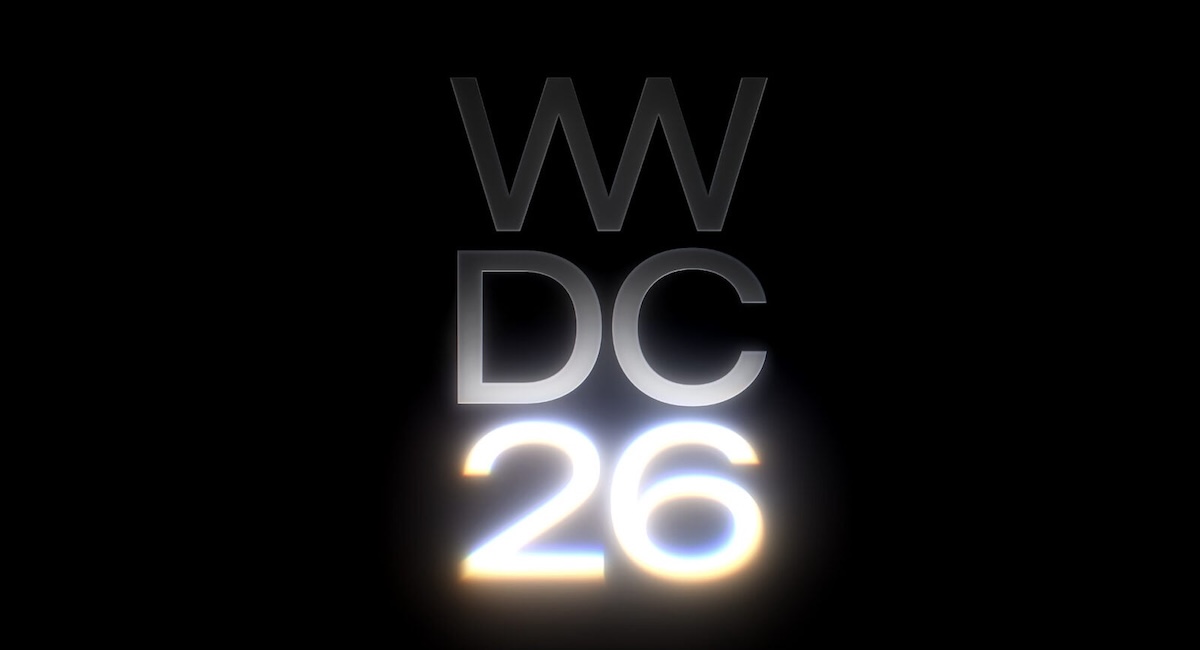
A glowing graphic on Apple’s WWDC 2026 logo has tech insiders buzzing. Here’s what it reportedly reveals about Siri’s biggest redesign in years.

iPhone is Apple’s flagship product and the device most people interact with hundreds of times a day. We cover everything from hidden iOS settings and camera tips to troubleshooting, comparisons, and the latest iPhone news.
Whether you just got a new iPhone or have been using one for years, there’s always something new to learn. Our guides are written to help you get more out of the device in your pocket, no tech background required.
Get the best Apple insights, tips, and future iPhone updates every Friday in just 5 mins.
A glowing graphic on Apple’s WWDC 2026 logo has tech insiders buzzing. Here’s what it reportedly reveals about Siri’s biggest redesign in years.
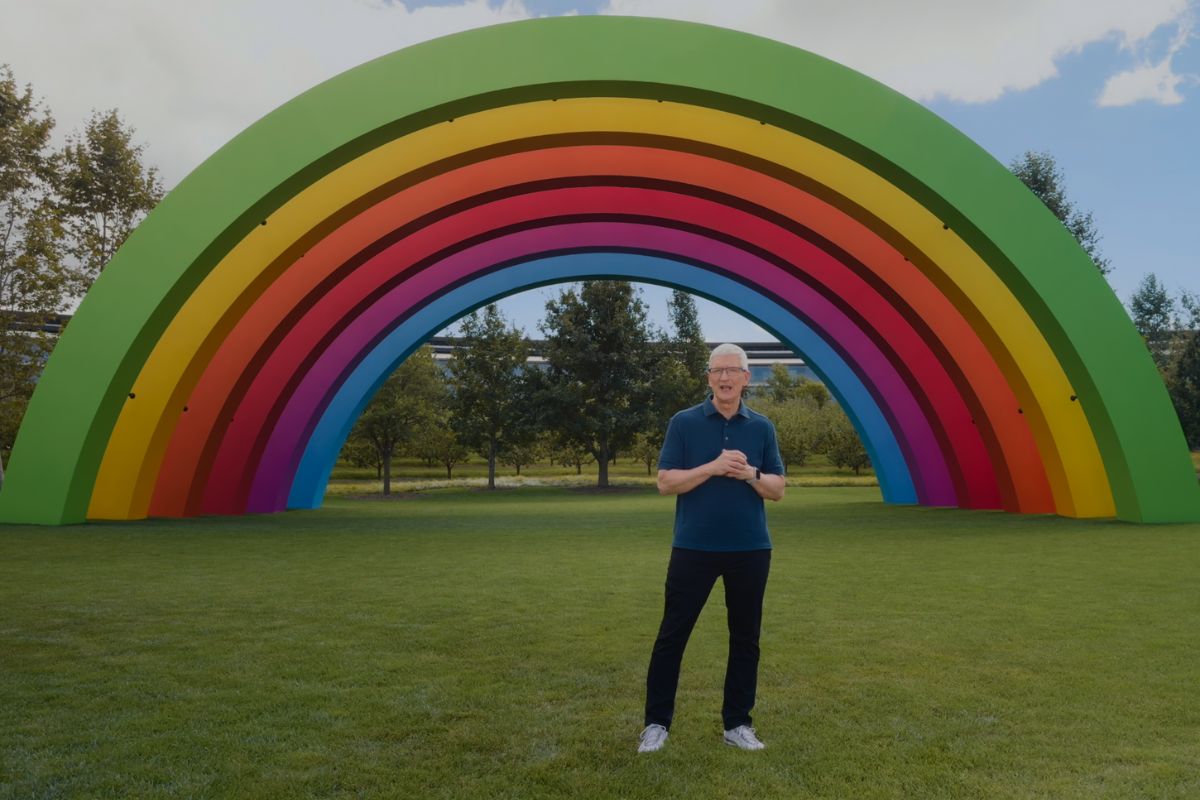
Apple just made its biggest leadership change in 15 years. Tim Cook is stepping down as CEO, and the man replacing him has spent his entire career quietly shaping the products you use every day.
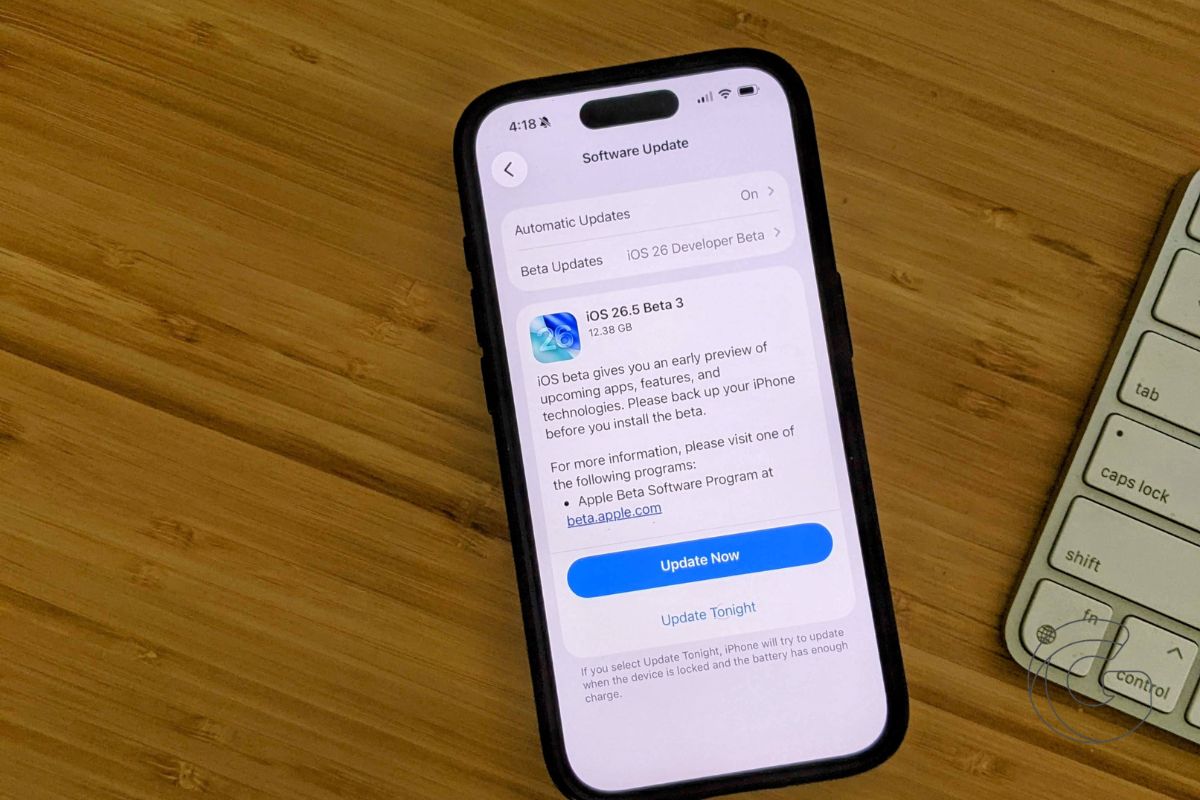
Apple just seeded the third iOS 26.5 beta to developers, and there are a few updates worth knowing about, including a returning feature that got cut before iOS 26.4 went public.
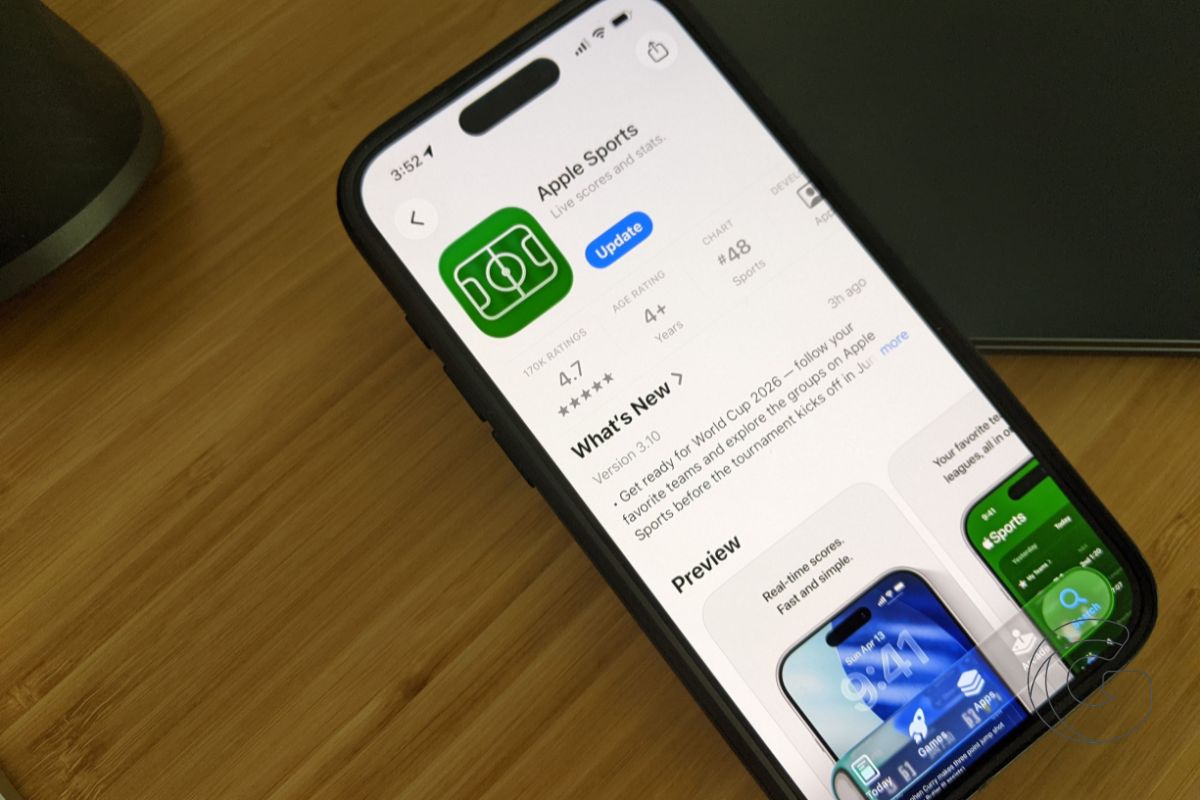
Apple updated its Sports app with live weather data for F1 races, smaller widgets for your iPhone, and new CarPlay support. Here is what changed and how to use it.

Apple’s iPhone 18 may ship with the same storage speeds and memory tier as the cheaper 18e. If you’re budgeting for the standard model, this breakdown could change your decision.

While iOS 27 stays focused on performance and stability, a handful of thoughtful home screen upgrades are quietly making life easier for anyone who loves tweaking their layout.

Learn how to turn your iPhone into a real-time currency tool that helps you avoid confusion and make smarter spending decisions while traveling.

Learn how your iPhone can translate messages in real time and help you pick up new words naturally while you text

Amazon just made a move that quietly changes how your iPhone works when everything else fails. The company is acquiring Globalstar in a deal worth $11.57 billion, locking in control over the satellite network that powers some of the iPhone’s most critical safety features. At the same time, Amazon and Apple are deepening their partnership … Go deeper

A new Maps update in iOS 26.5 hints at changes to how locations are displayed in search, with early testers beginning to notice differences in what shows up first
Gotechtor participates in various affiliate marketing programs, which means we may get paid commissions on editorially chosen products purchased through our links to retailer sites.
