iOS 26.4 Beta 2 Finally Delivers the Stability and Speed iPhone Power Users Have Been Waiting For
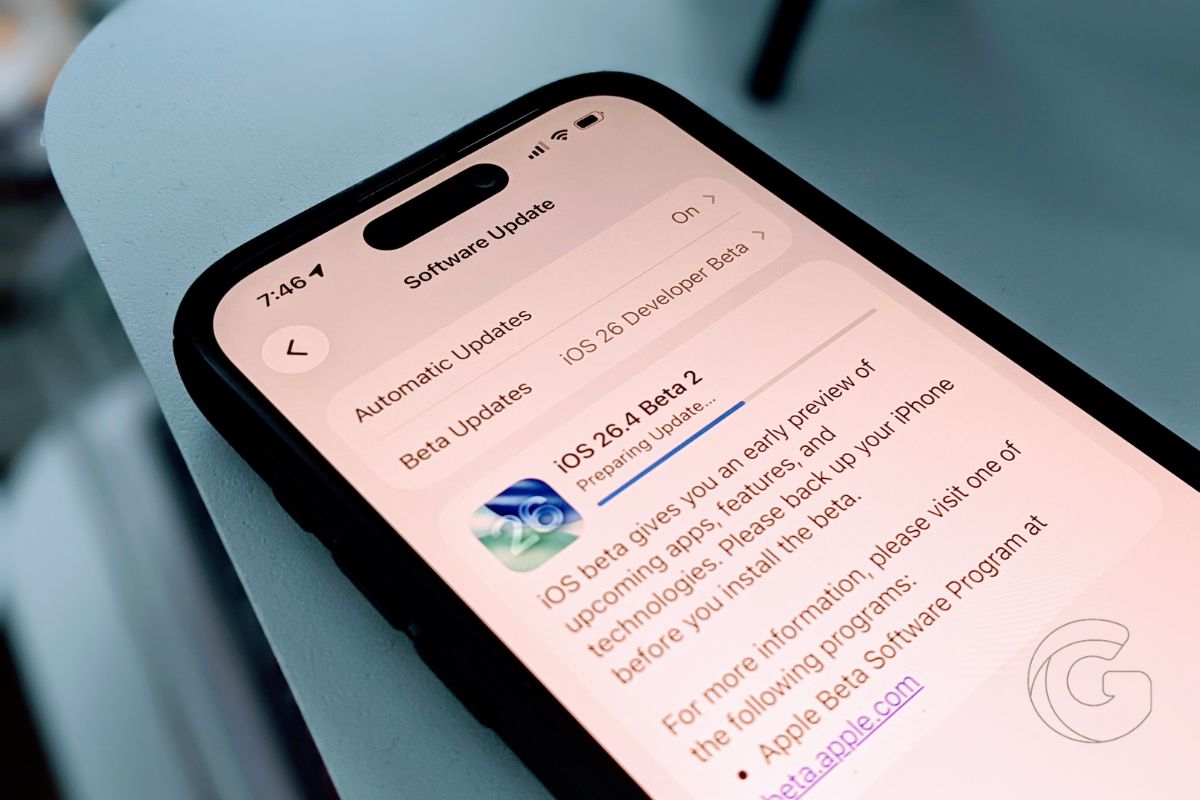
iOS 26.4 beta 2 fixes charging issues, stabilizes storage, improves battery life, and enables encrypted RCS messaging with Android.

iPhone is Apple’s flagship product and the device most people interact with hundreds of times a day. We cover everything from hidden iOS settings and camera tips to troubleshooting, comparisons, and the latest iPhone news.
Whether you just got a new iPhone or have been using one for years, there’s always something new to learn. Our guides are written to help you get more out of the device in your pocket, no tech background required.
Get the best Apple insights, tips, and future iPhone updates every Friday in just 5 mins.
iOS 26.4 beta 2 fixes charging issues, stabilizes storage, improves battery life, and enables encrypted RCS messaging with Android.
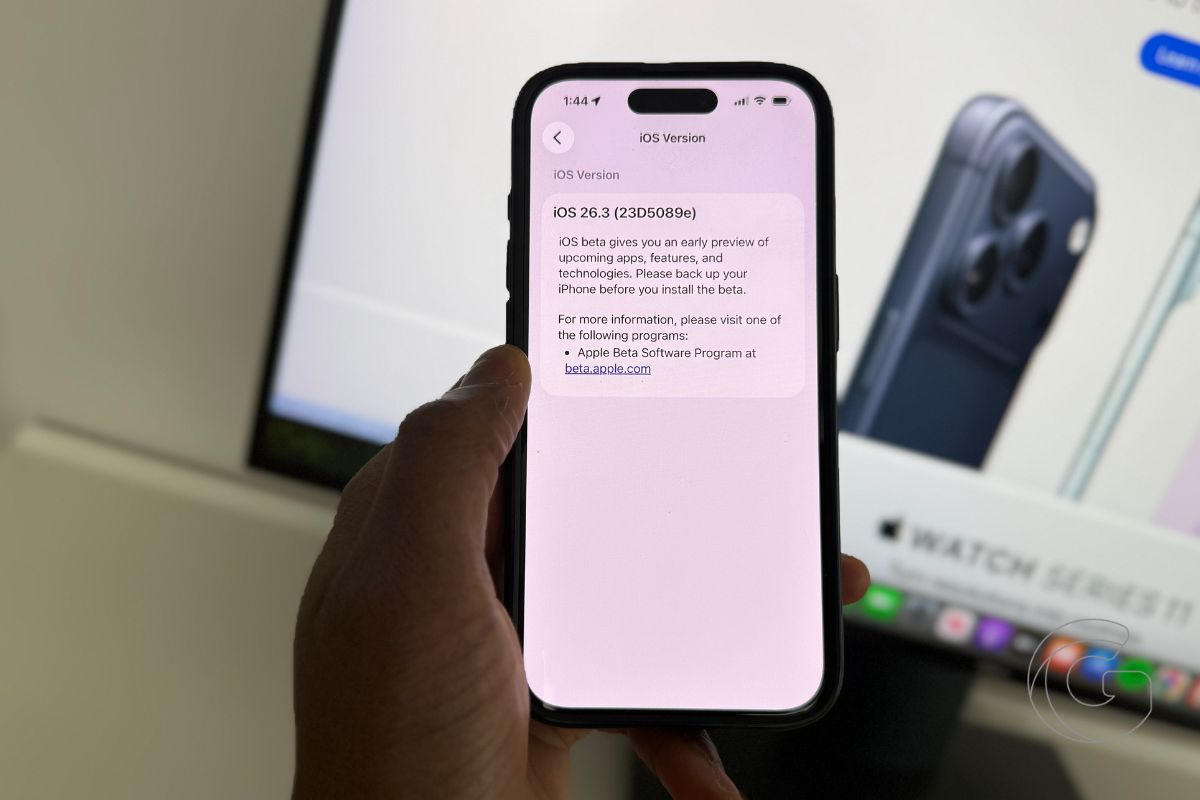
iOS 26.3 is Apple’s best iOS 26 update yet, delivering smoother performance, faster speeds, and noticeably improved battery life.
OpenAI’s first hardware product has a camera, facial recognition, and one killer feature that will make you question everything about where AI is actually headed.
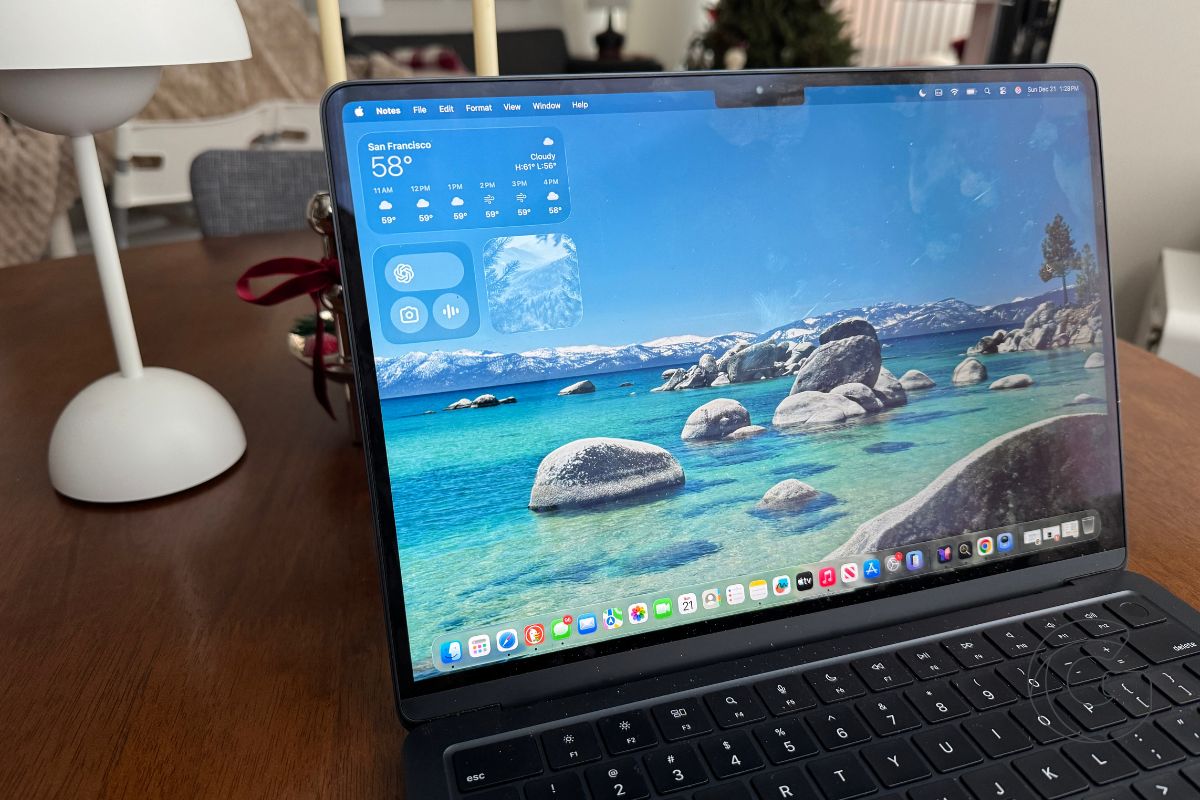
The latest macOS Tahoe beta includes a Charge Limit option that changes how your Mac charges daily, and enabling it takes just seconds.
If your self-driving system can’t sync with Apple Maps without custom engineering, maybe it’s not as autonomous as you claimed.

The stats look solid until you compare them to last year’s timeline. Apple needed more time and more pressure to move the needle, and Liquid Glass is the reason why.
Apple’s never done invite-only events across three cities with no stream before, which means something’s different this time.
Everyone thinks this is about competing with cheap laptops, but Apple’s playing a completely different game with much higher stakes.

The iWork name is disappearing, replaced by a subscription push that signals a major philosophical shift in Apple’s business model.

These are the hottest Apple deals you’ll find on Amazon today—deep savings on iPads, MacBooks, and AirPods before they’re gone.
Gotechtor participates in various affiliate marketing programs, which means we may get paid commissions on editorially chosen products purchased through our links to retailer sites.
