Apple Is Skipping Two Mac Chips Entirely, and That’s Bad News If You’ve Been Waiting to Upgrade Your MacBook Pro

Apple won’t release M6 Pro or M6 Max chips, leaving pro Mac buyers without an upgrade option until the M7 arrives in 2027.

Mac is Apple’s most powerful platform, and whether you’re on a MacBook Air, MacBook Pro, Mac mini, or Mac Studio, there’s a lot under the hood worth knowing. We cover macOS tips, productivity shortcuts, app picks, troubleshooting guides, and buying advice.
From setting up a new Mac to mastering the tools that make it genuinely faster to work, our Mac coverage is built for users who want to get more out of their desktop or laptop.
Get the best Apple insights, tips, and future Mac updates every Friday in just 5 mins.
Apple won’t release M6 Pro or M6 Max chips, leaving pro Mac buyers without an upgrade option until the M7 arrives in 2027.
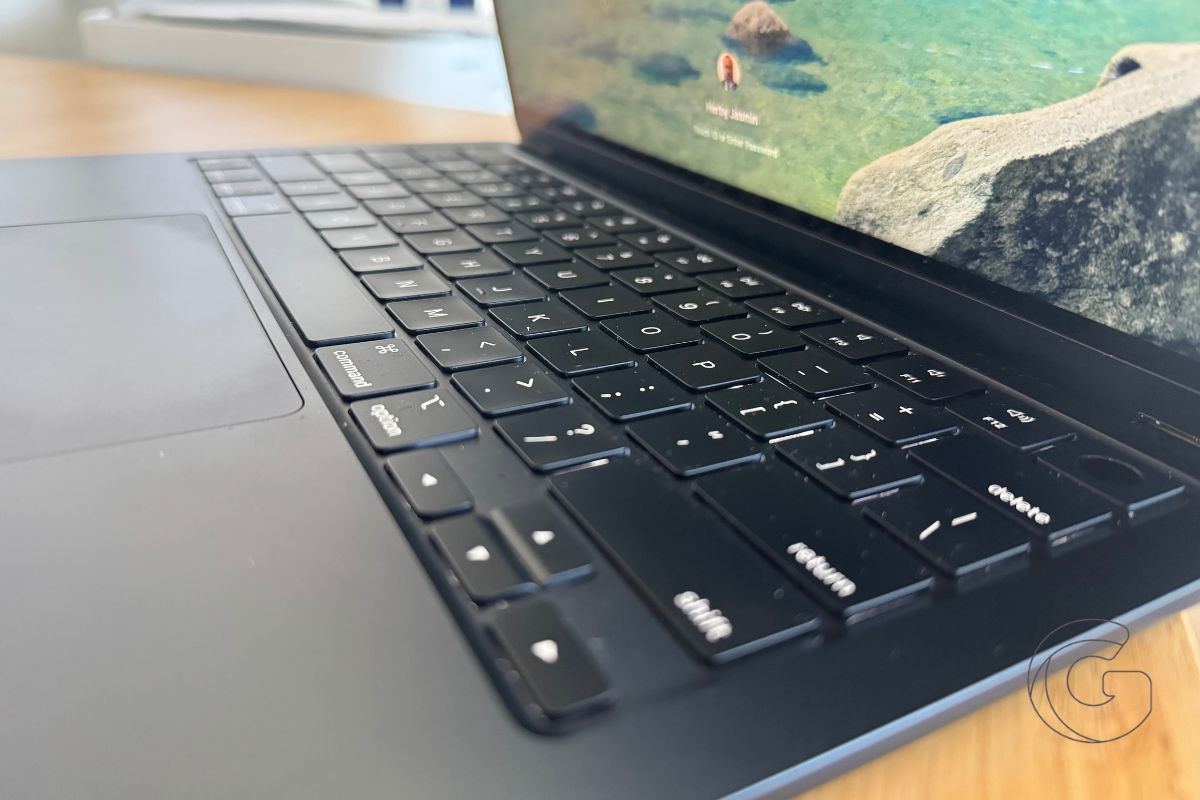
Apple increased Mac and iPad prices by 15–25% in a single day. Here’s what changed, what it costs now, and what’s driving the increases.
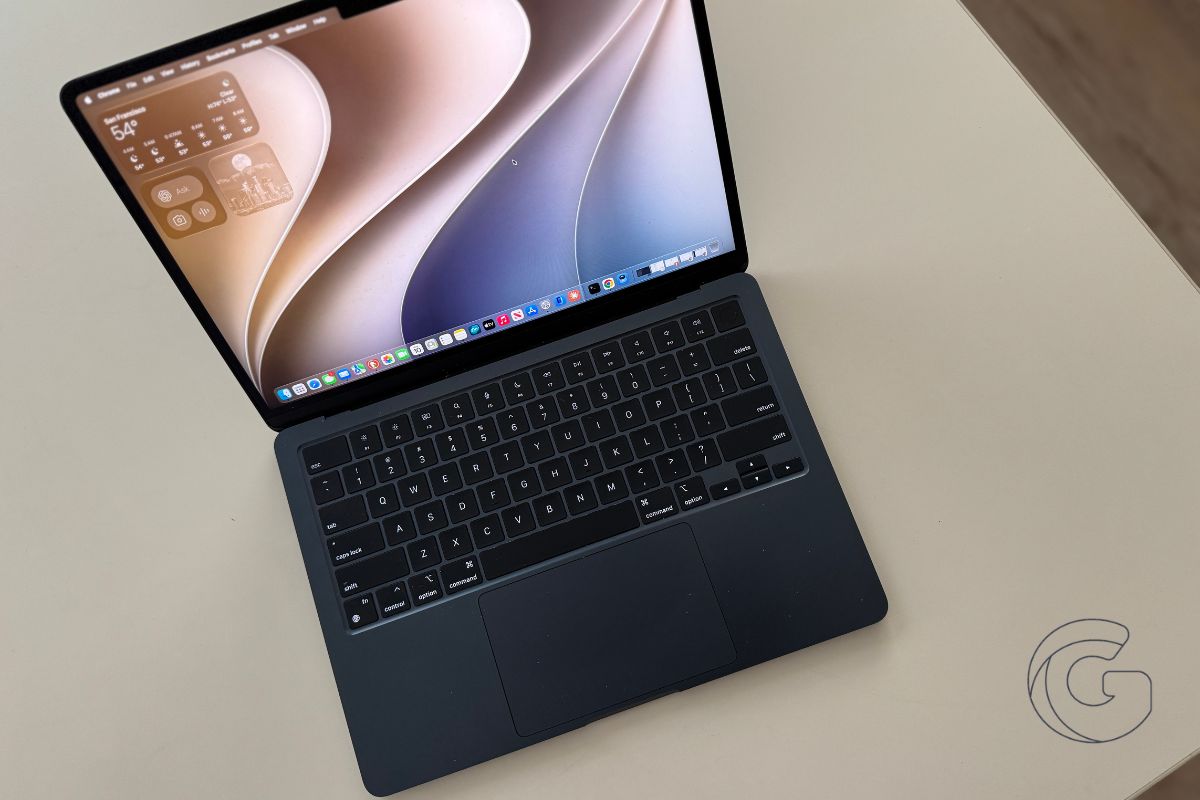
Apple’s next MacBook may break with one of the company’s most recognizable ideas, giving longtime fans plenty to think about.
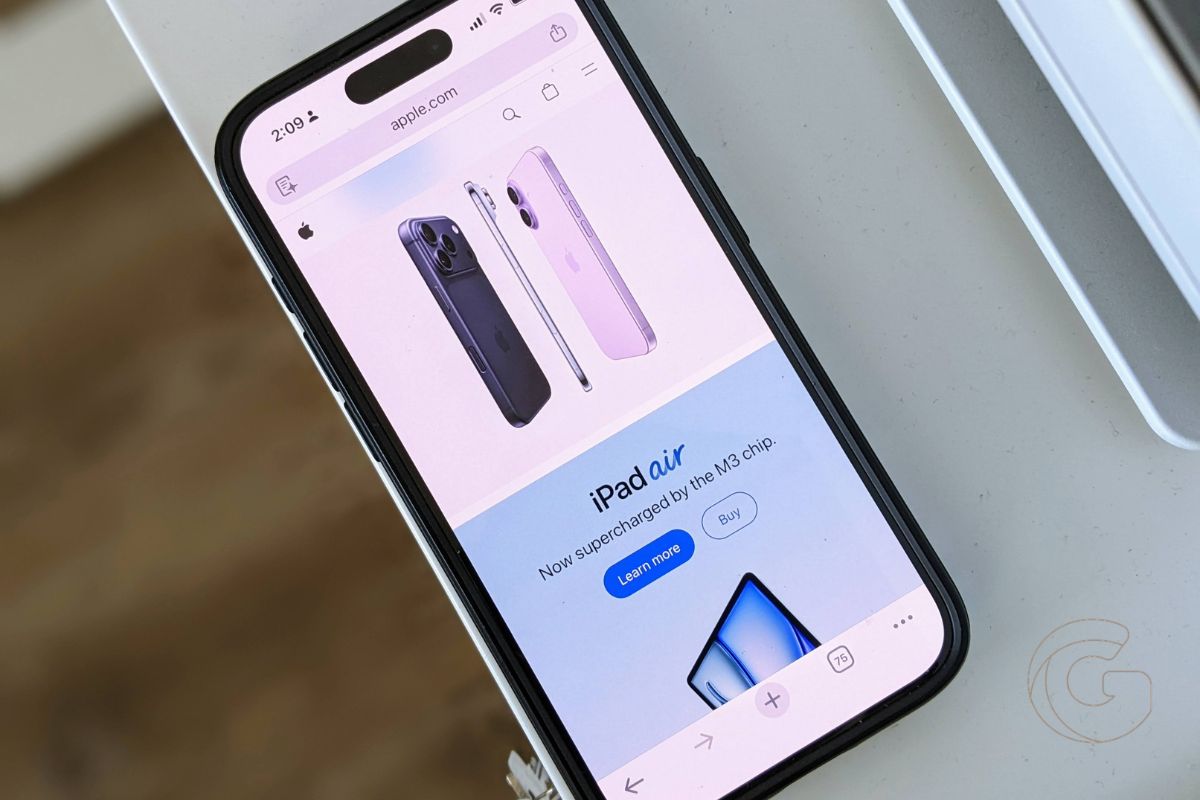
Apple rarely passed rising component costs directly to buyers. Here’s why today’s price hikes feel different from anything the company has done before.

Amazon has MacBook Pro models up to $299 off for Prime Day 2026, but at least one competing retailer is undercutting those prices by a significant margin.
Apple drops 16 devices this fall, including five Apple Watches at once. Find out if your device is affected and what happens next.
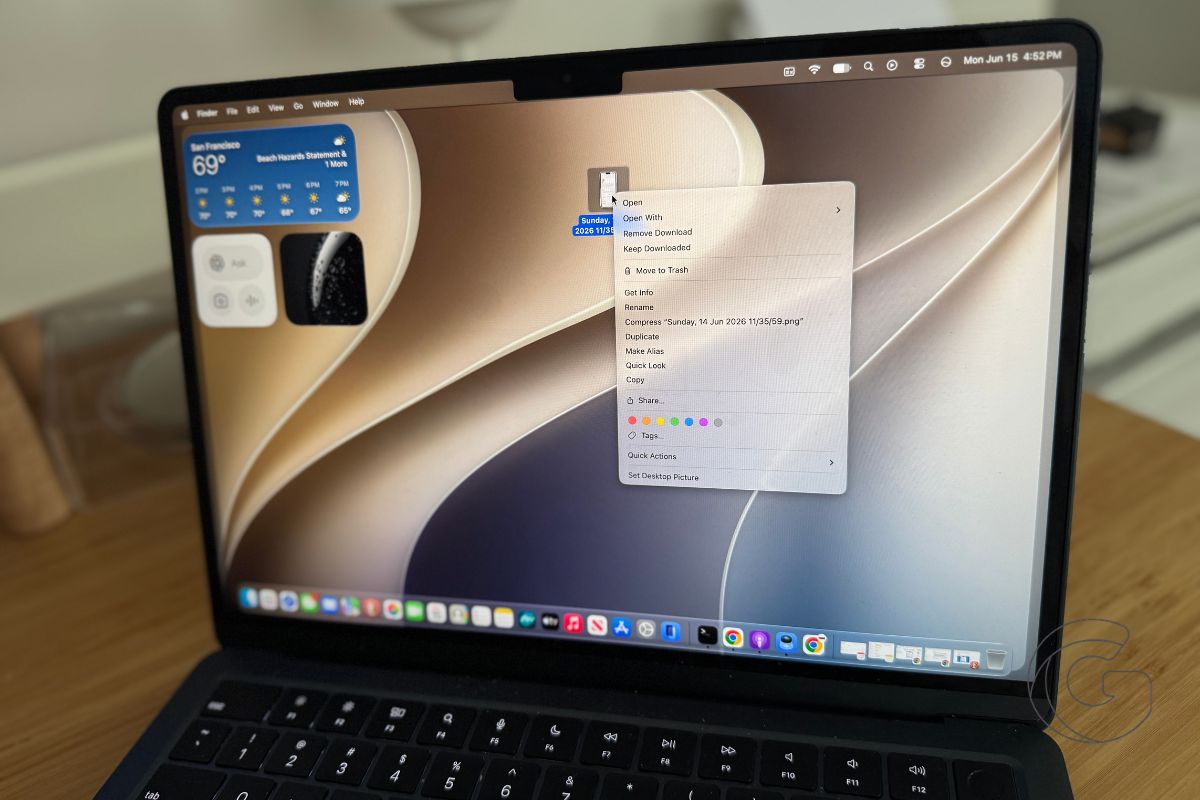
macOS 27 Golden Gate strips out the cluttered menu icons Tahoe introduced, and Apple updated its own design rules to prevent them from coming back.
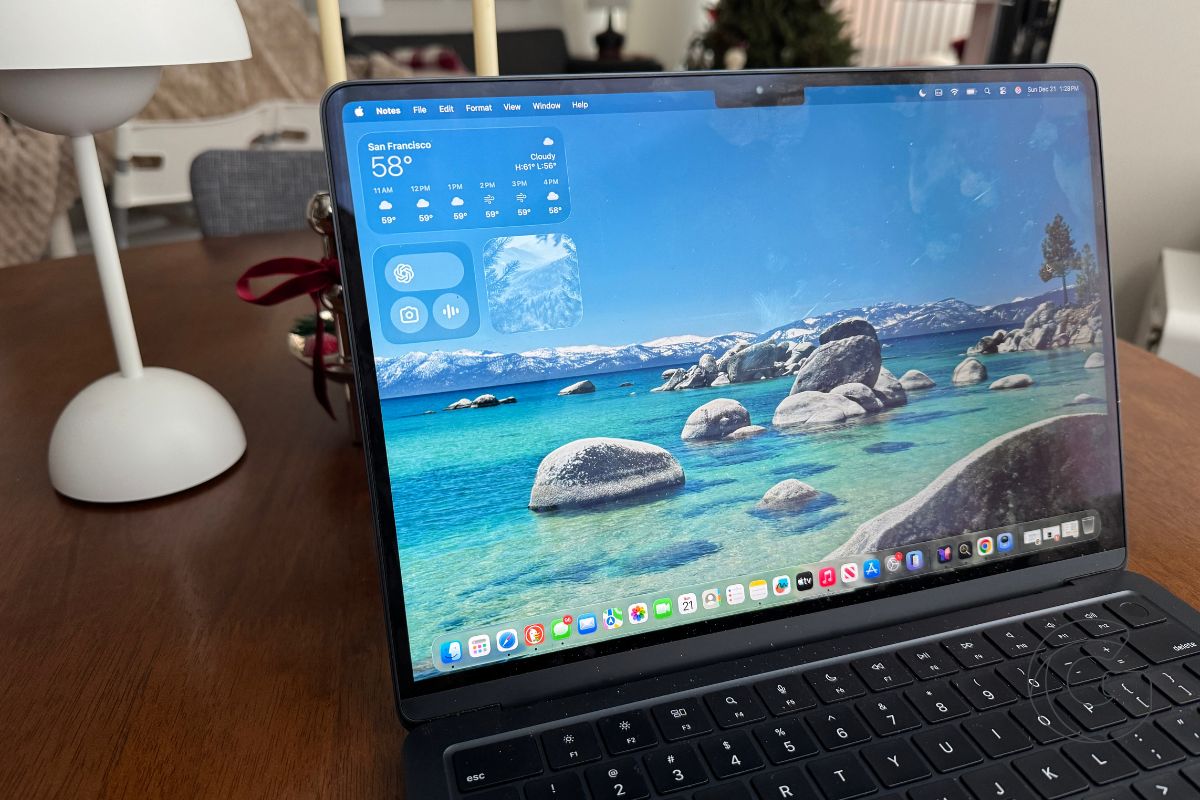
macOS 27 brings pull-to-refresh to Safari, Mail, and more — and it hints at something much bigger Apple hasn’t announced yet.
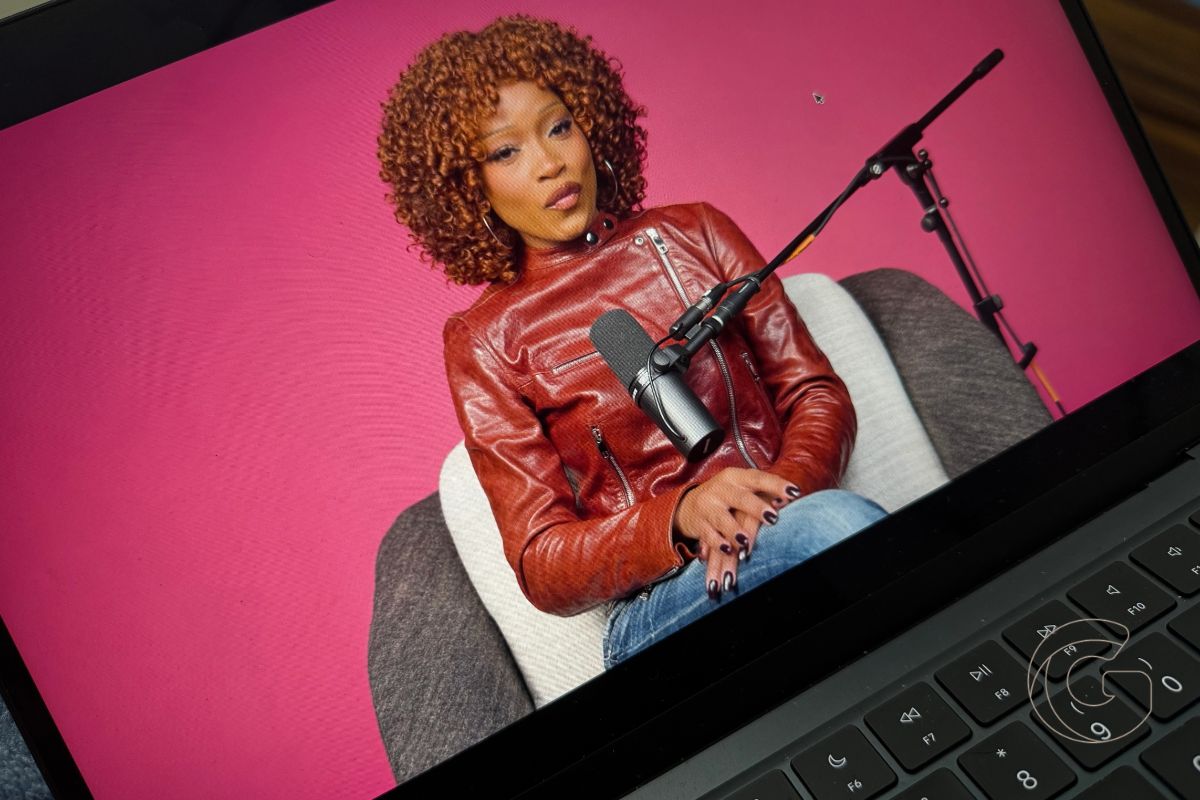
Apple Podcasts is getting video playback on Mac and Apple TV this fall, plus a search feature that fixes a long-standing frustration for subscribers.
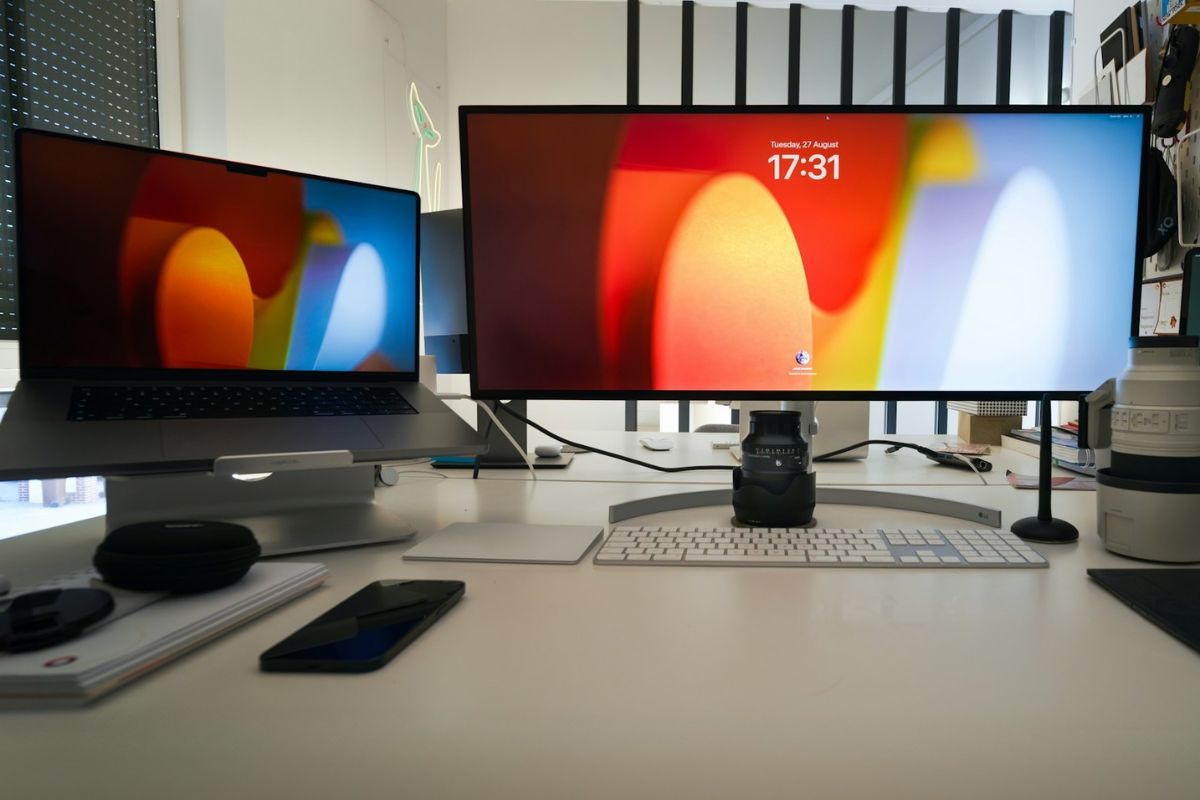
macOS 27 Golden Gate adds native ultrawide display support up to 5K at 120Hz and saves your layout automatically. No more daily reconfiguring.
Gotechtor participates in various affiliate marketing programs, which means we may get paid commissions on editorially chosen products purchased through our links to retailer sites.
