
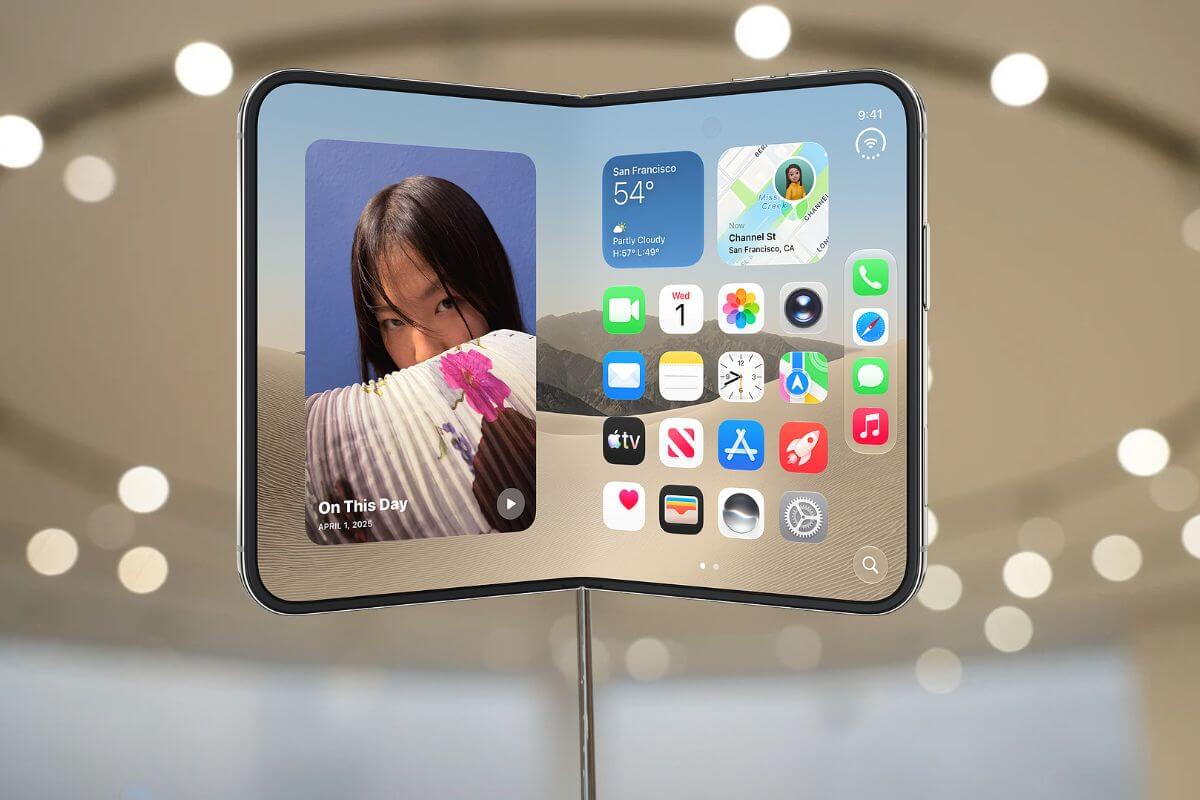
Using the iPhone Duo with one hand is about to get easier, thanks to a missing accessibility feature Apple is finally bringing to its foldable phone.
The first iOS 27.3 beta adds Reachability support to the iPhone Duo, allowing users to shift content horizontally across the outer display so it’s easier to reach with their thumb.
Unlike Reachability on traditional iPhones, which moves the upper portion of the screen downward, the Duo’s version moves content sideways.
A short inward swipe from the left edge shifts content left, while swiping inward from the right edge moves it right.
The feature works only when the iPhone Duo is closed, and its outer display is active.
How to Enable Reachability on iPhone Duo
Reachability is enabled by default after installing the iOS 27.3 beta, so there’s no setup required.
If you’d prefer to turn it off, follow these steps:
- Open Settings on your iPhone Duo.
- Tap Accessibility > Touch.
- Select Reachability.
- Turn the feature off.
You can return to the same menu to turn it back on.
Apple Addresses Another Missing iPhone Duo Feature
Reachability arrives shortly after the iPhone Duo’s October 23 launch, which was marked by limited availability and early complaints about its folding display.
Some owners reported cracks developing near the inner screen’s hinge, including cases where the display allegedly failed after fewer than 20 openings.
Apple has acknowledged the display issue and is offering replacements to affected customers, although it says only a very small percentage of devices have been returned.
Meanwhile, strong demand has pushed delivery estimates into January, making the foldable difficult to purchase without a lengthy wait.
The addition of Reachability addresses a more straightforward usability concern, giving owners an easier way to navigate the outer screen without adjusting their grip.
The feature is currently limited to the iOS 27.3 developer beta. Apple hasn’t announced when the final update will become available.

