
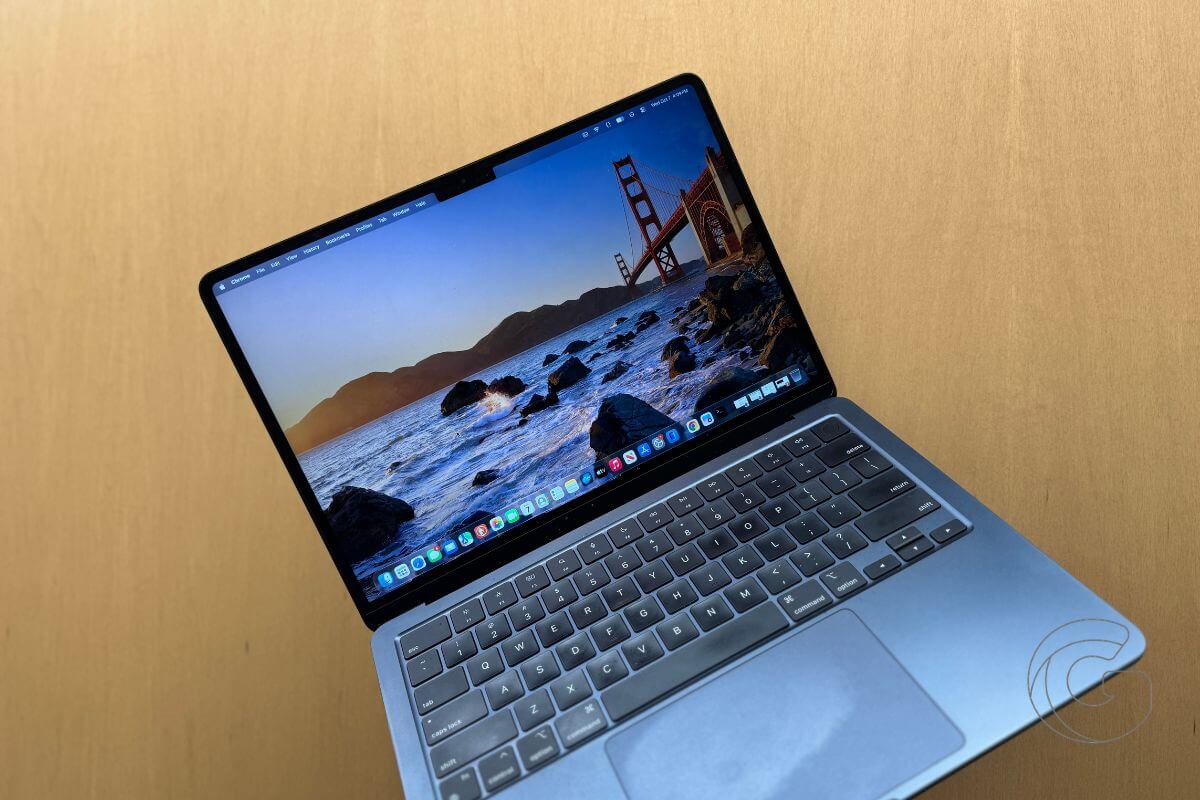
Another iPhone-like interaction has appeared in macOS 27.2 as evidence continues to build around Apple’s rumored touchscreen MacBook.
In the third developer beta, pressing and holding an app icon in the Dock now briefly expands the icon.
It’s a small animation, but the behavior closely resembles the visual feedback you get when long-pressing an app icon on the iPhone or iPad.
macOS 27.2 keeps getting more touch-friendly
The Dock change follows several touch-oriented additions that appeared elsewhere in macOS 27.2 this week.
Safari, Photos, Notes, and Quick Look now include tools for recognizing interactions such as pressing, dwelling, and dragging directly on a display. macOS Golden Gate already introduced pull-to-refresh behavior in Safari, Mail, and Calendar.
The Dock animation adds another part of the Mac interface to that list.
A press-and-hold interaction also benefits from immediate visual feedback on a touchscreen. With a mouse or trackpad, the pointer already shows exactly what you’re interacting with.
A finger covers part of the object underneath it, making an expanding icon a simple way to confirm that macOS recognized the press.
Apple’s touchscreen MacBook could arrive this fall
Apple is expected to introduce redesigned 14-inch and 16-inch MacBook Pro models, potentially carrying the MacBook Ultra name, in October or November.
The new machines are rumored to combine OLED touchscreens with M5 Pro and M5 Max chips, thinner and lighter designs, and a Dynamic Island replacing the current display cutout.
Apple has spent years designing macOS around a mouse and trackpad, so supporting touch involves more than adding a touchscreen to a MacBook.
Buttons and other interface elements also need to respond naturally when someone reaches up and touches them.
The growing number of touch-oriented changes appearing throughout macOS 27.2 gives Apple more of that foundation without turning the Mac into an oversized iPad.

