Apple Just Saved Millions of iPhone Users From Spending $800 or More on a New Phone This Year

iOS 27 runs on the 7-year-old iPhone 11. Here’s what that means for millions of people deciding whether to buy a new phone this fall.

iPhone is Apple’s flagship product and the device most people interact with hundreds of times a day. We cover everything from hidden iOS settings and camera tips to troubleshooting, comparisons, and the latest iPhone news.
Whether you just got a new iPhone or have been using one for years, there’s always something new to learn. Our guides are written to help you get more out of the device in your pocket, no tech background required.
Get the best Apple insights, tips, and future iPhone updates every Friday in just 5 mins.
iOS 27 runs on the 7-year-old iPhone 11. Here’s what that means for millions of people deciding whether to buy a new phone this fall.
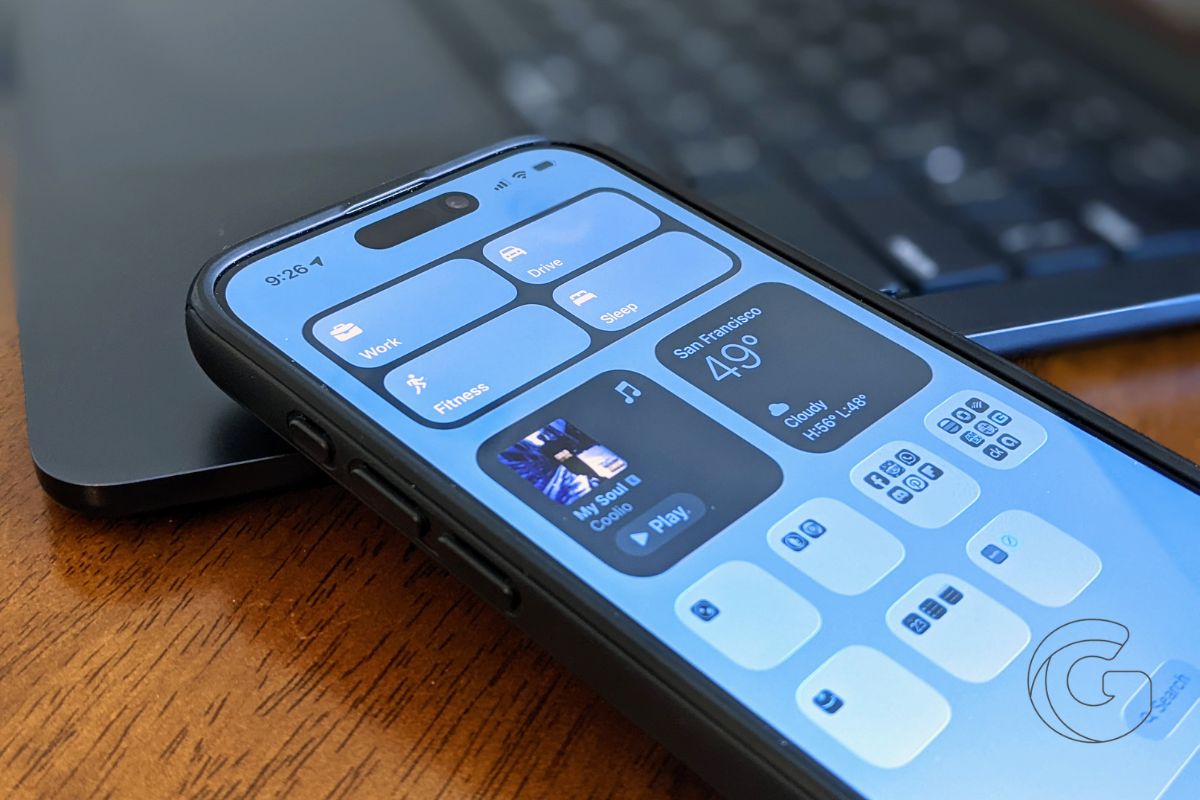
A buried WWDC 2026 announcement reveals Apple rebuilt its search engine from scratch. Here’s why that matters more than any AI feature.
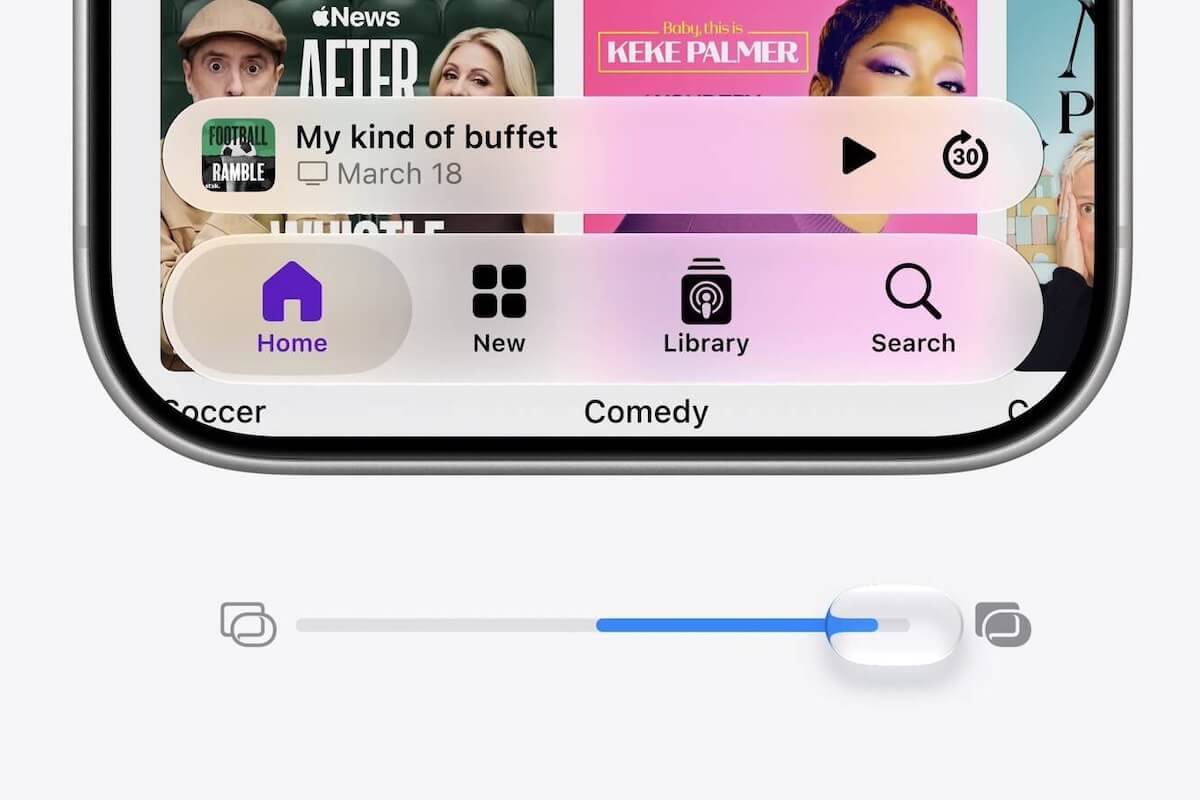
Apple’s Liquid Glass design divided users fast. Now there’s a transparency slider to fix it — and the story behind why that’s so unusual for Apple.

A new AI agent just landed inside Apple Messages, and the pricing model reveals something surprising about Apple’s AI strategy going forward.

Apple’s revamped Siri is still labeled ‘beta’ internally before its fall launch. Here’s what that means for when you can actually use the new features.
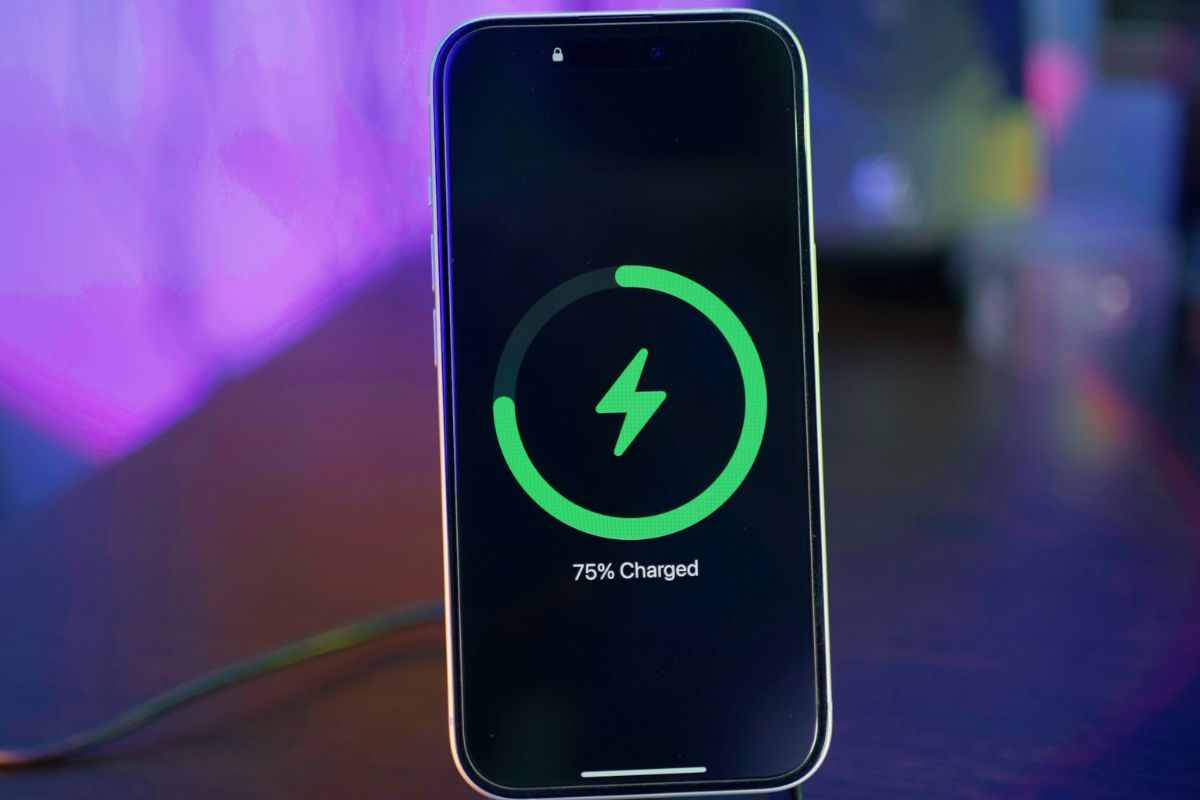
If your iPhone dies at 30% or jumps around randomly, this quick iOS 26.5 calibration trick can reset your battery readings for good.

Apple built its own AI servers for Siri — then ditched them. Find out why the new Siri is running on Google’s Nvidia Blackwell chips instead.
iOS 27 may finally fix a layout problem Apple quietly ignored for years. Here’s what changed and why a foldable iPhone forced Apple’s hand.

Leaked specs reveal a battery gap between the iPhone 18 Pro’s U.S. and Chinese models, and the cause is something hiding in plain sight.
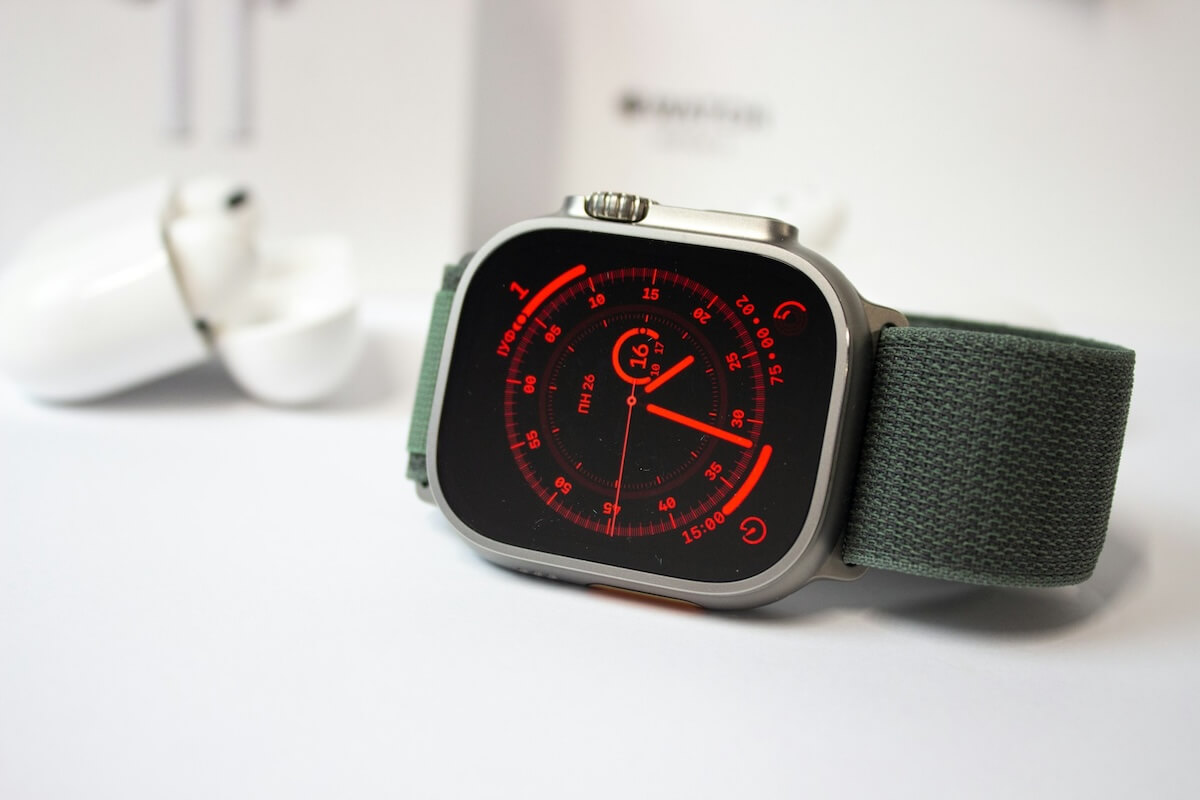
A quiet display tech overhaul could make the 2027 Apple Watch dramatically more power-efficient. Here’s the science behind what’s changing and why it matters.
Gotechtor participates in various affiliate marketing programs, which means we may get paid commissions on editorially chosen products purchased through our links to retailer sites.
