No One Talks About This iPhone Feature—But It Might Be the Most Useful One You’ve Never Noticed
This overlooked iPhone feature makes scheduling from messages feel effortless—and it’s only fully available with Apple Calendar.
iPhone is Apple’s flagship product and the device most people interact with hundreds of times a day. We cover everything from hidden iOS settings and camera tips to troubleshooting, comparisons, and the latest iPhone news.
Whether you just got a new iPhone or have been using one for years, there’s always something new to learn. Our guides are written to help you get more out of the device in your pocket, no tech background required.
Get the best Apple insights, tips, and future iPhone updates every Friday in just 5 mins.
This overlooked iPhone feature makes scheduling from messages feel effortless—and it’s only fully available with Apple Calendar.
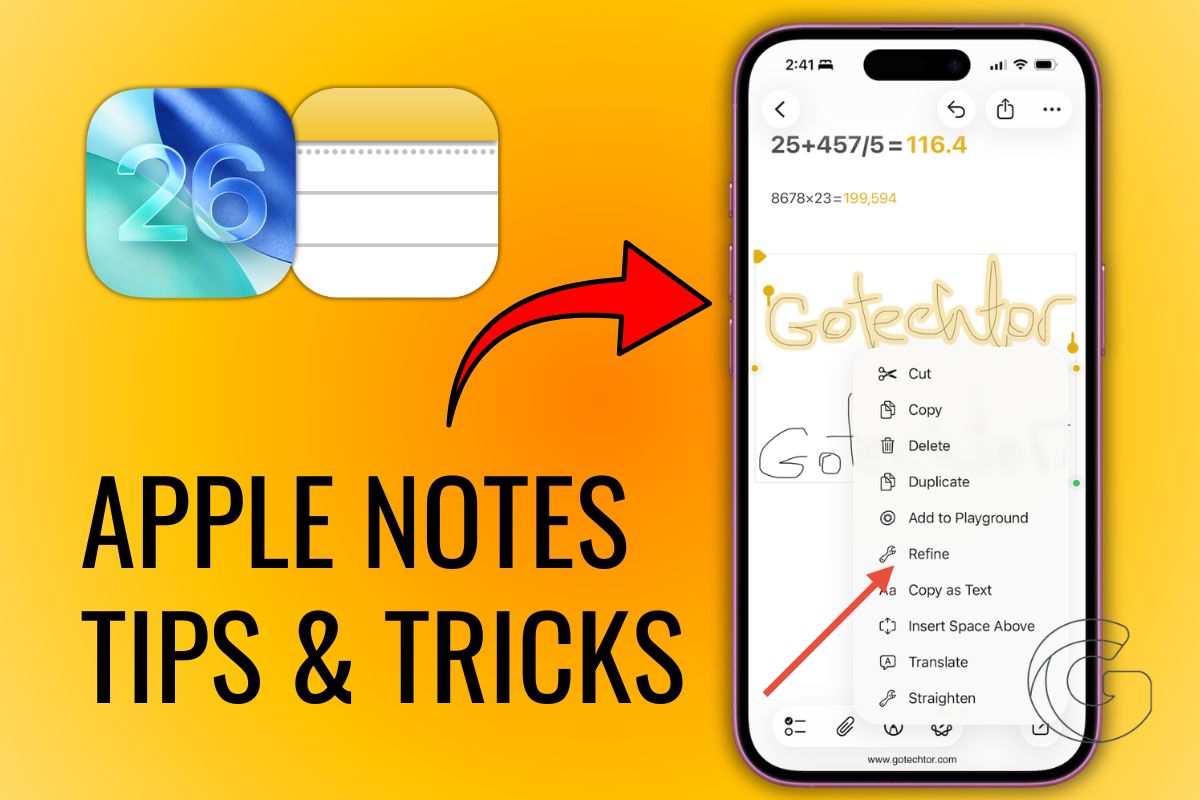
Apple’s note linking lets you build seamless navigation between notes—unlock serious productivity without leaving the Apple ecosystem.
Learn how this quiet iPhone feature can eliminate robocalls, protect your focus, and transform how you manage time in your daily routine.
Think your iPhone is out of space? This overlooked trick clears gigabytes in seconds—no costly upgrades or cloud storage needed.
Google Calendar has been the go-to for years, but Apple’s latest update changes the game. Could iOS 18 finally convince you to switch?
Researchers just exposed a major Apple security flaw—hackers can track Bluetooth devices worldwide. How bad is it? Worse than you think.
Why pay for productivity apps when Apple’s free tools do it all? From smart task lists to seamless calendar sync, here’s why you should make the switch.
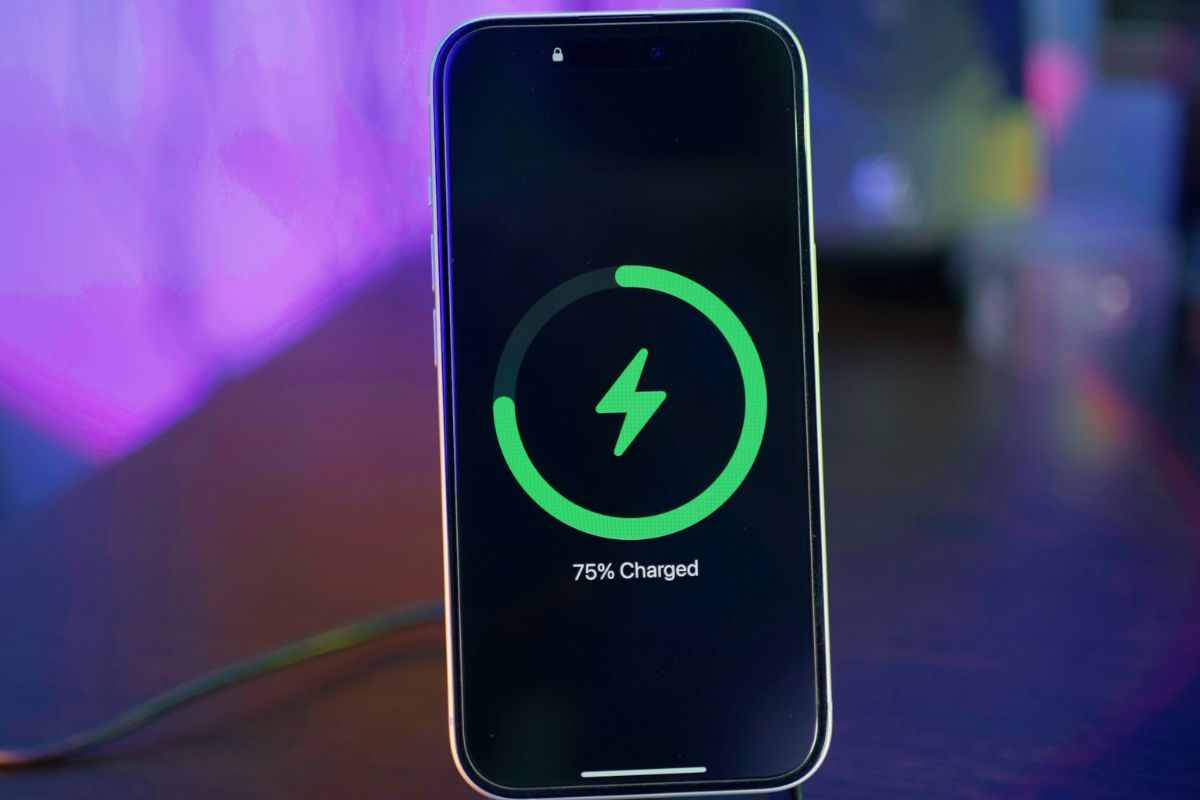
Your iPhone could be draining your battery and tracking you unnecessarily. Turn off these 8 settings to boost privacy and efficiency.
Learn how to create a distraction-free iPhone home screen that will help you foster a healthier relationship with your phone.
Is your iPhone stuck in SOS mode? These steps will show you how to fix this issue so you can get back to using your iPhone to make calls.